Extract rental liability insurance certificate data
Koncile automatically reads and extracts the key data from a rental insurance certificate: name of the insured person, address of the property, contract number, warranty period, coverage amount... Exportable in Excel, JSON or via API.

Automate the management of rental liability insurance certificates
Koncile's OCR extracts key data from a rental liability insurance certificate (insured, well covered, warranty period, contract number, coverage amounts...) and structures for direct integration into your tools.
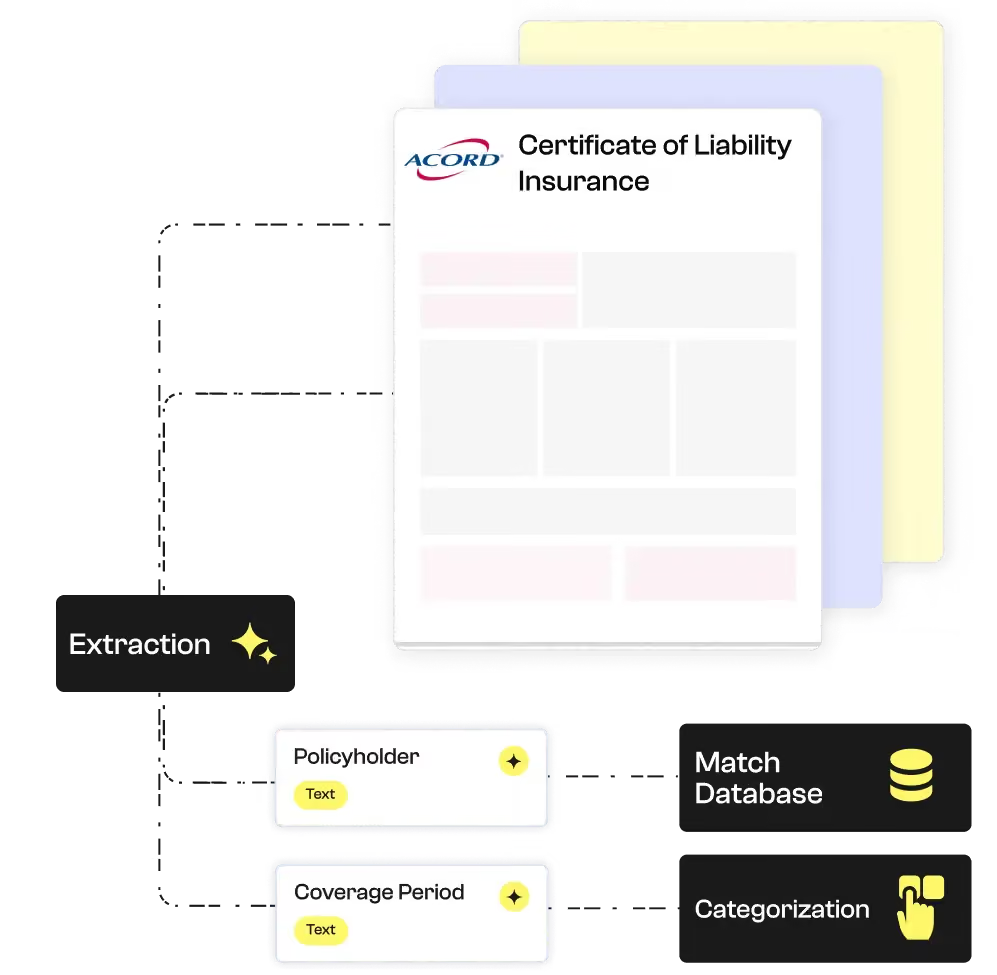


Koncile automates the intelligent extraction of contractual data. Despite the complexity of our clients’ contracts, the tool ensures quality and speed, saving us valuable time.
Tax data extracted from rental liability insurance
This table gives you an overview of the fields that Koncile OCR automatically extracts from a rental liability insurance certificate. This data is returned in a structured format (Excel, JSON, API) for smooth integration into your rental management, accounting or archiving tools. Perfect for real estate actors, insurance companies or property managers wishing to automate the processing of these documents in a controlled document flow. Find out how you can save time managing your certificates.
Nom | Type | Exemple | Instruction | |
|---|---|---|---|---|
Validité | Text | Oui | Vérifie que le RIB est bien constitué des éléments suivants : | |




Choosing Koncile for your insurance documents
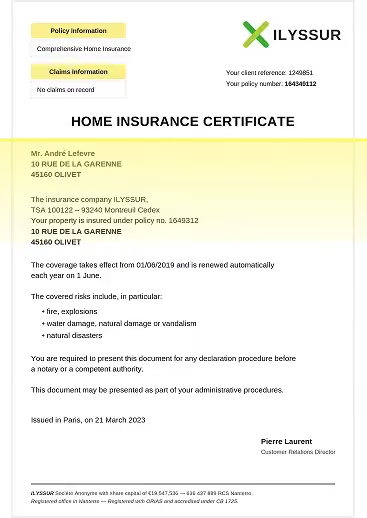
Insurance documents scanned or photographed
Whether scanned, photographed, or submitted by policyholders, your insurance documents are converted into usable data with remarkable reliability thanks to our OCR technology.
Even old contracts, handwritten declarations, blurry or poorly framed documents can be accurately analyzed thanks to our automatic correction engine.
Unrecognized fields are isolated and sent to our control center for manual validation or processing, ensuring a high level of completeness and reliability in your insurance workflows.
Test data extraction new generation
Start with a ready-to-use model, test on a document and scale
An OCR adapted for insurance documents

Smart reading of PDF or scanned documents
Koncile detects insurance data even on partial, poorly readable or non-standardized scans.

Data ready for analysis
The results can be exported in Excel, JSON or API for direct integration into your tax, accounting or consolidation tools.

Complete extraction of fields
Name of the insured, address of the property, contract number, warranty period, coverage amount

Error-free mass processing
Automate the processing of tens or hundreds of 2065 forms with consistent extraction.
Designed for tax professionals
Whether you are in a firm, financial department, legaltech or SaaS publisher, Koncile makes it reliable to extract data from rental certificates in one click.
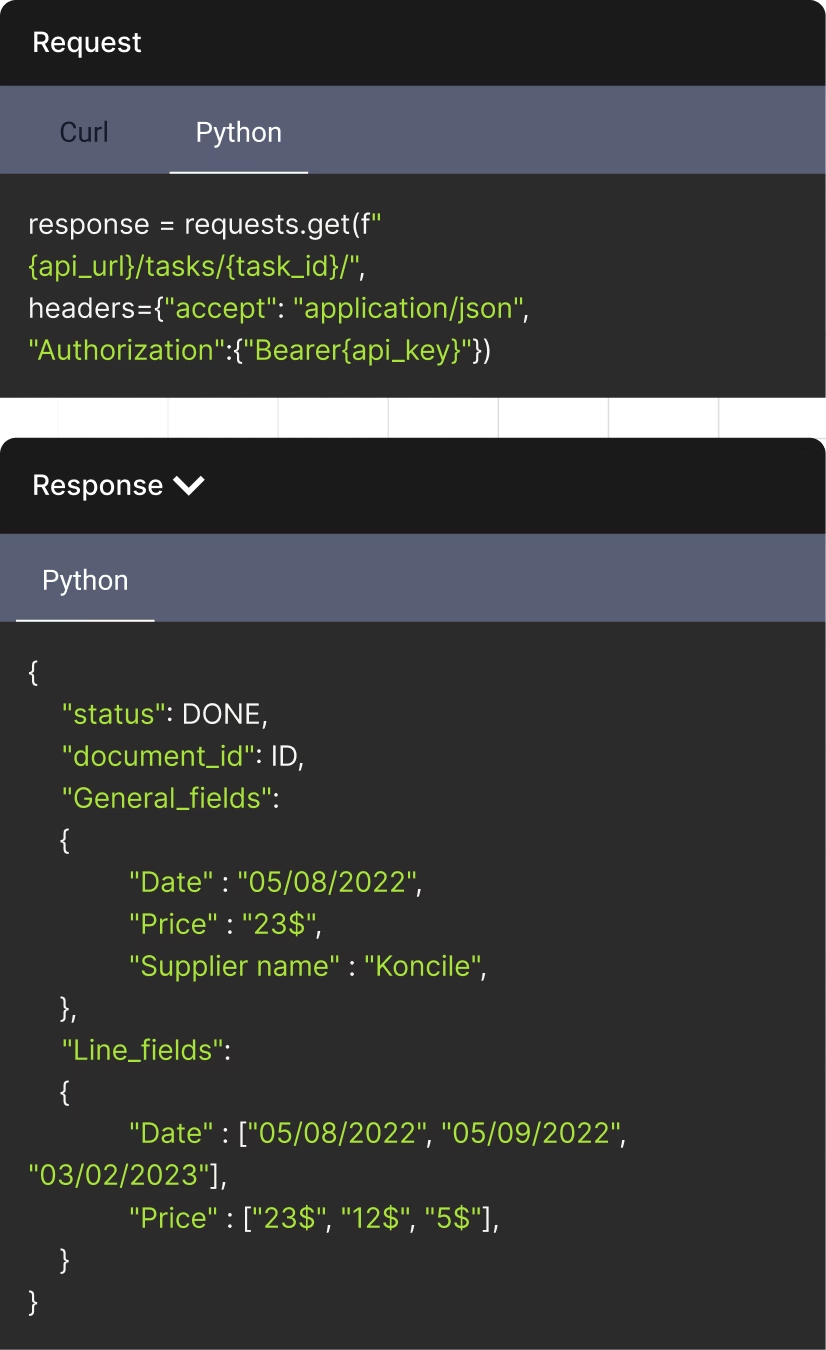
The API to streamline your document management
Document status can be DONE, DUPLICATE, or IN PROGRESS
Unique identifier assigned to each document
Fields that appear once per document. Returns in the format: {field_name: extracted_value}
An AI OCR tool built for regulated environments
Founded by a former lawyer, Koncile was designed with compliance and data protection at its core. We are independently audited under SOC 2 and compliant with GDPR and HIPAA requirements.






Talk to an expert who knows your industry.
- Get an external expert opinion on your specific use case
- Benchmarks and results from hundreds of clients in your industry
- Help activating the right Koncile features for your workflow
Real life insights on document automation

All your questions on Koncile
Koncile OCR automatically detects key elements of the document, such as the name of the policyholder, the coverage period, and the guarantees included. It thus facilitates the management of rental insurance.
Yes, Koncile OCR supports printed or handwritten insurance certificates. It applies advanced character recognition technologies to ensure accurate conversion of essential information.
Yes! You can set up OCR to retrieve only fields such as the coverage amount, the type of risks covered, or the contract number, depending on your needs.
You can upload your document in PDF, PNG, or JPEG. These formats ensure optimal compatibility with our OCR technology and guarantee reliable data extraction.
The software is accessible via a powerful OCR API, with comprehensive documentation available. Plus, you can upload documents directly into the app and export the extracted data to XLSX, XLS, CSV, or JSON for seamless integration into your workflows.
Check our API documentation, contact us at contact@koncile.ai. You can also create a demo account or book a demonstration with our team.
Koncile offers 3 plans, including enterprise options for handling large volumes of data. You can check our pricing on our pricing page.
In each extraction template, you will find:
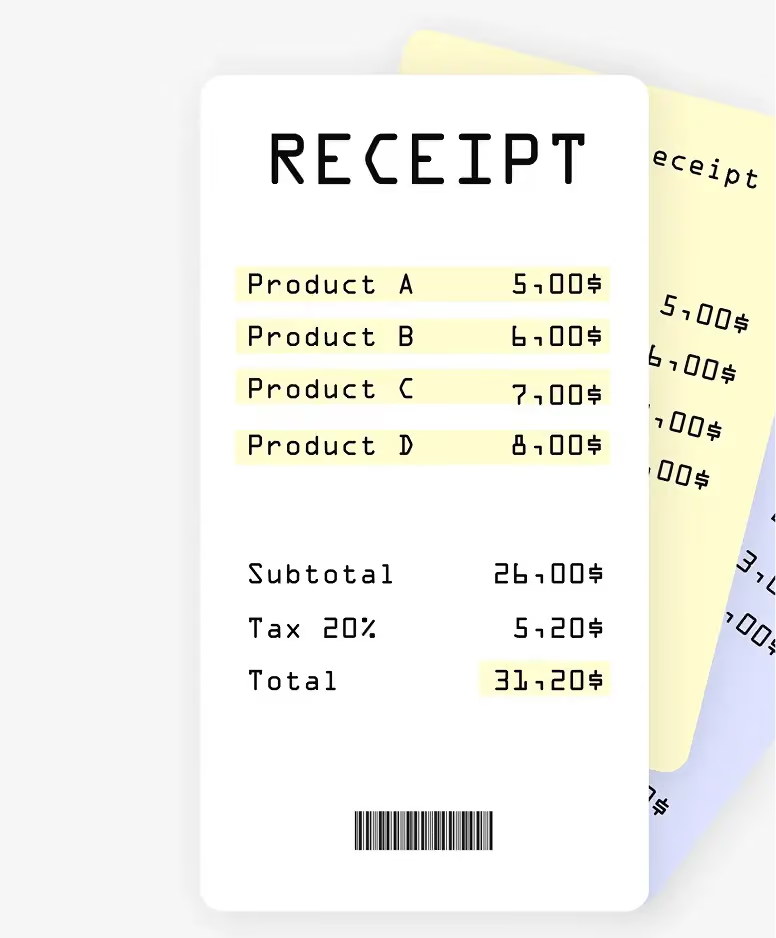
- General fields: These are pieces of information that appear only once in each document (e.g., the invoice number or the invoice date).
- Repeated fields: These are pieces of information that appear multiple times in a document, such as item descriptions or prices in each line of a quote. Use repeated fields for extracting tables and charts from your documents.