
Contents
How can you easily extract and structure information from tables in any document or PDF?
By leveraging the latest AI capabilities, companies can now streamline their workflows using customizable OCR technology to transform unstructured data from complex documents into well-organized formats.
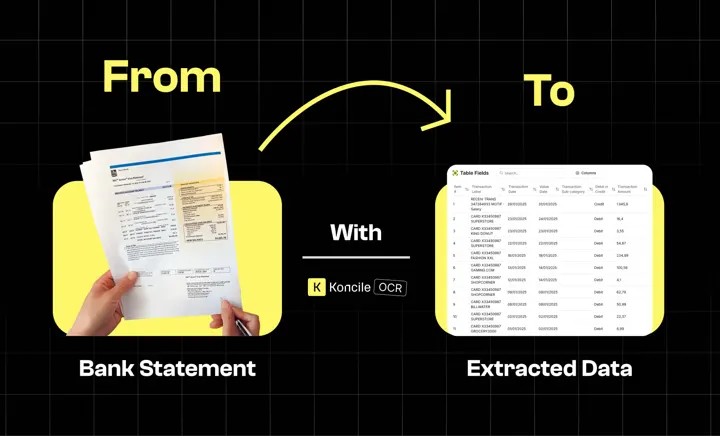
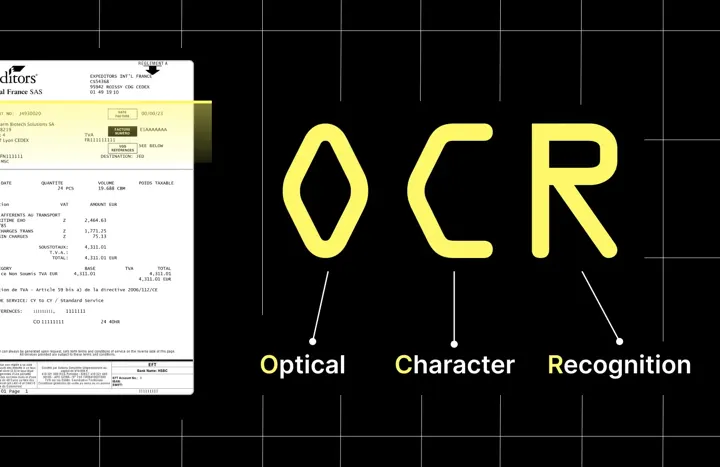
We've developed an OCR software powered by advanced computer vision and language understanding. This technology allows us to fully understand the contents of any document or image and extract the data from tables with unmatched accuracy.
We'll demonstrate how Koncile can extract data from two different documents.
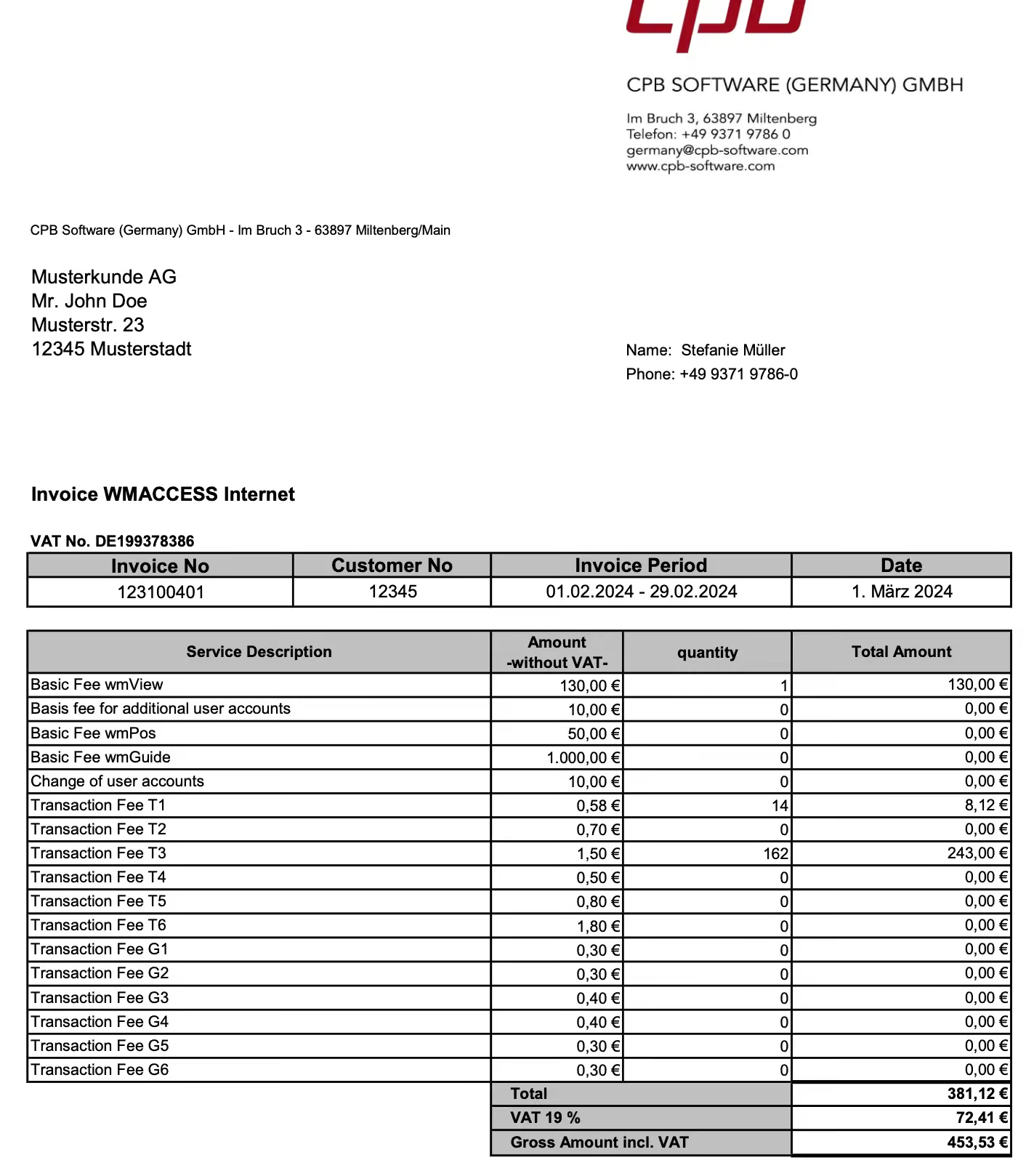
First we have an invoice with a table listing services and products. A common challenge with invoices is their varied formats. Our solution can handle this complexity by detecting the format, understanding the fields that need to be extracted, and organizing them into structured data with high accuracy using our advanced Invoice OCR.
Second, we have a document with a table. It Could Be a Contract, Report, or Any Other Document with Similar Data Structures
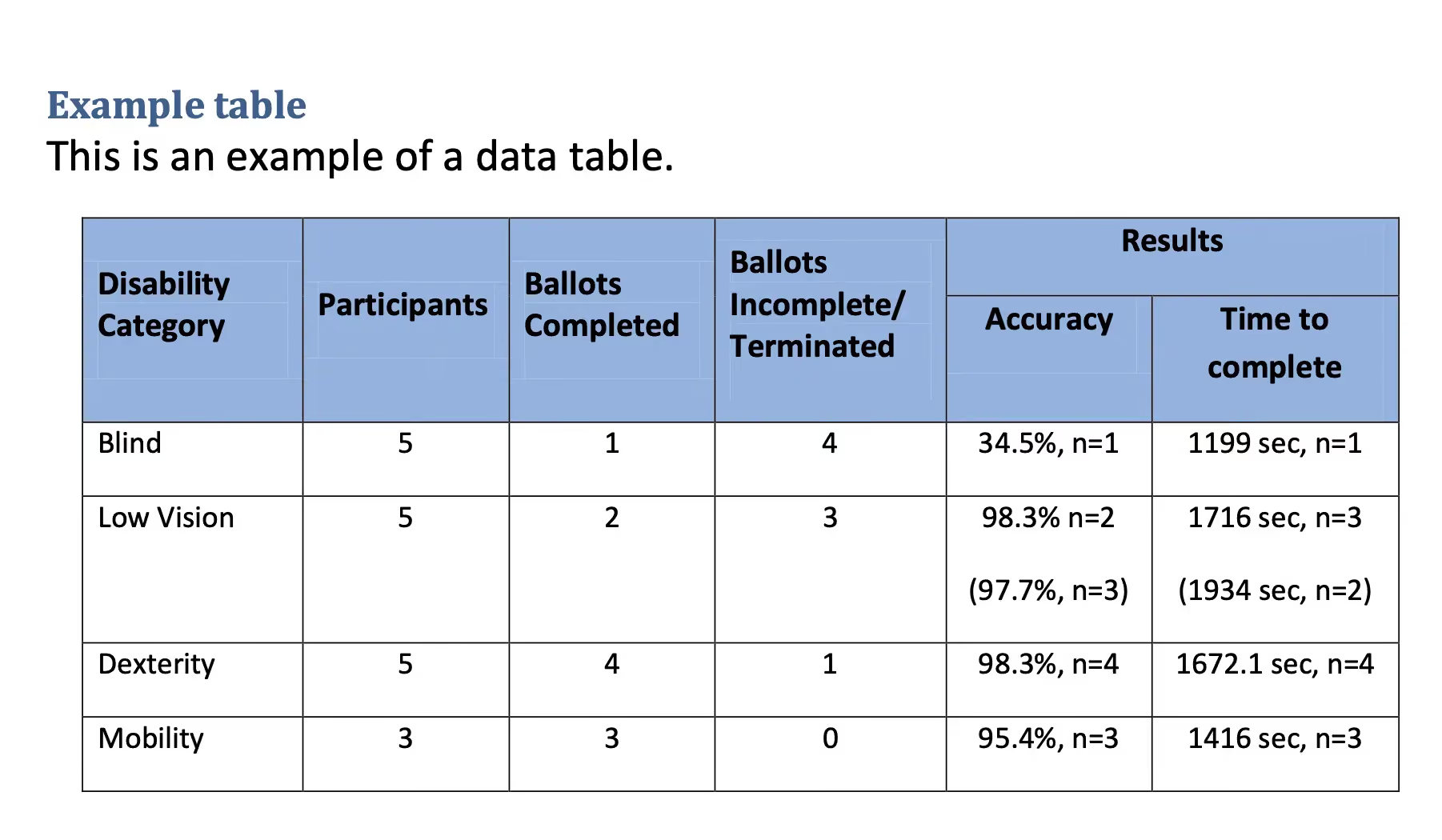
The process is straightforward: simply upload the document through our app. Once uploaded, the tool will automatically classify the document and identify the type, leveraging ocr document classification to apply the right extraction logic. For example, after uploading a document containing a table, it instantly extracts and restructures the table, ensuring all fields are correctly aligned and the data is organized.
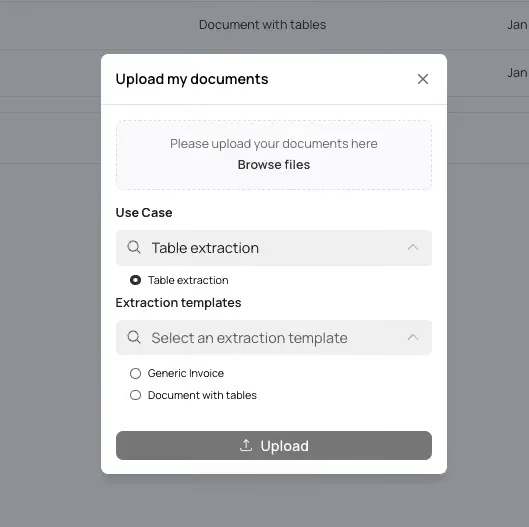
Let's take a look at the two documents we've uploaded
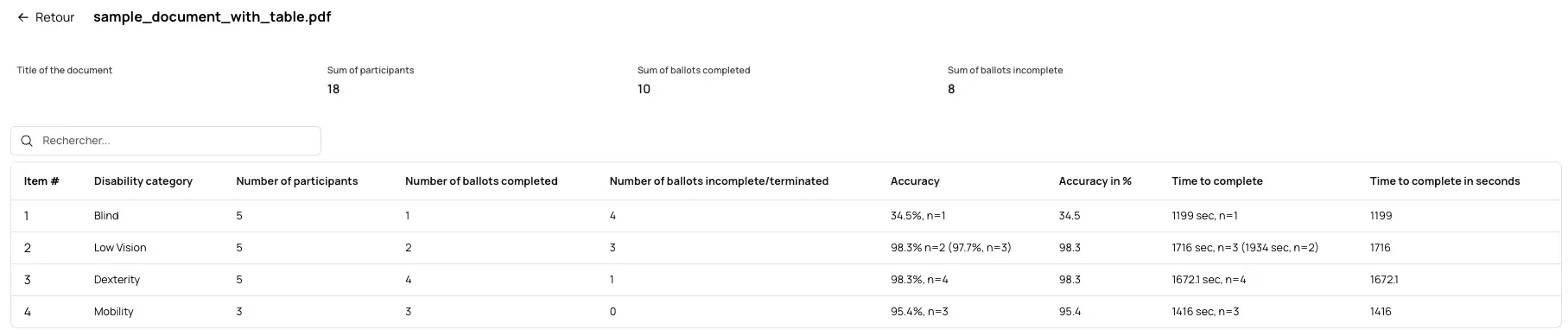
First, you can see the tool has accurately extracted and restructured the table from the contract-like document. The fields resemble the structure of the original document, and the data is accurately extracted.
For the invoice, we've used a model specifically designed for invoices, which allows the tool to capture general fields and reconstruct the table with great precision. All the necessary lines and data from the invoice are now available in an organized format:
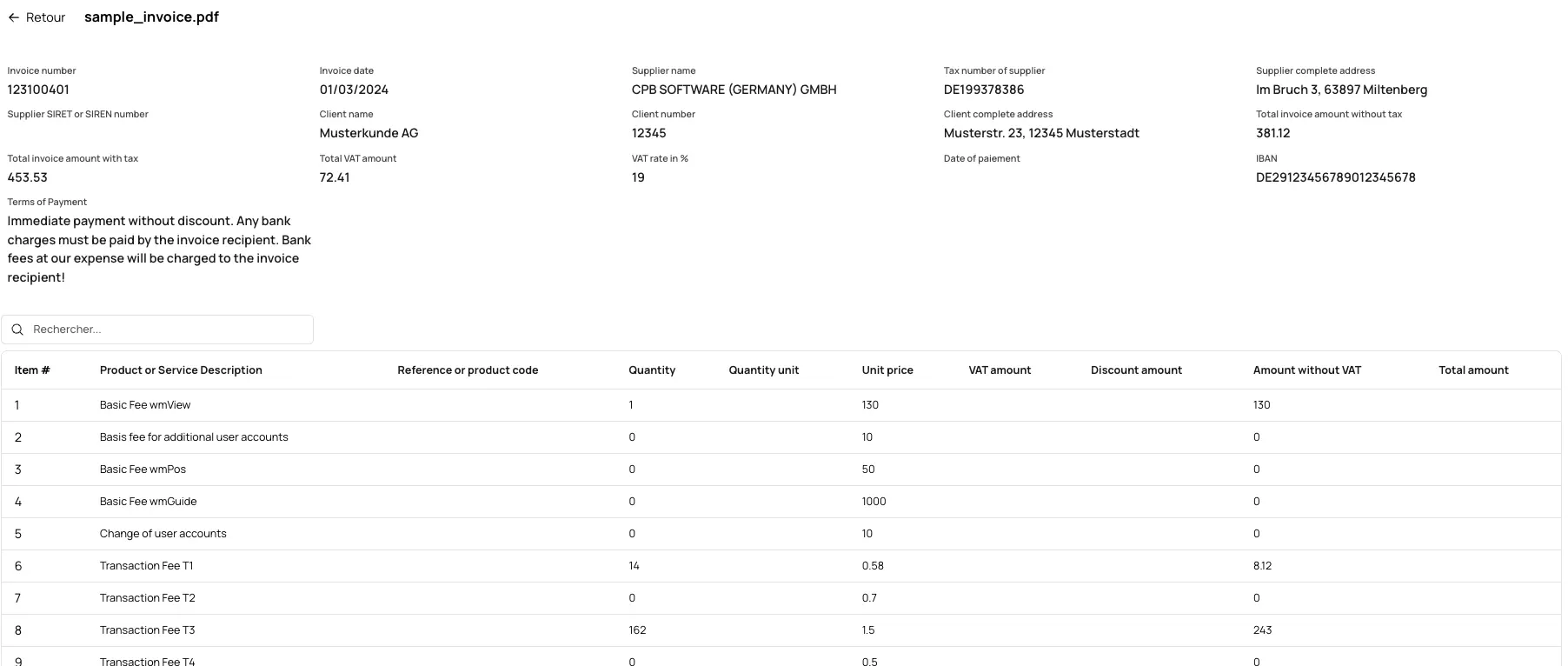
While the extraction templates used for this demo are pre-loaded, you also have access to A vast library of ready-made templates for various document types. Furthermore, you can customize the fields you want to extract. For example, if you need to extract a specific title from the document, you can easily add that field.
Once you've extracted your data, you can generate Excel files from the documents.
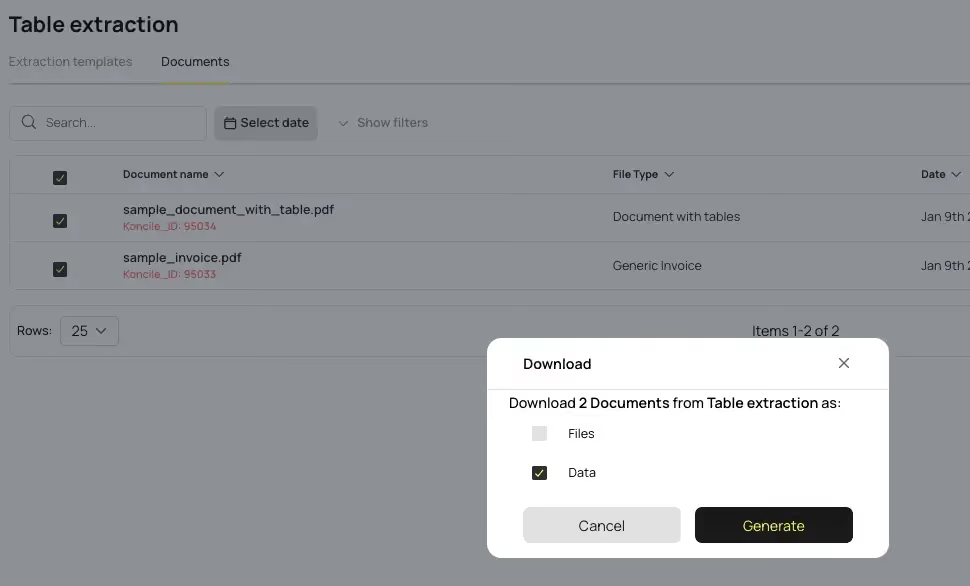
The data will be organized into different tabs, one for each file type, and with clear distinctions between line types and general fields. This restructuring makes the data actionable, so you can easily perform tasks like pivot tables and calculations in Excel.

Thanks to Koncile's AI, you can efficiently upload and process thousands of documents, extracting and structuring data at scale. ou can even upload documents via email or use our API for seamless integration with your systems and automate financial processes using our ocr accounting capabilities.
I invite you to visit Our website To explore our platform further. Sign up for an account, check out Our library of templates, and learn how our customizability options can help you extract and understand data accurately from any document. We look forward to having you on Koncile. Check The video for more details and illustration.