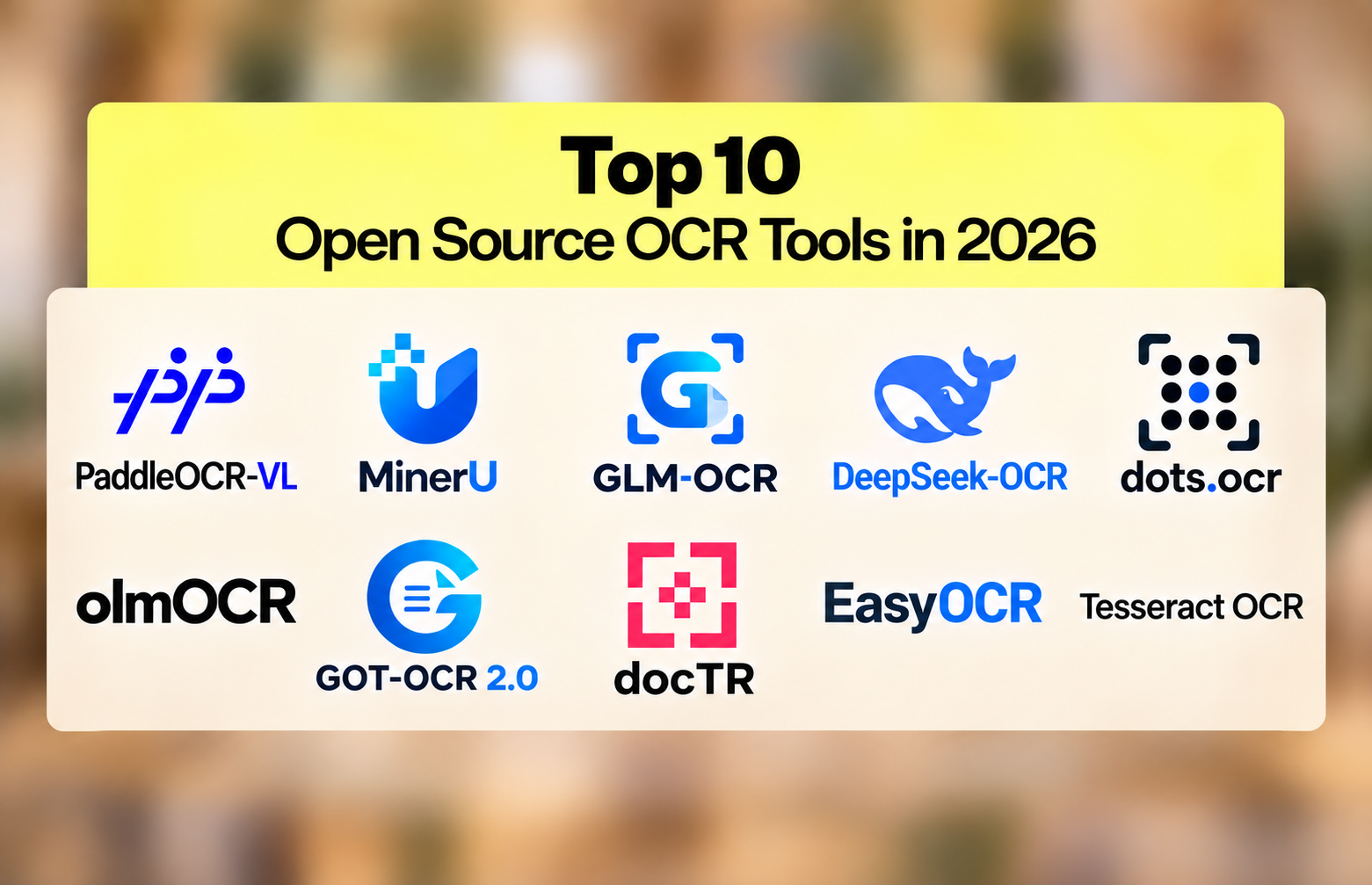
10 Best Open Source OCR Tools in 2026
Ten open source OCR engines compared on benchmark score, GPU requirement, table handling and license.
.avif)
The open source OCR ranking inverted in the past eighteen months. A 0.9-billion-parameter model now reads documents more accurately than a 235-billion-parameter one. PaddleOCR-VL scores 96.34% on OmniDocBench v1.6; Qwen3-VL-235B scores 89.78%. Here are the 10 best open source OCR engines in 2026 and how to pick between them.
For most of the last decade, the answer to "which open source OCR should I use" was Tesseract, and the rest of the list was footnotes. That stopped being true in 2025.
The current leader on OmniDocBench v1.6 is PaddleOCR-VL at 96.34%. It runs at 0.9 billion parameters. Qwen3-VL, a general-purpose vision-language model with 235 billion parameters, scores 89.78% on the same benchmark. The smaller model is 260 times lighter and reads documents better.
That inversion is the story of open source OCR in 2026. Small models trained specifically on documents now beat enormous general models, and they beat the classical engines by a wider margin still. A list written eighteen months ago is not slightly out of date. It is pointing at the wrong tier of the market.
This comparison covers ten engines that are genuinely open source, actively maintained, and usable in production. Two entries that appeared in the previous version of this article have been removed, and the reason is explained at the end. If you are new to the field, our guide to what OCR is and what it is used for covers the fundamentals first.
The 10 best open source OCR engines compared
Scored on OmniDocBench where a published figure exists, with the practical constraints that usually decide the choice: whether you need a GPU, how the engine handles tables and handwriting, and what the license permits.
1. PaddleOCR-VL, the current accuracy leader
PaddleOCR-VL 1.6 holds the top published score on OmniDocBench v1.6 at 96.34%, and it does it at 0.9 billion parameters under an Apache 2.0 license. That combination is why it heads this list.
It leads on text, formula and table recognition simultaneously, which is unusual, and it holds up under the conditions that break most engines: skewed scans, warped pages, screen photography and uneven lighting. Language coverage runs past 100. It also converts charts to structured HTML rather than treating them as images.
The trade-off is the PaddlePaddle ecosystem. If your stack is PyTorch-native, expect some friction on the way in. The model itself is small enough to run on modest hardware, which partly offsets that.
Best for: Teams that want the strongest general document accuracy available under a permissive license, and can absorb a new framework.
2. MinerU, document parsing as a pipeline

MinerU 2.5-Pro sits second on OmniDocBench v1.6 at 95.75%, at 1.2 billion parameters. It is built as a document parsing pipeline rather than a bare OCR model, which means it handles the surrounding work of segmenting a PDF, ordering the reading flow and emitting structured output.
For academic papers, reports and anything with a complex multi-column layout, that pipeline framing saves real engineering time. The output is clean enough to feed directly into a downstream model.
The license deserves attention. MinerU is AGPL-3.0, not Apache or MIT. If you intend to expose it through an internal or external API, take legal advice before committing, because the network copyleft clause applies.
Best for: Research and document-heavy pipelines where AGPL is acceptable and layout complexity is the main challenge.
3. GLM-OCR, the speed-to-accuracy pick

GLM-OCR scores 95.22% on OmniDocBench v1.6 at 0.9 billion parameters, and processes roughly 1.86 pages per second. It is the option that most often wins on the combination of the two rather than either alone.
If you are running a bake-off and can only test one model first, this is a defensible starting point: it leads or near-leads the benchmark, the license is permissive, and the throughput is high enough to be viable in production without a GPU cluster.
Best for: A first candidate in any evaluation. Strong default when you have no specific constraint pushing you elsewhere.
4. DeepSeek-OCR, built for throughput
DeepSeek-OCR takes a different angle. Its headline feature is roughly tenfold document compression, trading some accuracy for the ability to process very large volumes cheaply. It scores 91.09% on OmniDocBench v1.5 and runs at around 4.65 pages per second, with reported throughput near 200,000 pages a day on a single A100.
Six resolution modes let you tune the speed and accuracy trade per document type, which is more useful than it sounds when your corpus is mixed. It is a mixture-of-experts architecture at roughly 3 billion parameters with 570 million active, under an MIT license.
Best for: High-volume batch processing where cost per page matters more than the last two points of accuracy.
5. dots.ocr, layout grounding in a small model
dots.ocr is a 1.7 billion parameter model under MIT, fine-tuned from Qwen2.5-VL, with grounding capabilities that tie extracted text back to its position on the page. Around 100 languages are supported and output comes as Markdown or JSON.
Spatial grounding is the reason to pick it. If your downstream process needs to know where on the page a value appeared, not just what it said, most engines make you reconstruct that. This one returns it.
Best for: Workflows that need coordinates alongside text, such as redaction, highlighting or human review interfaces.
6. olmOCR, built for English at scale

olmOCR comes from the Allen Institute for AI under Apache 2.0, and it is explicitly tuned for large-scale English PDF pipelines rather than for topping general benchmarks. It scores 81.79% on OmniDocBench v1.5 as the 7B variant.
What distinguishes it is the training approach, which uses unit tests and reinforcement learning against verifiable outputs rather than pure supervised fine-tuning. On long English documents processed in bulk, it is reliable in a way the raw score understates. It wants around 12 GB of VRAM.
Best for: Large English corpora, research pipelines, and anywhere reproducibility and an open training story matter.
7. GOT-OCR 2.0, the smallest capable model
At 580 million parameters under Apache 2.0, GOT-OCR 2.0 is the smallest engine here that still handles general document OCR competently. Formula recognition is a particular strength, which matters for scientific and technical documents.
Language coverage is narrower at roughly 20, so check yours is included before investing time. Where it fits, the size makes it deployable in places the larger models cannot go.
Best for: Edge deployment, constrained GPU environments, and formula-heavy technical documents.
8. docTR, the structured document library

docTR predates the vision-language wave and remains useful precisely because it is a library rather than a model. It ships TensorFlow and PyTorch backends, separates detection from recognition so you can swap either, and runs on CPU when required.
For structured, predictable documents such as forms and standardized invoices, the two-stage architecture gives you control the end-to-end models do not. You can tune detection independently of recognition, which matters when your documents all look alike.
Best for: Python teams processing high volumes of consistently formatted documents who want control over each stage.
9. EasyOCR, the fastest thing to try

EasyOCR supports more than 80 languages and installs in a single pip command. Nothing else in this list gets you from nothing to extracted text faster, which makes it the right first stop for a proof of concept even if it is the wrong final answer.
Accuracy on complex layouts is well behind the current generation and table handling is weak. Use it to establish whether OCR solves your problem at all, then move to a stronger engine once you know it does.
Best for: Prototypes, scripts, and any project where integration speed outweighs accuracy.
10. Tesseract, still the only real CPU option
Tesseract has been maintained since 2005, supports over 100 languages and remains the default answer in most developer conversations. On clean printed text with a simple layout it is still perfectly adequate, and it is the only engine here that runs well without a GPU. That single fact keeps it relevant regardless of benchmark scores. We examined this in detail in our analysis of whether Tesseract is still the best open source OCR, including a benchmark on real invoices.
Its weaknesses are well documented and have not changed: tables collapse into linear text, poor scans degrade output sharply, handwriting is effectively out of scope, and preprocessing does more of the work than most teams expect.
Best for: Clean printed documents, CPU-only environments, and any project where adding GPU infrastructure is not an option.
5 things the benchmark scores do not tell you
OmniDocBench is the most useful public signal in this category and it is still a curated corpus, not your documents. Five differences matter more than the ranking, and knowing which ones apply to you will shorten the shortlist faster than any score.
1. Whether you can run it at all
Six of the ten engines in the table are vision-language models and expect GPU inference, typically 8 to 16 GB of VRAM. Tesseract runs on CPU. EasyOCR and docTR run on CPU but noticeably slower. If there is no GPU in your budget, the benchmark leaderboard is largely irrelevant and your real shortlist has three entries on it.
What to check: The model card on Hugging Face states the minimum VRAM. Test at your actual batch size, because per-page memory scales with concurrency.
2. What happens to tables
The overall OmniDocBench score folds in a table TEDS component, so a strong overall number usually means strong tables, but not always. Tesseract flattens a table into linear text and loses the row and column relationships entirely, which is fatal if your documents are financial. Our guide to table detection and extraction explains what the metric measures and where it misleads.
What to check: Run one of your worst tables through two candidates and compare the structure, not the character accuracy.
3. Whether handwriting is in scope
Every vendor claims handwriting support and the gap between claims and output is wider here than anywhere else in OCR. Neat printing works. Cursive and mixed print-and-handwriting pages remain hard for every open-source option. We tested this directly in our OCR handwriting recognition ranking on real samples.
What to check: Your worst handwritten page, not a clean sample. The difference between engines only shows up on difficult input.
4. What the license actually permits
Apache 2.0 and MIT allow commercial use without obligation, and cover most of this list. MinerU ships under AGPL-3.0, which triggers copyleft obligations the moment you expose it over a network, and that catches a lot of teams building internal APIs. Several projects in this space have changed license terms within the past year.
What to check: The LICENSE file on the repository today, not what a comparison article said last quarter. Including this one.
5. What you still have to build afterwards
OCR gives you text, and in the better models layout. It does not tell you which fields to trust, whether the totals reconcile, whether this document is a duplicate of one you processed last week, or whether it has been tampered with. Teams processing invoices at volume discover this after the extraction works and the workflow still does not. Field-level confidence scoring and document fraud detection are separate problems from character recognition.
What to check: Write down what happens to the text after extraction. If the answer involves validation, routing or review, that is a second system you have not costed yet.
Also worth knowing
Four projects appear on most lists of this kind and did not make this one, for reasons worth stating.
Surya is genuinely strong on tables and mathematical notation, and worth testing for scientific documents. Its license terms have changed and commercial use carries conditions, so check the repository before building on it.
Kraken remains excellent for historical manuscripts and non-standard scripts. That is a research speciality rather than a general OCR choice, which is why it sits here rather than in the main list.
OCRmyPDF is a wrapper, not an engine. It adds a text layer to scanned PDFs using Tesseract underneath. Genuinely useful for making archives searchable, but it inherits Tesseract's limits rather than solving them.
OCRopus and CuneiForm are effectively dormant. CuneiForm has not shipped a release in over a decade. Both still appear on comparison articles, including earlier versions of this one.
Two further entries were removed from this article because they are not open source. Mistral OCR is a paid API. OCR.Space is a freemium hosted service. Both are reasonable products and both are frequently miscategorized, including by us previously. They belong in a comparison of hosted OCR services, not this one.
How to choose an open source OCR in 2026
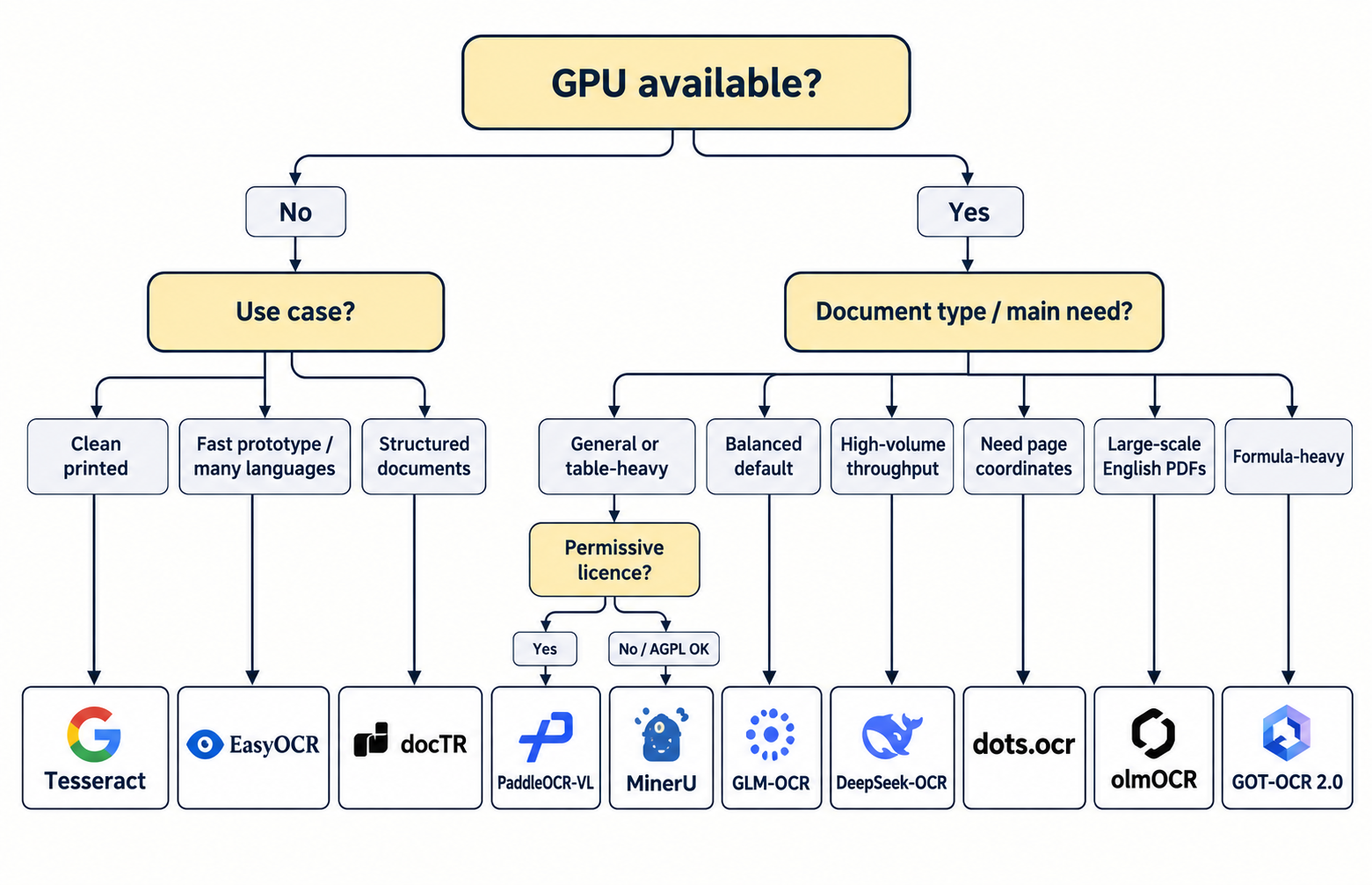
Work through the constraints in order, because each one eliminates more candidates than the benchmark does.
Start with hardware. No GPU means Tesseract, EasyOCR or docTR, and the rest of this article is background reading. A GPU opens the full list.
Then the documents. Table-heavy financial documents point to PaddleOCR-VL or MinerU. Clean printed text works on anything. Handwriting means a vision-language model and realistic expectations. Mixed-format inbound piles usually need document classification before OCR rather than after it.
Then the license, and check it on the repository rather than trusting any article. AGPL-3.0 in particular catches teams who plan to expose the model through an internal service.
Then run your own documents. Fifty files including your worst scans, across two or three candidates, will tell you more than the entire OmniDocBench table. The benchmark corpus is not your corpus.
Finally, cost the engineering rather than the license. The model is free. GPU hours, tuning, retraining as your document mix drifts, and the validation layer you will eventually need are not. Compare that honestly against a hosted OCR API before assuming self-hosting is cheaper. For some teams it clearly is. For others the free license turns out to be the smallest line in the budget.
FAQs
Sources
- OmniDocBench v1.5 and v1.6 leaderboard results, as published by the PaddleOCR-VL team on Hugging Face.
- olmOCR-Bench results for dots.ocr, DeepSeek-OCR, PaddleOCR-VL and olmOCR 2.
- Official GitHub and Hugging Face repositories for each of the ten engines, accessed September 2026.
- Koncile, Tesseract OCR: is it still the best open-source OCR in 2026. Internal benchmark on 14 invoices.
- Licence files as published on each project repository, September 2026.

Real life insights on document automation
Why Do OCR & Machine Translation Fail Without AI?
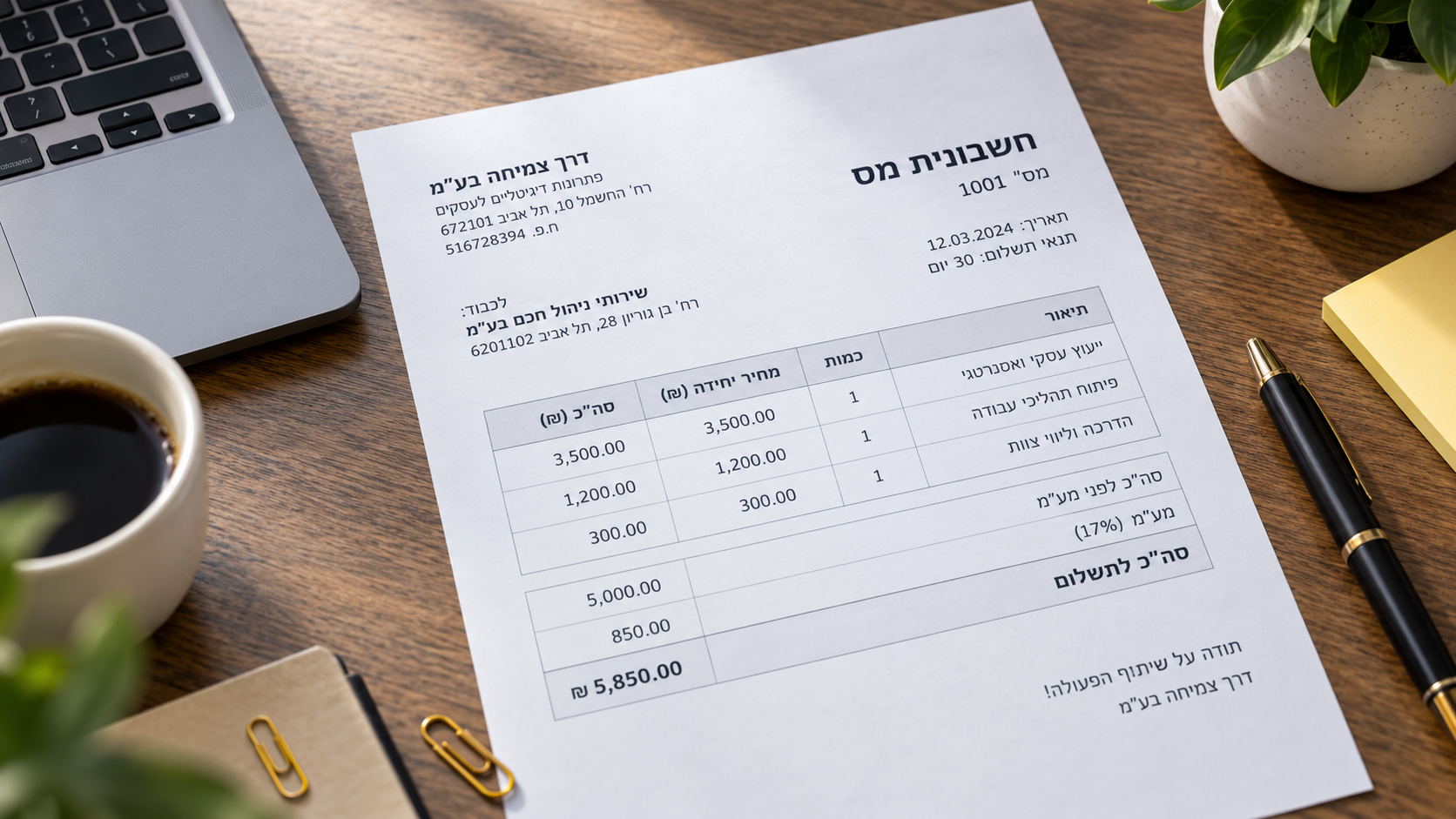
Japanese combines three writing systems on one page and should be a hard case for OCR. Benchmark research found the opposite: Japanese accuracy exceeds Latin script. Arabic and Hebrew are where things genuinely go wrong, for specific, documented reasons. Here is what real research shows about why scripts fail differently, and what actually stops the errors before translation compounds them.
How to Detect a Fake Bank Statement: Our 9 Methods
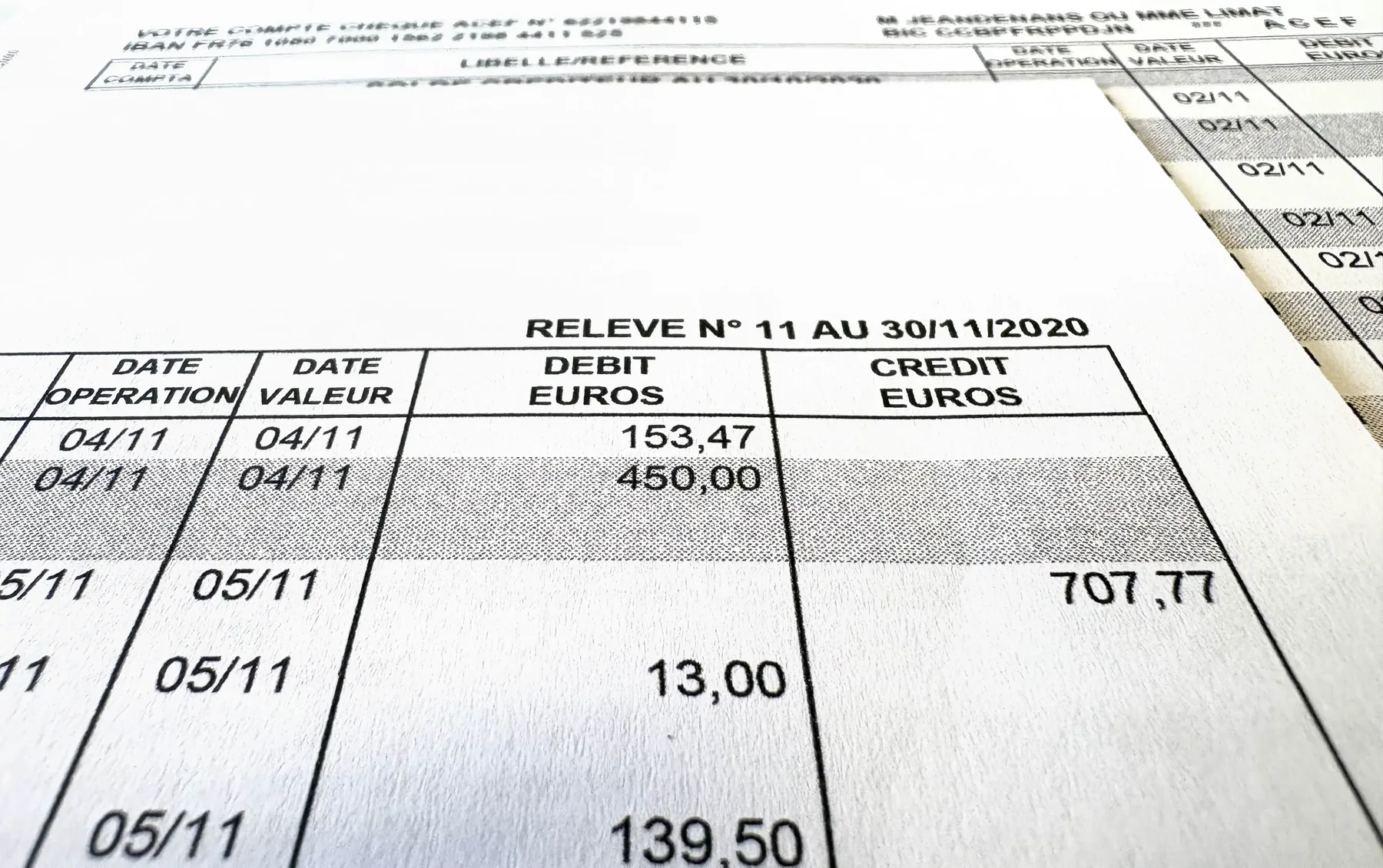
Bank statements are one of the documents most exposed to fraud. At Koncile, we detect up to 1.4% of edited or tampered statements in a set of 150,000 statements. AI generated deepfakes get a lot of attention, but focusing only on them today would be a mistake.
10 Best Open Source OCR Tools in 2026
The open source OCR ranking inverted in the past eighteen months. A 0.9-billion-parameter model now reads documents more accurately than a 235-billion-parameter one. PaddleOCR-VL scores 96.34% on OmniDocBench v1.6; Qwen3-VL-235B scores 89.78%. Here are the 10 best open source OCR engines in 2026 and how to pick between them.
Top 10 Document Fraud Detection Software in 2026
Every accuracy figure in this market is self-reported and none has ever been independently verified. Meanwhile forgery services sell documents built specifically to defeat named detection vendors, openly, on the indexed web. Here is our comparison of the 10 best document fraud detection software platforms and the five weaknesses that separate them.