Extract information from Amicable Auto Reports
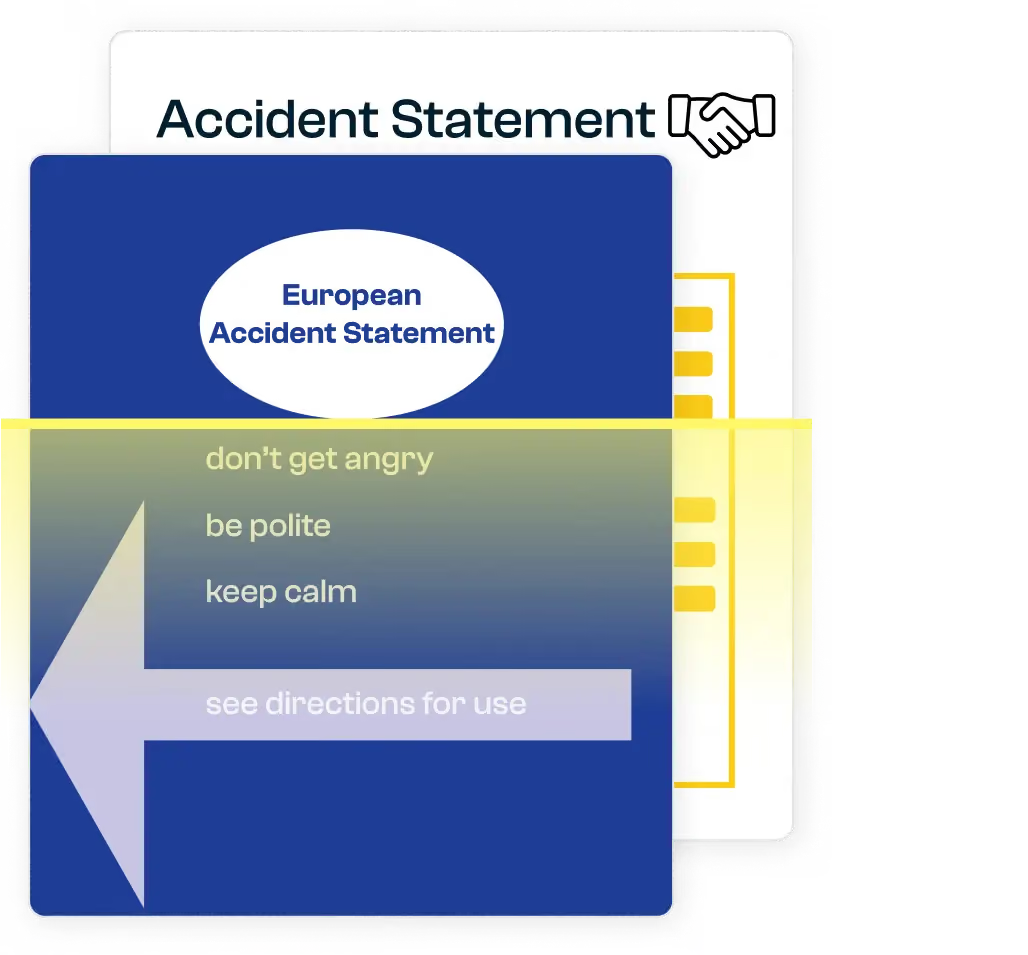
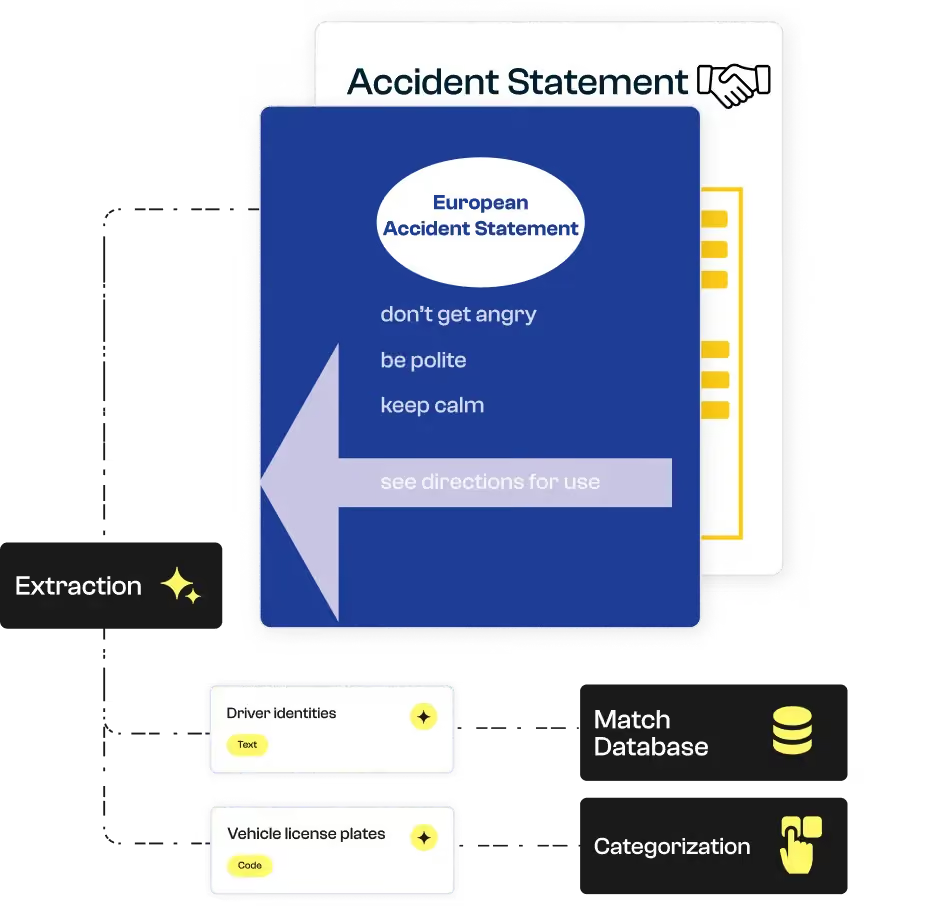
Koncile extracts data from paper or PDF reports: vehicles, parties involved, sketches, signatures, circumstances...

Why Automate the Reading of Findings?
Amicable car reports are still often handwritten, scanned or incomplete. They require careful reading to be used in claim files.
Koncile's AI OCR even reads partially completed or handwritten documents, and structures information to speed up case management, pre-sorting, or validation.



Koncile automates the intelligent extraction of contractual data. Despite the complexity of our clients’ contracts, the tool ensures quality and speed, saving us valuable time.
What are the fields extracted from an amicable automobile report?
Koncile automatically extracts key data from amicable reports, whether handwritten, scanned or digital. Standard fields: identity of drivers, vehicles, damages, circumstances, signatures are captured, and you can customize the extraction according to your business needs or internal claims processes.
Nom | Type | Exemple | Instruction | |
|---|---|---|---|---|
Validité | Text | Oui | Vérifie que le RIB est bien constitué des éléments suivants : | |




Choosing Koncile for your insurance documents
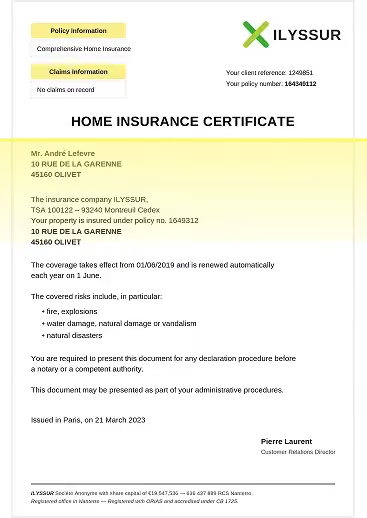
Insurance documents scanned or photographed
Whether scanned, photographed, or submitted by policyholders, your insurance documents are converted into usable data with remarkable reliability thanks to our OCR technology.
Even old contracts, handwritten declarations, blurry or poorly framed documents can be accurately analyzed thanks to our automatic correction engine.
Unrecognized fields are isolated and sent to our control center for manual validation or processing, ensuring a high level of completeness and reliability in your insurance workflows.
Test Data Extraction New Generation
Start with a ready-to-use model, test on a document and scale
How can an OCR solution automate the management of findings?

OCR reading of paper or PDF reports
Koncile recognizes standardized forms, even partially completed or handwritten forms.

Extracting key fields
Identity of drivers, policy numbers, plates, insurance companies, insurance companies, insurance companies, date and place of the claim, description of the damage, checked boxes, sketches...

Sketches and checked areas detected
Intelligent reading of drawings and boxes to interpret responsibilities and circumstances.

Data that can be used directly
Export JSON, Excel or API to your claims tools, CRM or fleet management software.
Automatic preparation of claims files
Koncile structures the extracted data to automatically create a pre-folder ready to use. Key information is linked to your references (contract, license plate, claim ID), which significantly rapid assignment and reduces processing times.
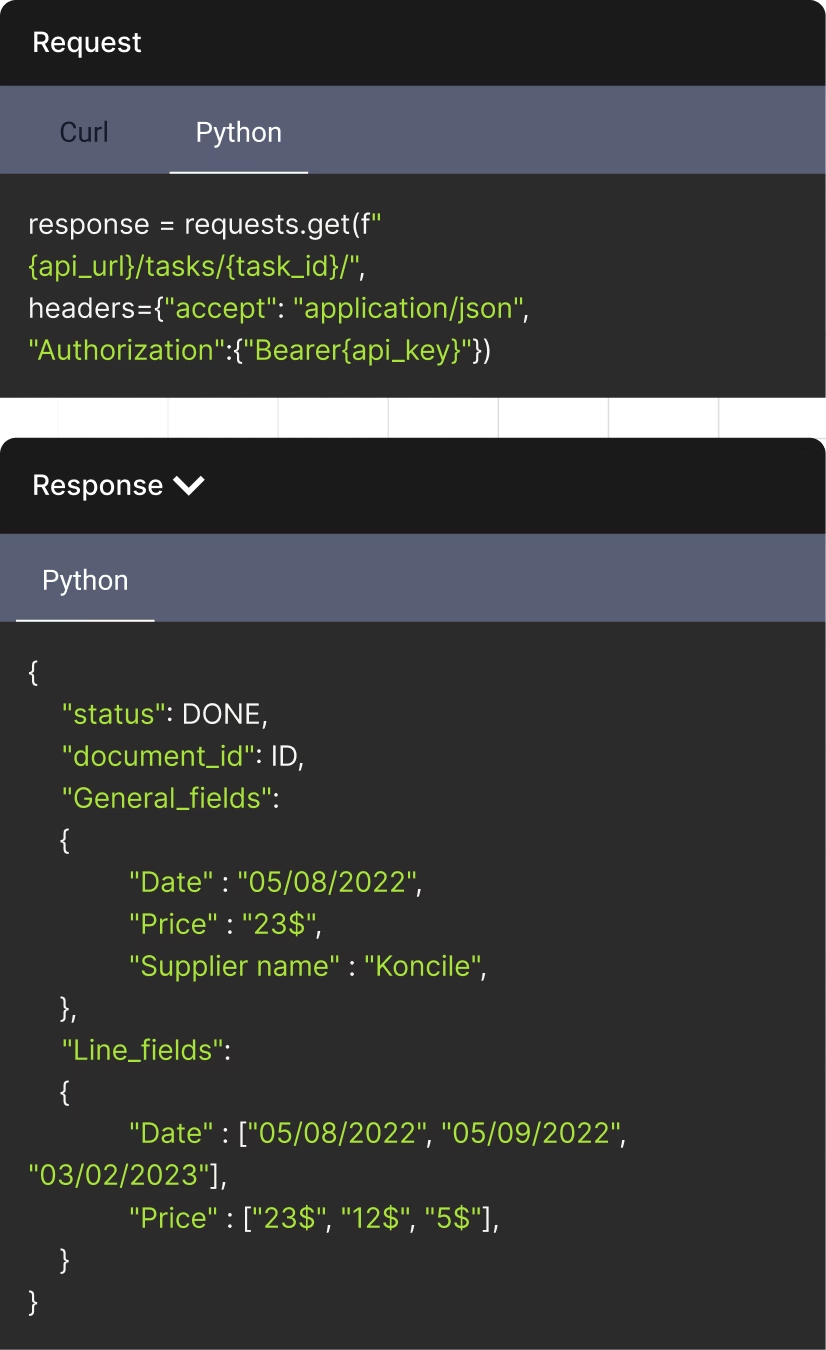
The API to streamline your document management
Document status can be DONE, DUPLICATE, or IN PROGRESS
Unique identifier assigned to each document
Fields that appear once per document. Returns in the format: {field_name: extracted_value}
An AI OCR tool built for regulated environments
Founded by a former lawyer, Koncile was designed with compliance and data protection at its core. We are independently audited under SOC 2 and compliant with GDPR and HIPAA requirements.





Talk to an expert who knows your industry.
- Get an external expert opinion on your specific use case
- Benchmarks and results from hundreds of clients in your industry
- Help activating the right Koncile features for your workflow
Real life insights on document automation

All your questions on Koncile
Yes, OCR can process written or handwritten amicable reports. For handwritten documents, it applies advanced recognition algorithms to ensure the accuracy of the extracted data.
Koncile OCR automatically analyzes the main elements of an amicable finding, including the identities of the drivers involved, the circumstances of the accident and the contact details of insurance companies.
Yes! You can set up OCR to retrieve only fields such as the date and time of the accident, the damage reported, or the explanatory diagrams of the disaster.
You Can Upload Your Amicable Report in the Format PDF, PNG, or JPEG. These formats ensure optimal compatibility with our OCR technology and ensure reliable extraction of essential data.
The software is accessible via a powerful OCR API, with comprehensive documentation available. Plus, you can upload documents directly into the app and export the extracted data to XLSX, XLS, CSV, or JSON for seamless integration into your workflows.
Check our API documentation, contact us at contact@koncile.ai. You can also create a demo account or book a demonstration with our team.