Mastering Table Detection and Extraction in Documents
Extracting tables from scanned documents is hard—manual entry or basic OCR often causes errors and slows down workflows.

Quickly learn how to turn documents containing tables, line-by-line data, or other complex structures into data ready to be used in spreadsheets or Excel. Convert unstructured information into organized, actionable data.
Financial and accounting data is often buried in scattered tables within PDF files or images, making it difficult to access and analyze.
Thanks to artificial intelligence and optical character recognition (OCR) technologies, it is now possible to automatically extract and structure this information even when it is not available as selectable text.
This type of automation is part of a broader approach known as intelligent document processing, which combines OCR, AI, and business rules to process documents at scale.
Once extracted, this data can be organized in a way that maximizes its value, enabling cost savings, error detection, and more efficient expense management.
In this article, we explore the main techniques used to detect and extract tables from documents, along with practical tips to help your developers implement these solutions in your projects.


Today, it is possible to extract and structure data from these tables to maximize its use: opportunities for savings, error detection, expense management.
We present the main artificial intelligence techniques used to detect and extract tables from documents, along with practical tips to help your developers implement these solutions in your own projects.
AI Techniques for Table Detection and Extraction
Computer Vision
Computer vision plays a crucial role in table detection. Common methods include the use of Convolutional Neural Networks (CNN) to identify tabular structures in documents. These networks can be trained on labeled datasets to learn how to recognize table borders and cells.
Key Technique: YOLO (You Only Look Once)
- Description: YOLO is an object detection method that divides an image into a grid and simultaneously predicts multiple bounding boxes and class probabilities for these boxes.
- Advantages: Speed and accuracy. YOLO can process images in real-time, which is essential for applications requiring quick analysis of large documents.
Natural Language Processing (NLP)
Once the tables are detected, the next step is their extraction and understanding. NLP techniques are used to interpret the data contained in the tables and to structure it in a usable manner.
Key Technique: Transformer Models (e.g., BERT, GPT)
- Description: Transformer models are used to understand the context of words and phrases in a table, enabling accurate data extraction.
- Advantages: These models can handle complex information and extract semantic and pragmatic relationships between data, making the analysis more relevant and precise.
Combined Methods
Combining computer vision and NLP results in more robust outcomes. At Koncile, we use CNNs to identify table areas, followed by transformer models to structure the content semantically forming the backbone of our OCR data extraction software.
For example, a common approach is to use computer vision to detect tables and then apply NLP techniques to extract and structure the data.
Example of a Combined Approach at Koncile
- Step 1: Table Detection with CNN: Using convolutional neural networks to detect table areas in documents.
- Step 2: Data Extraction with NLP: Using transformer models to extract and structure data from detected tables.
Practical Tips for Implementation
1. Data Preparation
The quality of training data is crucial for AI model performance. Ensure you have a diverse and well-labeled dataset. Include different types of documents and table formats to make your model more robust.
2. Model Selection
- For Table Detection: Choose established CNN models like YOLO or Mask R-CNN.
- For Data Extraction: Use transformer models like BERT or GPT-4, which have proven effective in natural language understanding.
3. Training and Validation
Separate your dataset into training and validation sets. Use cross-validation techniques to evaluate your models' performance and avoid overfitting.
4. Optimization and Deployment
Once your models are trained, optimize them for real-time use by reducing model size or leveraging GPU acceleration. In finance workflows, these tools can support ocr accounting, helping automate ledger reconciliation, tax detection, and expense report processing. This may include compressing models to make them lighter and faster, as well as setting up robust infrastructures to handle real-time demands.

Real life insights on document automation

5 Best French OCR Solutions to Extract Data from Your Documents
French OCR solutions now make it possible to automatically extract data from your invoices, contracts, and accounting documents using optical character recognition, with hosting based in France. Here is a real comparison of all five OCR solutions, corrected against current 2026 figures where vendor claims had gone stale, covering what actually differentiates them beyond the fact that they are all hosted in France.
Document processing and fraud detection: build or buy?
Extracting and structuring document data, enriching it, detecting fraud: with AI, building your own end-to-end solution has never looked so simple. Buying off the shelf still often turns out to be the better option. Here are the thirty-nine difficulties to expect before you start.

In healthcare, an OCR is judged on what it flags, not on what it reads
Every OCR vendor advertises high accuracy rates, and most of them deliver. On a health document, that is not the right buying criterion. What counts is what the tool does when it is not sure, what it lets you verify, and what it guarantees about the data it handles.

Top Healthcare OCR Tools: HIPAA Compliance and What the Clinical Evidence Shows
Amazon Textract has been formally HIPAA-eligible since October 2019. Most healthcare OCR comparisons never mention that, or check which of the other four tools on their list actually offer a signed BAA. Here is a rebuild that checks compliance status directly, and looks at what the real clinical trials on ambient AI scribes actually found, not just what the marketing claims.
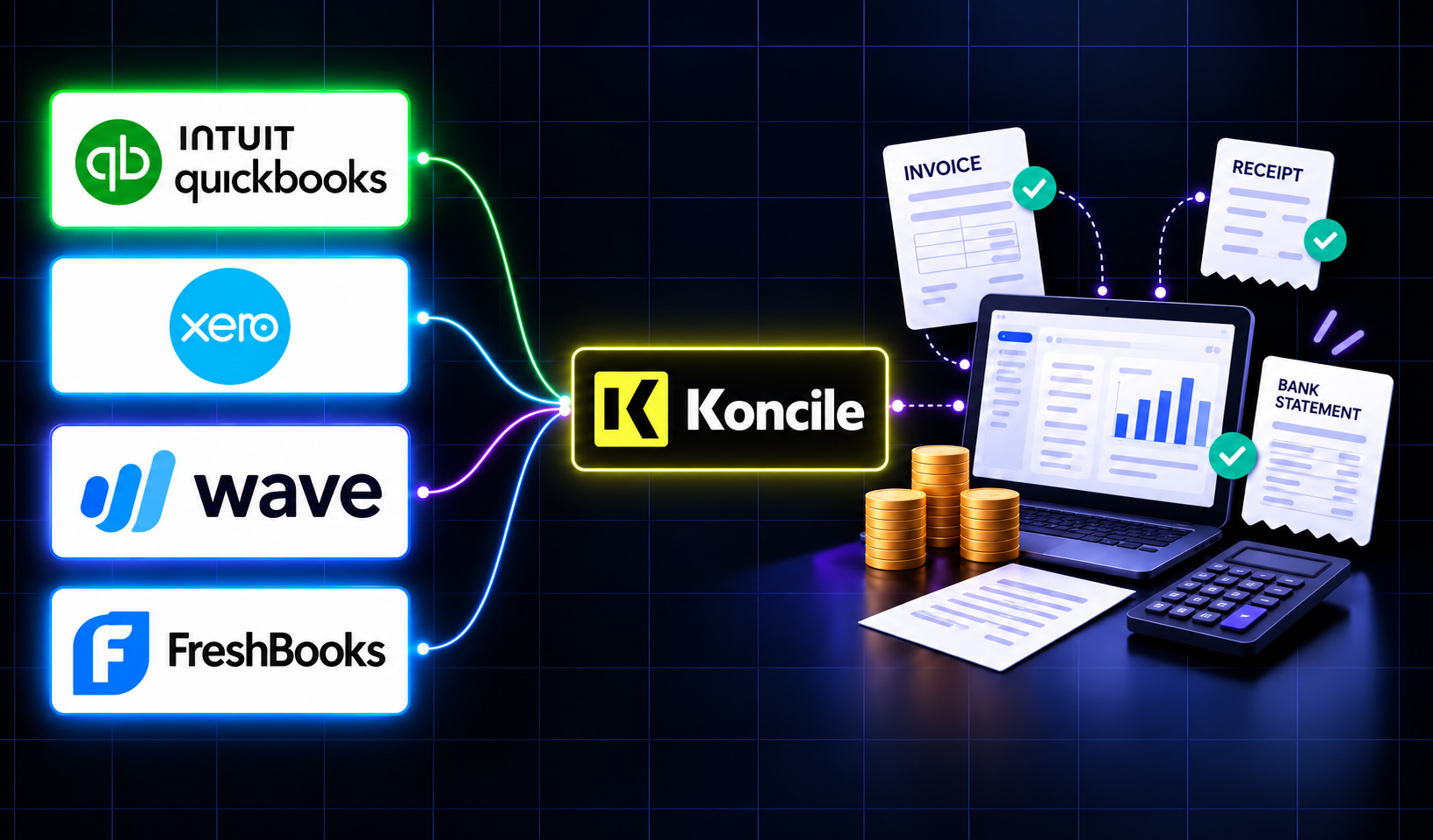
Best Accounting Software for Sole Proprietors and Freelancers in 2026
A freelancer sending a dozen invoices a month can blow through Xero's cheapest plan by week three, and a $19-a-month FreshBooks account caps out at five clients. The number on a pricing page is rarely the number you actually pay. Here is a real comparison of QuickBooks, Xero, Wave, and FreshBooks built for a business of one, not a growing team.