
ABBYY FineReader vs Rossum : 2026 Comparison



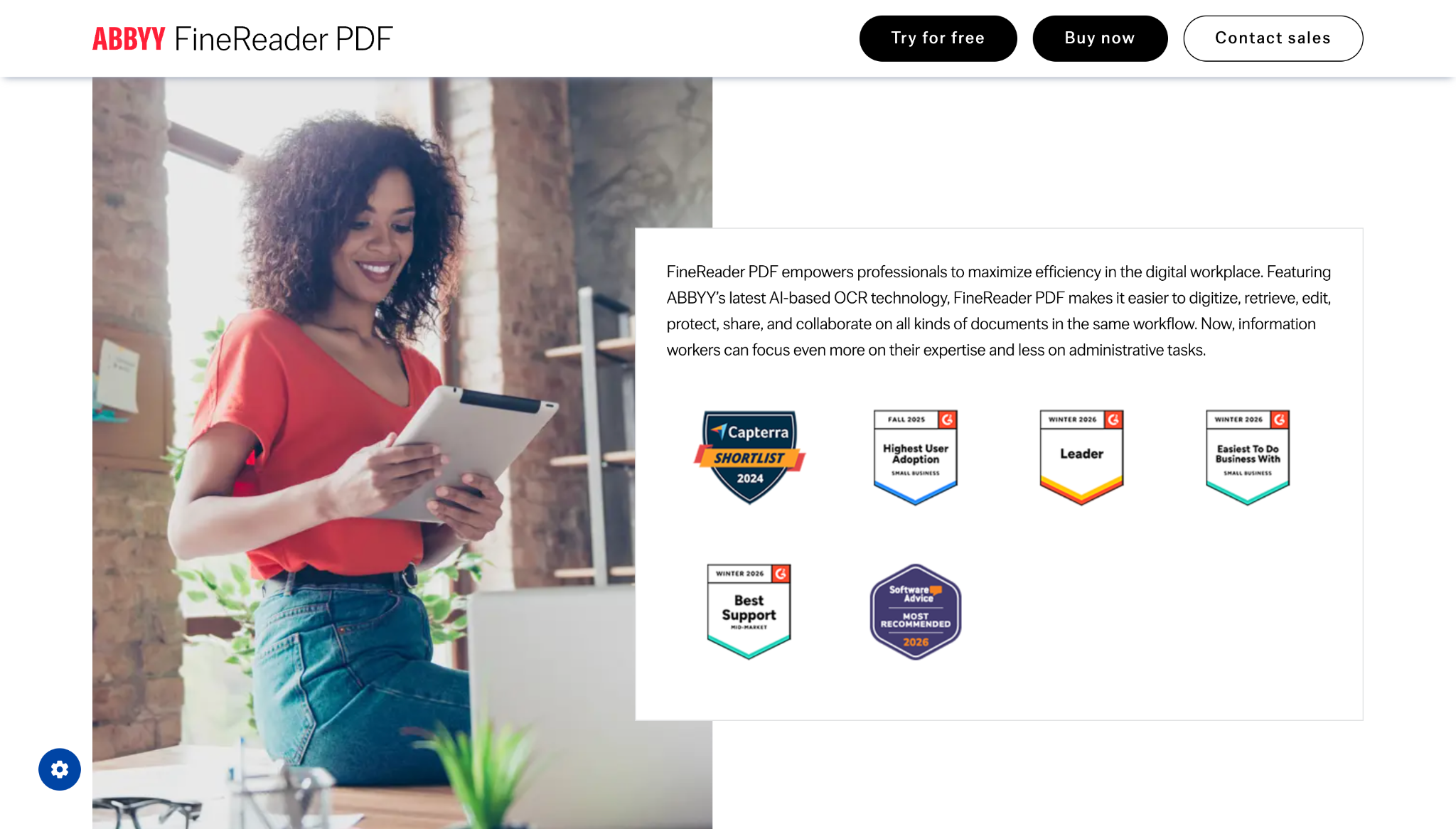
About ABBYY FineReader
ABBYY FineReader is one of the most recognized names in OCR software, with 30+ years on the market and consistently strong reviews on G2 and Capterra. If you have been searching for ABBYY FineReader alternatives, this comparison breaks down both tools honestly.
Key pros of ABBYY FineReader
- 99%+ OCR accuracy across 190+ languages
- Strong PDF editing: annotate, redact, compare document versions
- 30+ years on the market, widely trusted
- One-time perpetual license available, no mandatory subscription
- Standard at $99-117/user/year; Corporate at $165/user/year
- Used by PwC, Skoda Auto, and major enterprises worldwide
Key issues of ABBYY FineReader
FineReader is desktop software with no cloud-based document automation, no workflow builder, and no structured field-level extraction. API access requires FineReader Server, a separate enterprise product. It is not designed for invoice automation, AP workflows, or ERP integration at scale.
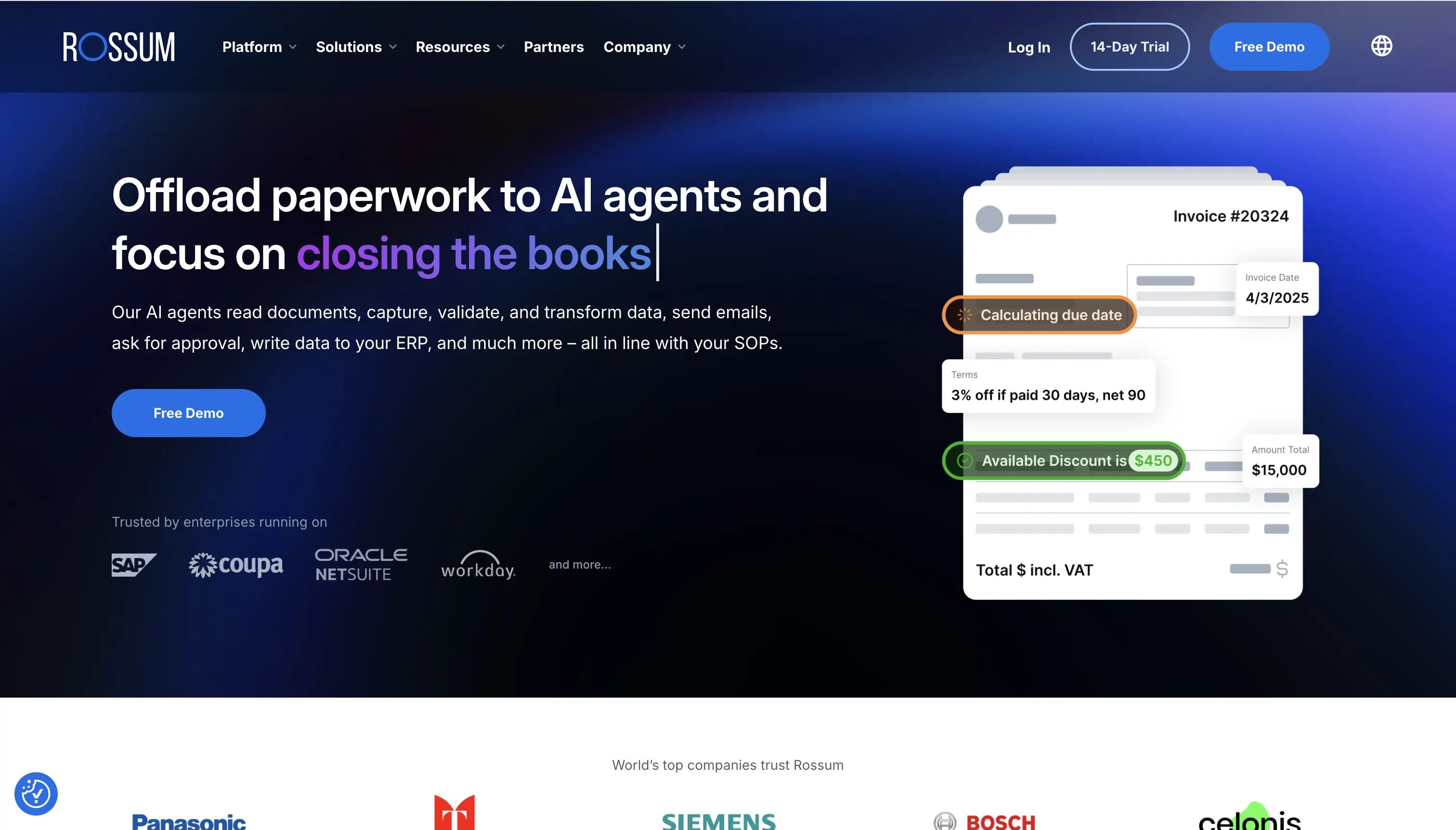
About Rossum
Rossum is recognized as an IDC MarketScape Leader for IDP (2023-2024). Its Aurora AI engine extracts data without templates and learns continuously from human corrections. It is built for enterprise AP teams running high invoice volumes through SAP, Coupa, NetSuite, or Microsoft Dynamics.
Key pros of Rossum
- Template-free Aurora AI adapts to any invoice layout from day one
- Learns continuously from human corrections
- Three-way PO matching built in for AP workflows
- Certified integrations: SAP, Coupa, NetSuite, Microsoft Dynamics
- ISO 27001, SOC2, HIPAA, TX-RAMP certified
- IDC MarketScape Leader for IDP 2023-2024
Key issues of Rossum
Rossum pricing starts at approximately $18,000/year, ruling it out for smaller teams. Multiple Capterra and G2 reviewers flagged high costs, lengthy setup, and limited accuracy for non-English documents. Some noted pricing increased significantly post-contract. For teams needing fast, self-serve intelligent document processing, this enterprise positioning is a significant barrier.
How does each tool look like?
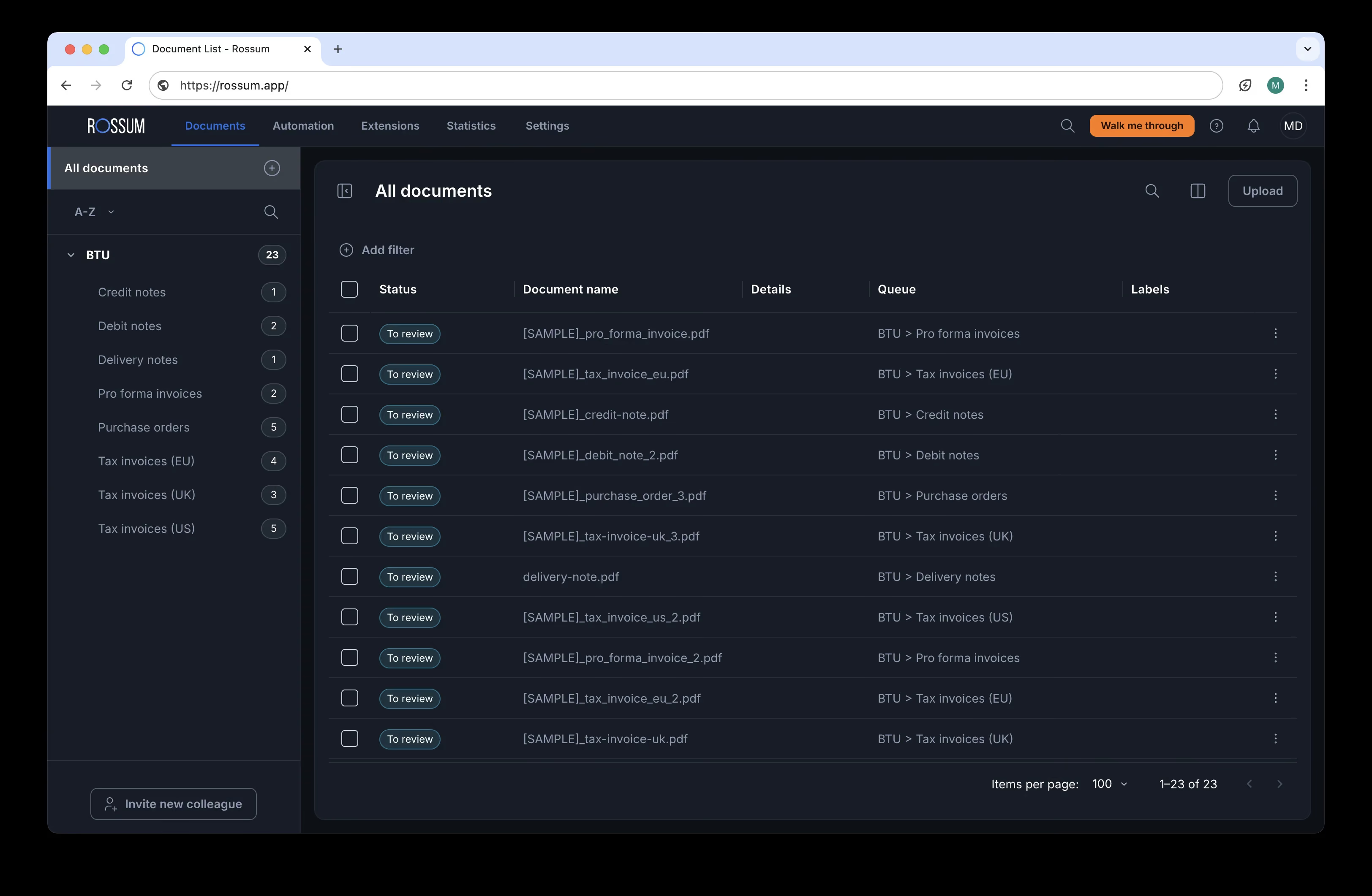
General dashboard

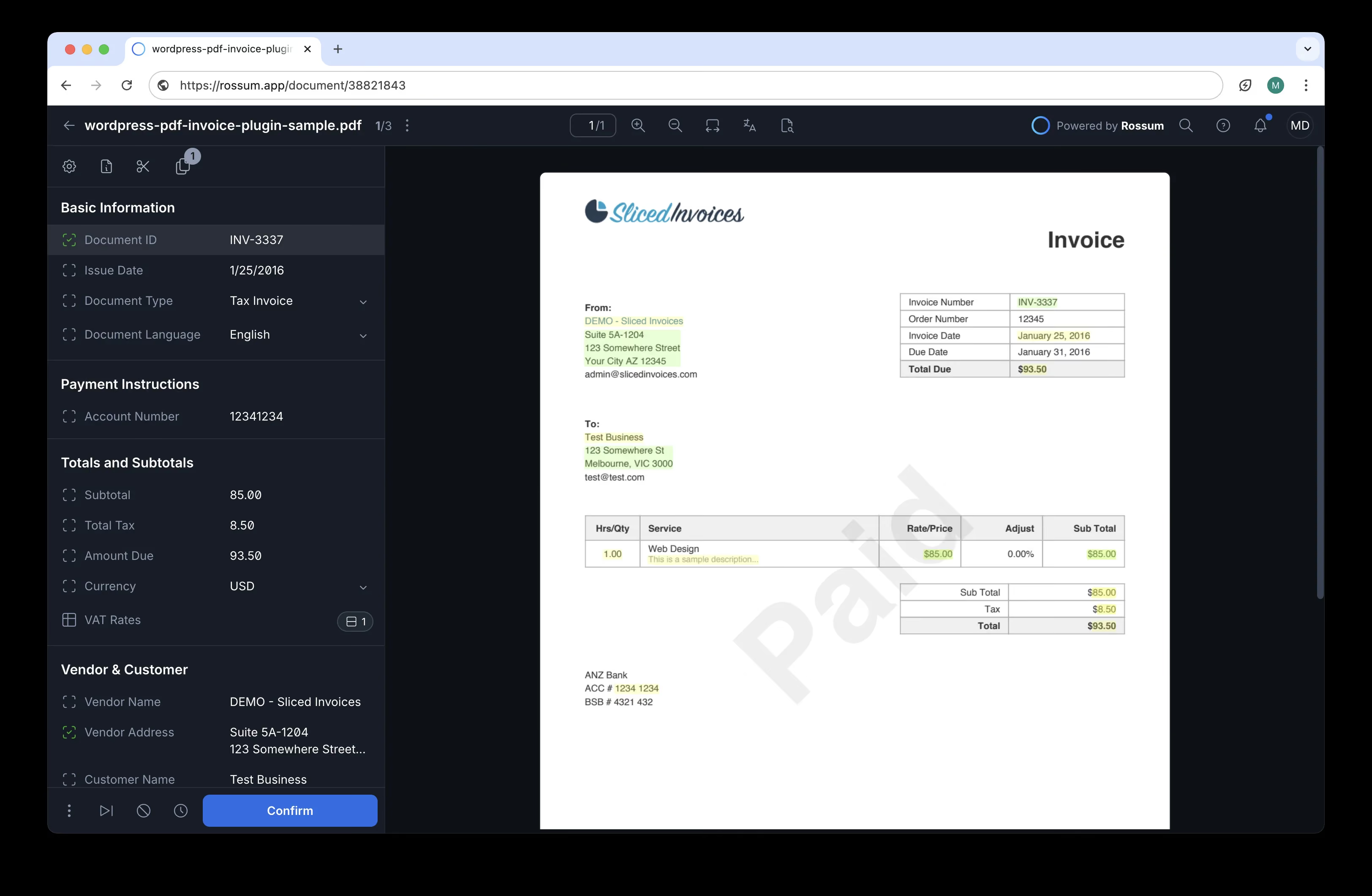
Detailed extraction page

Here's what differs between the two
| Features | ABBYY | Rossum |
|---|---|---|
Setup time | 4-8 weeks | Days to weeks |
Custom fields | Requires training | Yes, via TotalAgility config |
Fraud detection | Add-on | Optional |
API-first | Partial | Yes |
Table extraction | Yes | Yes |
Handwriting recognition | Yes | Yes |
SOC 2 certification | Not publicly stated | Yes (FedRAMP In-Process) |
Pricing model | Per license | Custom quote |
Pricing Details
| Features | ABBYY | Rossum |
|---|---|---|
Pricing published | Yes | No |
Starting price | $99–117 / user / year | Contact sales |
Price per page (est.) | ~$0.08–0.10 / page | Not disclosed |
Free trial | Yes | Yes: 100 documents free (total) |

Trusted by product teams and regulated organizations






Which OCR works best for you?
Designed for SaaS platforms, ERP systems and document-heavy operations that require precision, scalability and control.
Koncile vs Other Alternatives


Compare more OCR tools

Ready to choose the right OCR solution?
Get started in minutes. No complex setup, no commitment.
All your
questions
Need more help? Contact us at contact@koncile.ai, check out our documentation, or book a demo.