Instant extraction of transaction confirmation
Automatically analyze and structure your transaction notices in PDF format: transaction type, ISIN, amounts, fees... available in Excel, JSON or via API.

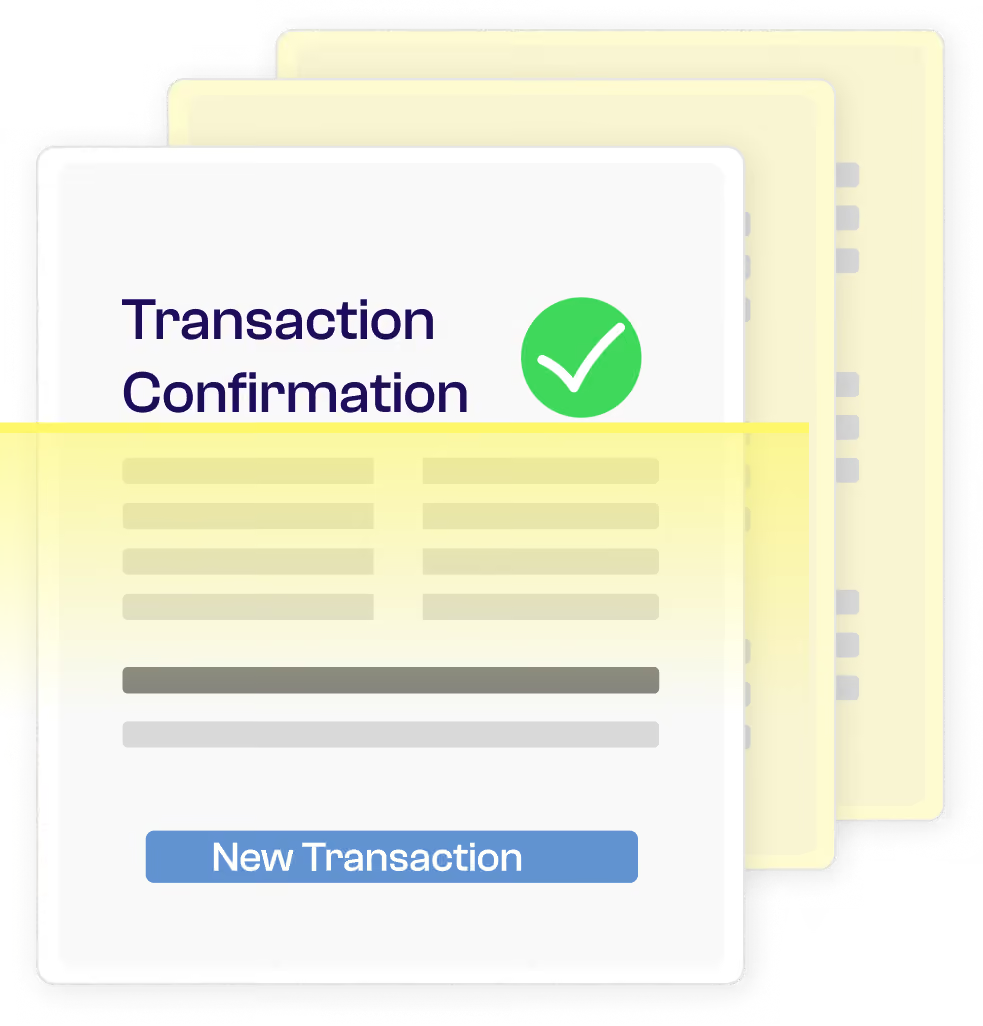
Precise extraction of operator notification fields
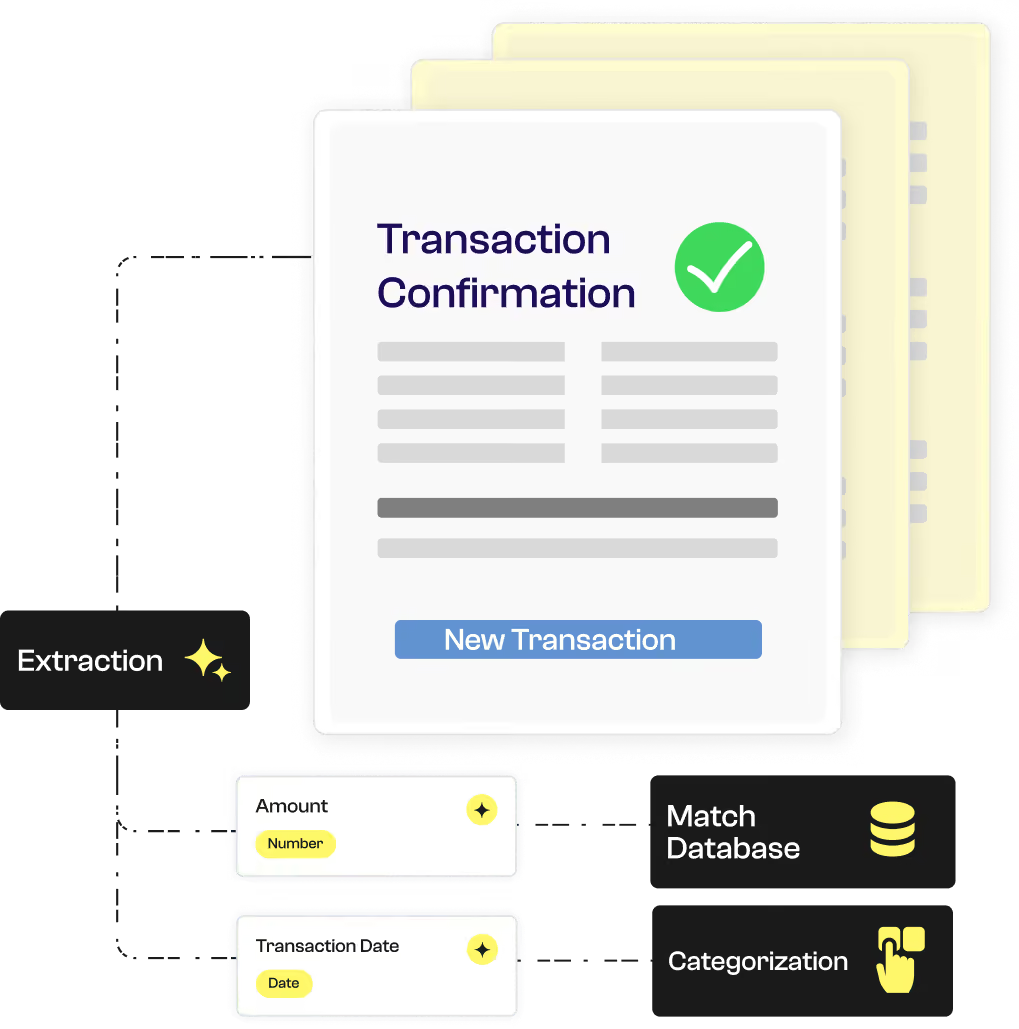
Koncile’s AI-powered OCR extracts and structures trade confirmation data to automate transaction tracking, improve analysis reliability, and feed your management tools in real time.


Koncile automates the intelligent extraction of contractual data. Despite the complexity of our clients’ contracts, the tool ensures quality and speed, saving us valuable time.
Information captured automatically
Designed for asset managers, advisors, and analysts, Koncile’s OCR generates a structured table of trade confirmations: transaction type, ISIN, quantity, price, amount, fees, and date.
A valuable time saver for monitoring, consolidation, or report generation thanks to OCR accounting.
Nom | Type | Exemple | Instruction | |
|---|---|---|---|---|
Validité | Text | Oui | Vérifie que le RIB est bien constitué des éléments suivants : | |




Why choose Koncile OCR for your financial documents ?
Try new generation data extraction
Start with a ready-to-use model, test on a document and scale
A unique extraction solution for your financial documents

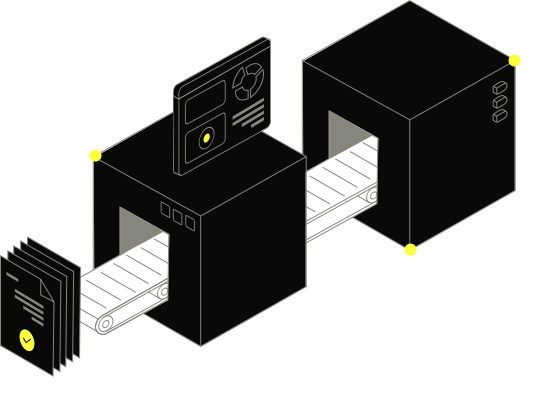
Automatic collection by OCR and AI
Combinaison de deux technologies pour reconnaitre les informations clés, malgré la variabilité des documents

Document flow management
Accelerate your document flow management thanks to automatic field detection.

Optimized document workflow
Koncile's OCR API uses AI algorithms and LLMs to ensure the best reliability in extraction.

Mass documentary check
Build a database based on the information extracted. Perform checks on large volumes.
Control and basis for the analysis of transaction notices
Does the operator's report contain all the information necessary for good traceability? Is the type of operation clearly identified? Are the ISIN code, quantities, and amounts accurate? Are the fees and currency well specified? Does the execution date correspond to the movements recorded? Automate the reading, verification and structuring of transaction reviews thanks to Koncile's AI OCR.
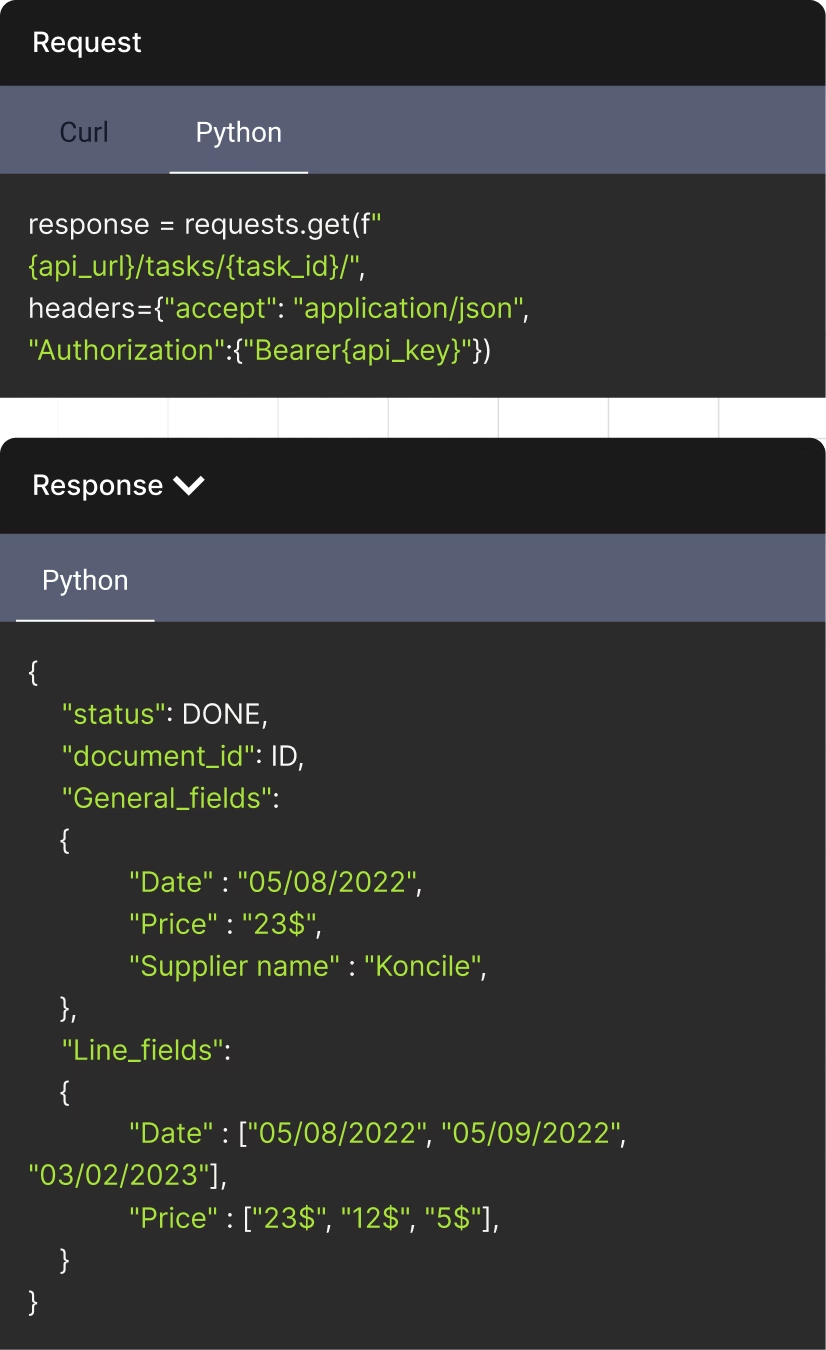
The API to streamline your document management
Document status can be DONE, DUPLICATE, or IN PROGRESS
Unique identifier assigned to each document
Fields that appear once per document. Returns in the format: {field_name: extracted_value}
An AI OCR tool built for regulated environments
Founded by a former lawyer, Koncile was designed with compliance and data protection at its core. We are independently audited under SOC 2 and compliant with GDPR and HIPAA requirements.






Talk to an expert who knows your industry.
- Get an external expert opinion on your specific use case
- Benchmarks and results from hundreds of clients in your industry
- Help activating the right Koncile features for your workflow
Real life insights on document automation

All your questions on Koncile
Yes, OCR can analyze printed or handwritten transaction notices. For handwritten documents, it uses advanced algorithms to ensure accurate extraction of key information.
Koncile OCR identifies the essential data in a transaction notice, such as the date of the transaction, the amount of the transfer, and bank or transaction references.
Yes! You can retrieve only specific fields such as the type of transaction, the validation code or the issuing bank, according to your needs.
You can upload your transaction notice in the format PDF, PNG, or JPEG. These formats are supported by our OCR and allow reliable extraction of the financial information contained in the document.
The software is accessible via a powerful OCR API, with comprehensive documentation available. Plus, you can upload documents directly into the app and export the extracted data to XLSX, XLS, CSV, or JSON for seamless integration into your workflows.
Check our API documentation, contact us at contact@koncile.ai. You can also create a demo account or book a demonstration with our team.
Koncile offers 3 plans, including enterprise options for handling large volumes of data. You can check our pricing on our pricing page.
In each extraction template, you will find:
- General fields: These are pieces of information that appear only once in each document (e.g., the invoice number or the invoice date).
- Repeated fields: These are pieces of information that appear multiple times in a document, such as item descriptions or prices in each line of a quote. Use repeated fields for extracting tables and charts from your documents.