AI OCR for merchant statement reports
Koncile extracts and structures key data from your merchant statement reports: indicators, figures, comments, goals.

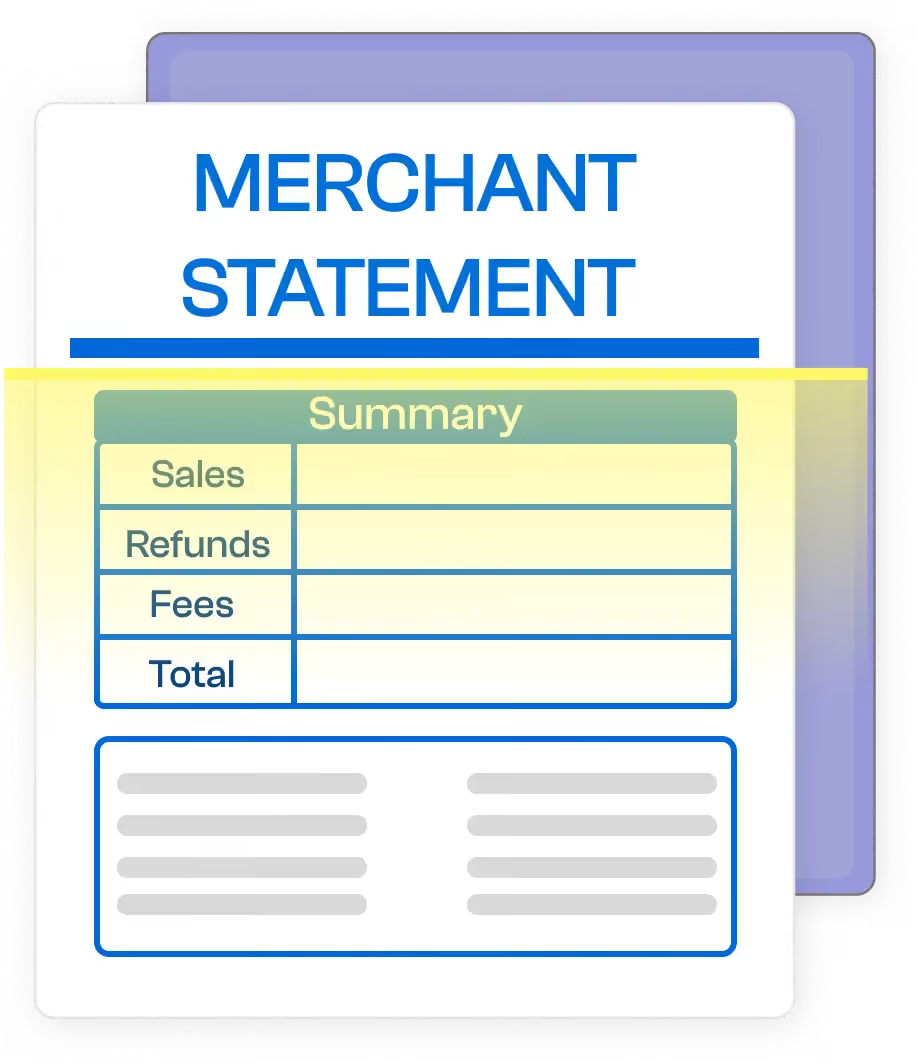
From your PDF reports to your dashboards
Koncile OCR extracts performance indicators from your merchant statement to facilitate their integration into your analysis or reporting tools.

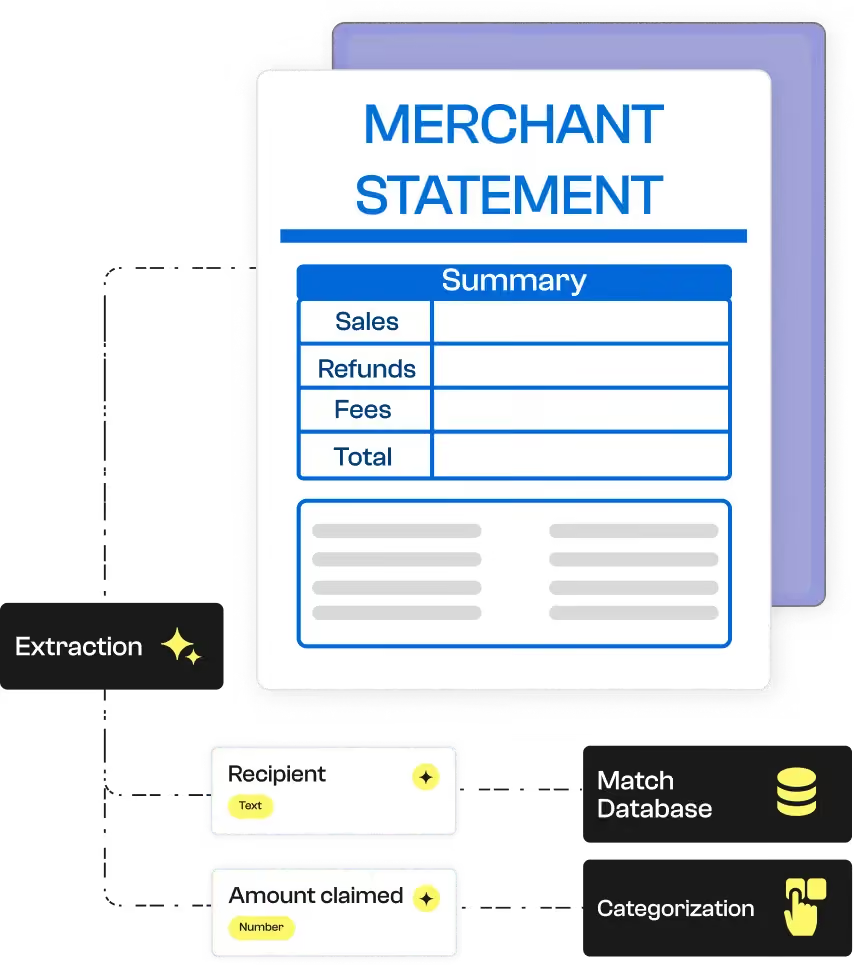


Koncile automates the intelligent extraction of contractual data. Despite the complexity of our clients’ contracts, the tool ensures quality and speed, saving us valuable time.
Fields extracted from a merchant statement
Examples of fields automatically extracted by Koncile from a merchant statement.
Nom | Type | Exemple | Instruction | |
|---|---|---|---|---|
Validité | Text | Oui | Vérifie que le RIB est bien constitué des éléments suivants : | |




Why choose Koncile for your monthly activity reports ?
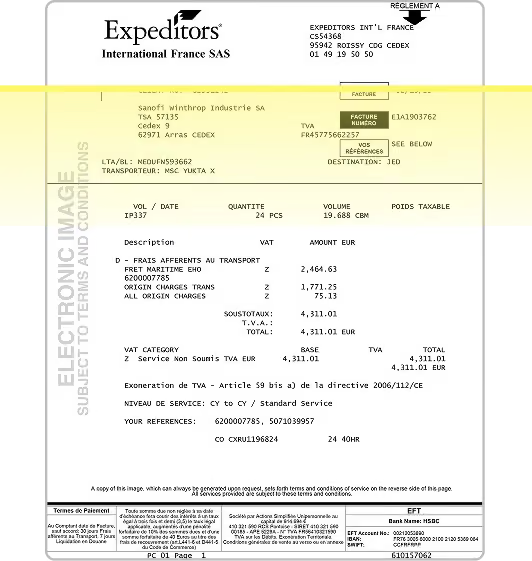
Scanned or photographed accounting documents
Whether your documents are scanned, photographed, or photocopied, our OCR technology converts them into usable data with remarkable reliability.
Even old, blurry, or poorly cropped documents can be analyzed thanks to our automatic correction engine.
Unrecognized fields are isolated and sent to our alert center for manual review or validation, ensuring a high level of completeness and reliability.
Test Koncile on a merchant statement
Upload a typical monthly report and see what data is automatically extracted.
Why automate your relationships with Koncile?

Fast structuring of your KPIs
Use the key figures in your merchant statement more quickly, without manual reprocessing.

Multi-formats accepted
Scans, images, PDFs, typed or free documents: OCR adapts to the format of your reports.

Connect to your tools
Export to Excel, BI dashboards or integration via API for automated reporting.

Automated comparative analysis
Koncile extracts data month by month to facilitate your comparisons and consolidated reports.
Semantic reading of comments
Our AI identifies managerial remarks and textual objectives to enrich your qualitative reporting.
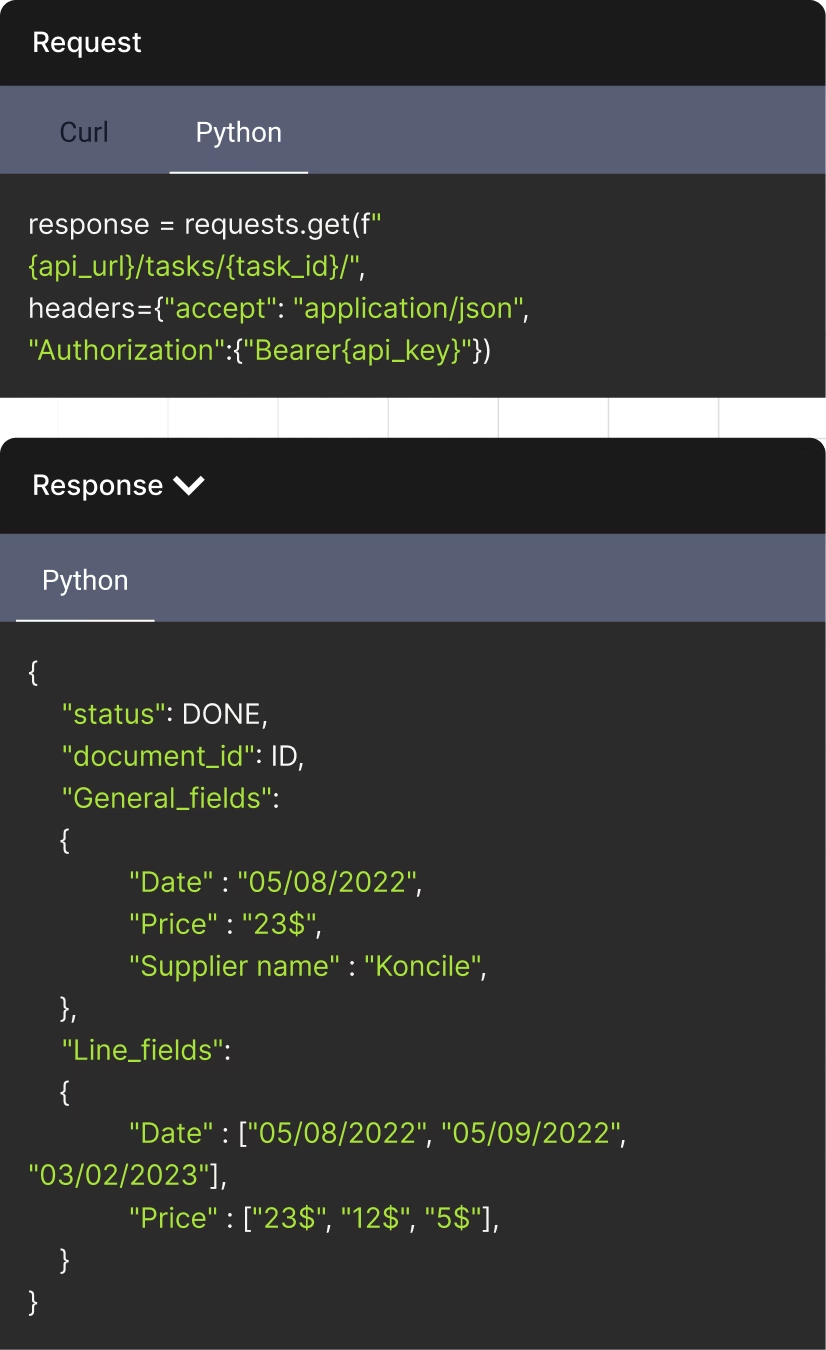
The API to streamline your document management
Document status can be DONE, DUPLICATE, or IN PROGRESS
Unique identifier assigned to each document
Fields that appear once per document. Returns in the format: {field_name: extracted_value}
An AI OCR tool built for regulated environments
Founded by a former lawyer, Koncile was designed with compliance and data protection at its core. We are independently audited under SOC 2 and compliant with GDPR and HIPAA requirements.





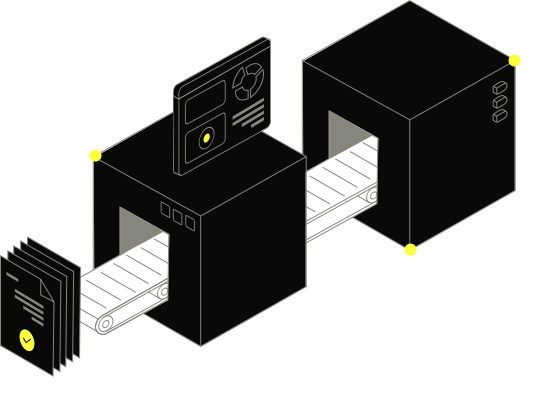

Talk to an expert who knows your industry.
- Get an external expert opinion on your specific use case
- Benchmarks and results from hundreds of clients in your industry
- Help activating the right Koncile features for your workflow
Real life insights on document automation

All your questions on Koncile
OCR analyzes the monthly activity report using computer vision algorithms to identify characters and tables. NLP then makes it possible to interpret content, whether structured or not. This combination ensures accurate extraction of key information.
Yes, OCR is able to process monthly printed or handwritten activity reports. For handwritten documents, it uses advanced handwriting recognition technologies in order to extract structured and usable digital content.
Yes, you can extract accurate data such as sales, team performance, business volumes, or monthly comparisons. OCR can be configured according to the structure of your reports.
You can import a monthly activity report in PDF or image format (PNG, JPEG, etc.). These formats are compatible with OCR for automated extraction of key data. Consult The documentation for more details on accepted formats and the upload process.