
Best 2026 Tools for Email Parsing & Automated Data Extraction
Discover the top 5 software for parsing email attachments in 2026. Automate extraction of PDFs, images, CSVs and improve workflow efficiency.
.avif)
Parsing email attachments is essential to automate workflows and improve productivity. Learn how to extract data from emails, PDFs, spreadsheets, and images efficiently with the best tools of 2026.
Parse Email Attachments
What is Parsing?
Parsing, or automated content analysis, consists of extracting specific data from a file or an email and converting it into actionable information. It is widely used in document workflow automation and in integrations with systems such as CRMs, ERPs or spreadsheets.
What is Email Attachment Parsing?
Email attachment parsing is specifically designed to handle the files attached to your emails. It enables automatic processing of PDFs, CSVs, Excel sheets, Word documents, and images. By extracting critical data automatically, companies can maintain accurate records and reduce manual intervention.
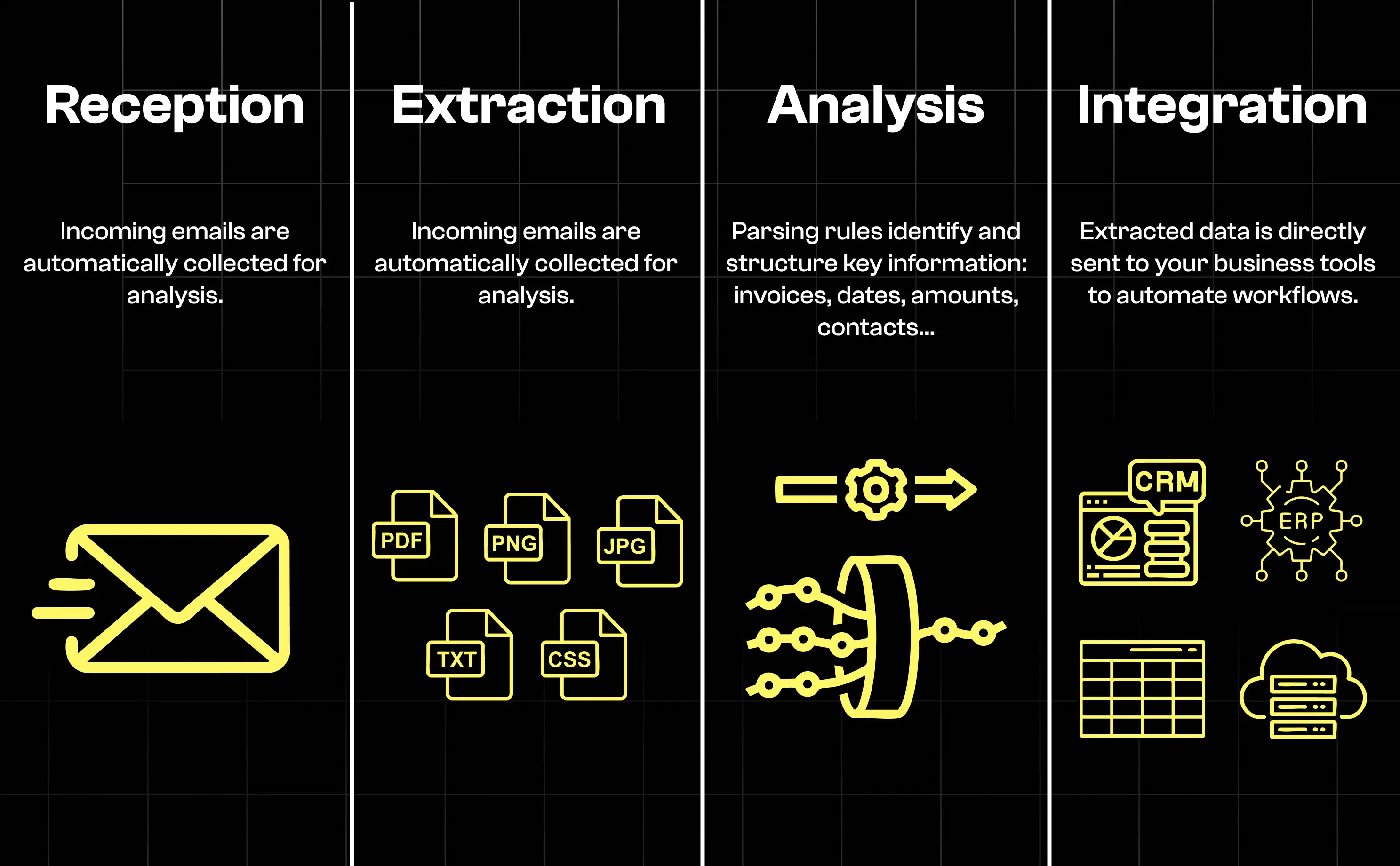
How to Use It Step by Step
Step 1: Choose and Connect Your Email Source
Select the email account you want to parse. Most tools support Gmail, Outlook, and IMAP-compatible accounts. Once connected, the parser can access incoming emails securely to automatically pull data from email to Excel or other destinations.
Step 2: Define Document Types to Parse
Identify the types of documents relevant to your workflow. Finance teams may focus on invoices in PDF or CSV format, while HR departments may prioritize resumes in DOCX or PDF. Clear document definitions help ensure accurate extraction.
Step 3: Create Parsing Rules
Parsing rules determine which data fields are extracted from attachments. For example, you can define rules to capture invoice numbers, dates, amounts, or client names. Some advanced parsers even allow testing rules on sample emails before deployment.
Step 4: Define Data Destination
After extraction, decide where the data should go. Many companies extract data from Gmail to Google Sheets, Excel, or cloud storage. Automating this step ensures data is immediately usable for reporting, accounting, or workflow automation.
Step 5: Test and Automate
Always test your parsing rules on a sample batch of emails. Verify that the extracted data is accurate, then activate automation to free your team from repetitive manual tasks.
Supported Formats for Email Attachment Parsing
Parsing software supports a wide range of file types to accommodate various business needs.
1. Text and Office Documents
- PDF: Common for invoices, reports, and scanned documents; often includes OCR for scanned content.
- DOC / DOCX: Word documents for contracts, HR forms, and reports.
- TXT: Simple text files for logs or automated reports.
- RTF: Less common but still supported in some workflows.
2. Spreadsheets and Structured Data
- XLS / XLSX: Microsoft Excel spreadsheets for financial and operational data.
- CSV: Easy-to-import tabular data.
- ODS: OpenDocument Spreadsheet for LibreOffice users.
3. Images and Multimedia
- JPG / JPEG, PNG, BMP, TIFF: Scanned receipts, forms, or photos.
4. Archives and Compressed Files
- ZIP / RAR / 7z: Can contain multiple documents; parsing tools often extract files automatically.
5. Other Specific Formats
- EML / MSG: Emails attached to emails.
- JSON / XML: Structured data files for automated integration.
- HTML: Sometimes used for exported reports.
Practical Use Cases for Email Attachment Parsing
Accounting
Automatically extract invoices and receipts, extract data from email to spreadsheet, and post information directly into accounting software.
Human Resources
Extract resumes, contracts, or HR forms for faster review and onboarding.
Order Management
Parse order confirmations, shipping notices, and automatically update systems.
Invoice Tracking
Track supplier invoices in real-time and maintain accurate financial records.
Why Use Email Attachment Parsing?
Automating the extraction of attachments provides multiple benefits:
- Time savings and productivity: Automate repetitive tasks like extracting email attachments from Outlook.
- Error reduction: Minimize manual mistakes in data entry.
- Centralized data: Store extracted data in CRM, ERP, or spreadsheets.
- Workflow integration: Automatically feed data into apps like Excel or Google Sheets.
- Adaptability: Supports multiple file types and scales with business needs.
- Security and compliance: Maintain control over sensitive attachments.
Key Advantages
Best Tools for Email Attachment Parsing
Several tools automate email parsing, but the quality of the results often depends on a prior step: correctly retrieving every attachment, even when an email includes multiple files. Solutions like Koncile, equipped with email attachment extraction, secure this initial collection and prevent retrieval errors or missing documents.
Top 5 Email Attachment Parsing Solutions
1. Koncile
Koncile stands out for its automated email attachment extraction. It allows you to seamlessly retrieve PDFs, images, and other file types directly from your inbox without manual intervention. Its intuitive interface makes setup easy, and it integrates smoothly with workflows like CRM, ERP, or cloud storage systems. Ideal for handling invoices, reports, and scanned documents, Koncile is particularly suited for organizations that process a high volume of emails daily.
2. Parseur
Parseur provides a no-code solution to extract data not only from attachments but also directly from email content. With AI-powered parsing capabilities, it supports formats such as PDF, CSV, Excel, Word, and images. Typical use cases include sending parsed data to Google Sheets or CRM platforms automatically. Parseur is particularly valuable for teams that need a flexible yet simple interface for data automation.
3. Parsio
Parsio excels in handling diverse document types and offers robust OCR support. Its library of pre-built templates and API/webhook integrations make it highly adaptable for complex workflows. Parsio supports PDF, HTML, XLSX, CSV, DOCX, XML, TXT, and more. Common applications include invoice processing, receipts, CV extraction, and bulk document handling.
4. Parserr
Focused on business workflow automation, Parserr simplifies the extraction of attachments such as invoices, purchase orders, and resumes. It supports TXT, RTF, HTML, PDF, DOC/DOCX, XLS/XLSX, and CSV formats. Parserr is ideal for small to medium-sized businesses seeking to automate repetitive email data tasks with minimal setup.
5. Airparser
Airparser leverages advanced AI/LLM parsing capabilities to process unstructured or semi-structured attachments. It can handle emails, PDFs, Word documents, Excel files, and any type of email attachment. Its flexibility makes it suitable for organizations dealing with varying document structures, providing accurate extraction and seamless workflow integration.
Feature Comparison
Pricing and Free Plans
Alternatives to Email Attachment Parsing
- Manual extraction of attachments.
- Automation platforms like Zapier or Power Automate for simple workflows.
- Export attachments in bulk from email clients.
Conclusion
Email attachment parsing is a must-have for businesses seeking efficiency and accuracy. With the ability to extract data from email to Excel or Google Sheets, automate workflow processes, for document faud detection, and reduce manual effort, selecting the right software is key to maximizing productivity in 2026.

Real life insights on document automation
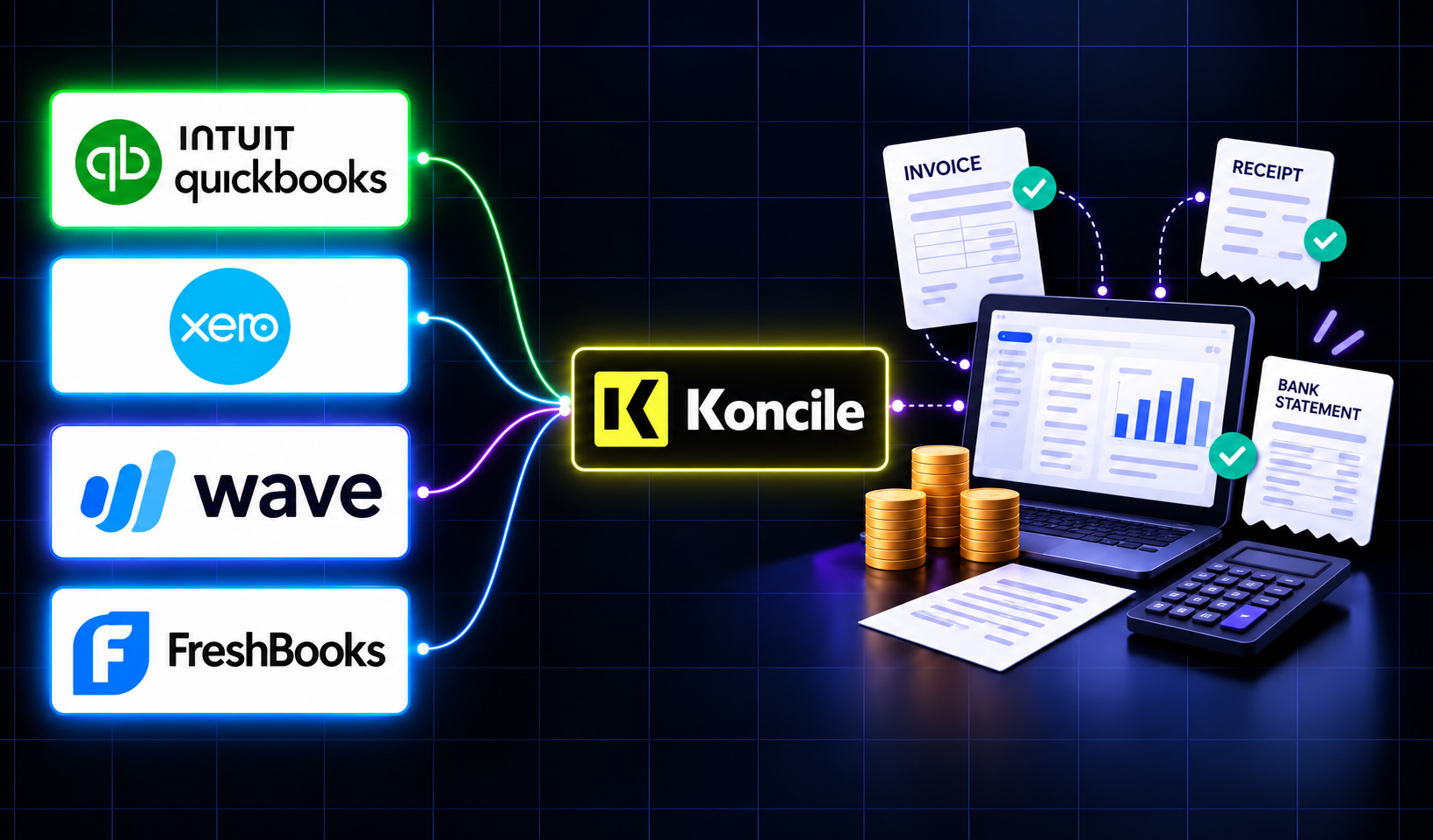
Best Accounting Software for Sole Proprietors and Freelancers in 2026
A freelancer sending a dozen invoices a month can blow through Xero's cheapest plan by week three, and a $19-a-month FreshBooks account caps out at five clients. The number on a pricing page is rarely the number you actually pay. Here is a real comparison of QuickBooks, Xero, Wave, and FreshBooks built for a business of one, not a growing team.
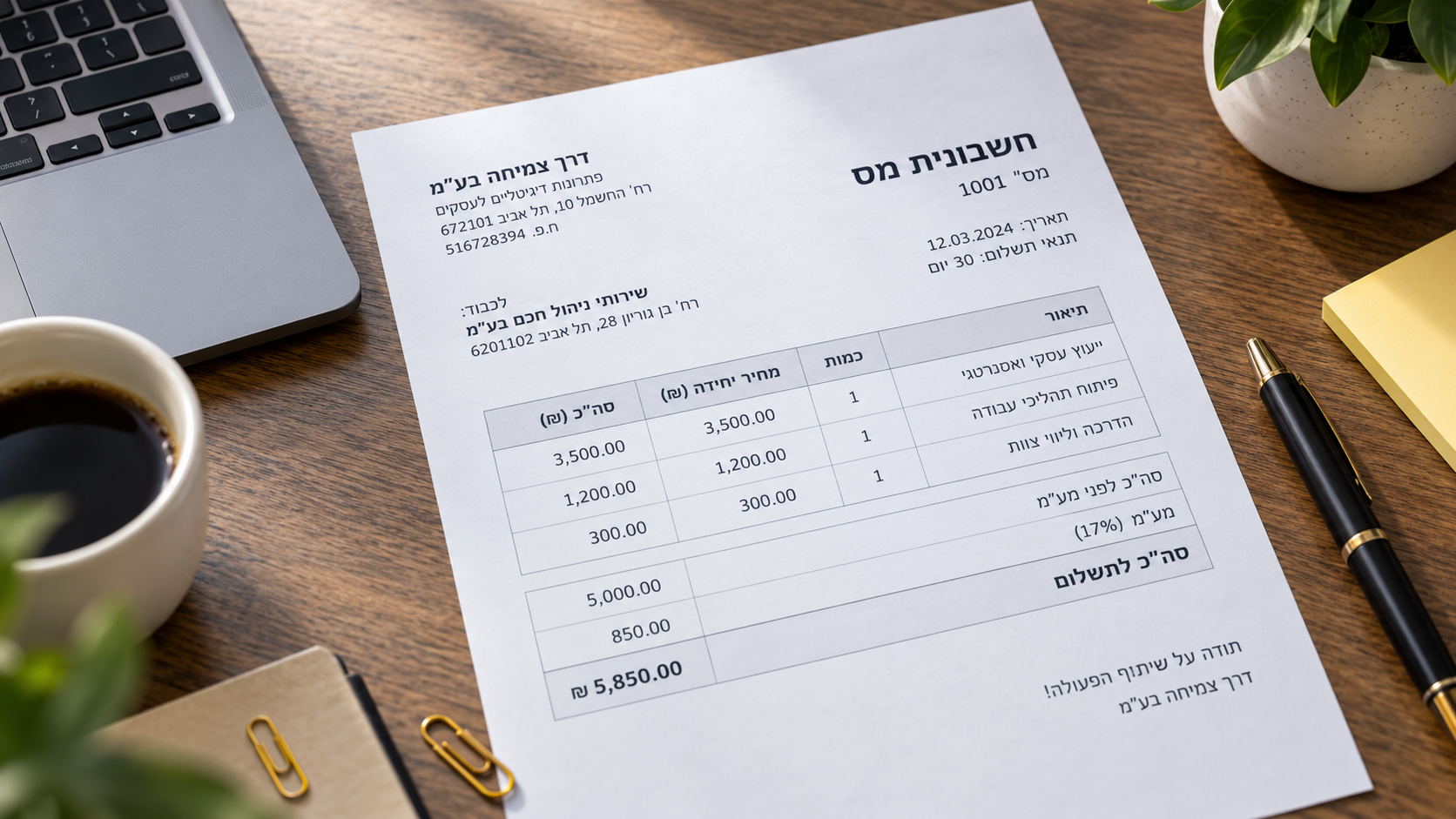
Why Do OCR & Machine Translation Fail Without AI?
Japanese combines three writing systems on one page and should be a hard case for OCR. Benchmark research found the opposite: Japanese accuracy exceeds Latin script. Arabic and Hebrew are where things genuinely go wrong, for specific, documented reasons. Here is what real research shows about why scripts fail differently, and what actually stops the errors before translation compounds them.
How to Detect a Fake Bank Statement: Our 9 Methods
Bank statements are one of the documents most exposed to fraud. At Koncile, we detect up to 1.4% of edited or tampered statements in a set of 150,000 statements. AI generated deepfakes get a lot of attention, but focusing only on them today would be a mistake.
10 Best Open Source OCR Tools in 2026
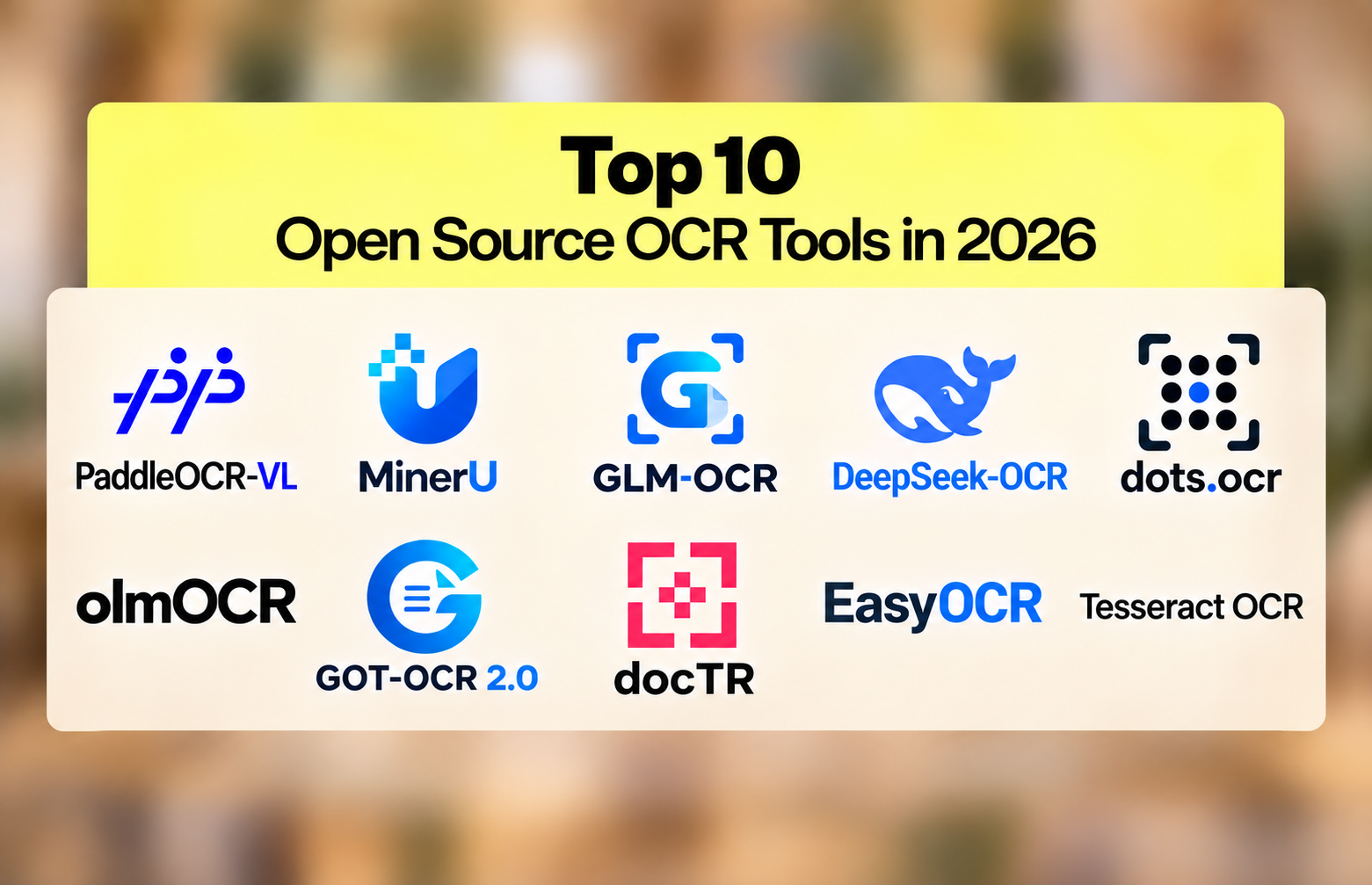
The open source OCR ranking inverted in the past eighteen months. A 0.9-billion-parameter model now reads documents more accurately than a 235-billion-parameter one. PaddleOCR-VL scores 96.34% on OmniDocBench v1.6; Qwen3-VL-235B scores 89.78%. Here are the 10 best open source OCR engines in 2026 and how to pick between them.