
Top 10 AI Agents You Can Deploy in Under a Week in 2026
Discover the 10 best ready-to-use AI agents in 2026. Deploy them in less than a week, boost workflows, and automate processes without coding.

How can companies quickly deploy autonomous agent systems? Here, we focus on ready-to-use solutions (not raw frameworks). Yes, they often cost more, but they can be configured by non-technical teams, which is a real advantage for moving fast.
At Koncile, we remain skeptical about the recurring claims that AI will simply replace employees — a topic often raised by The Wall Street Journal. That said, every department can now adopt AI agents to accelerate repetitive or time-consuming workflows.
These tools can be deployed relatively quickly — often in just a few weeks. Unlike traditional automation systems based on rigid rules, AI agents can make autonomous decisions and adapt their behavior to context.
So here’s our take on the 10 best agent-building platforms.
What do they let you do? Create agents that interact with your data, your customers, your suppliers, and more — all in no-code, without being a developer.
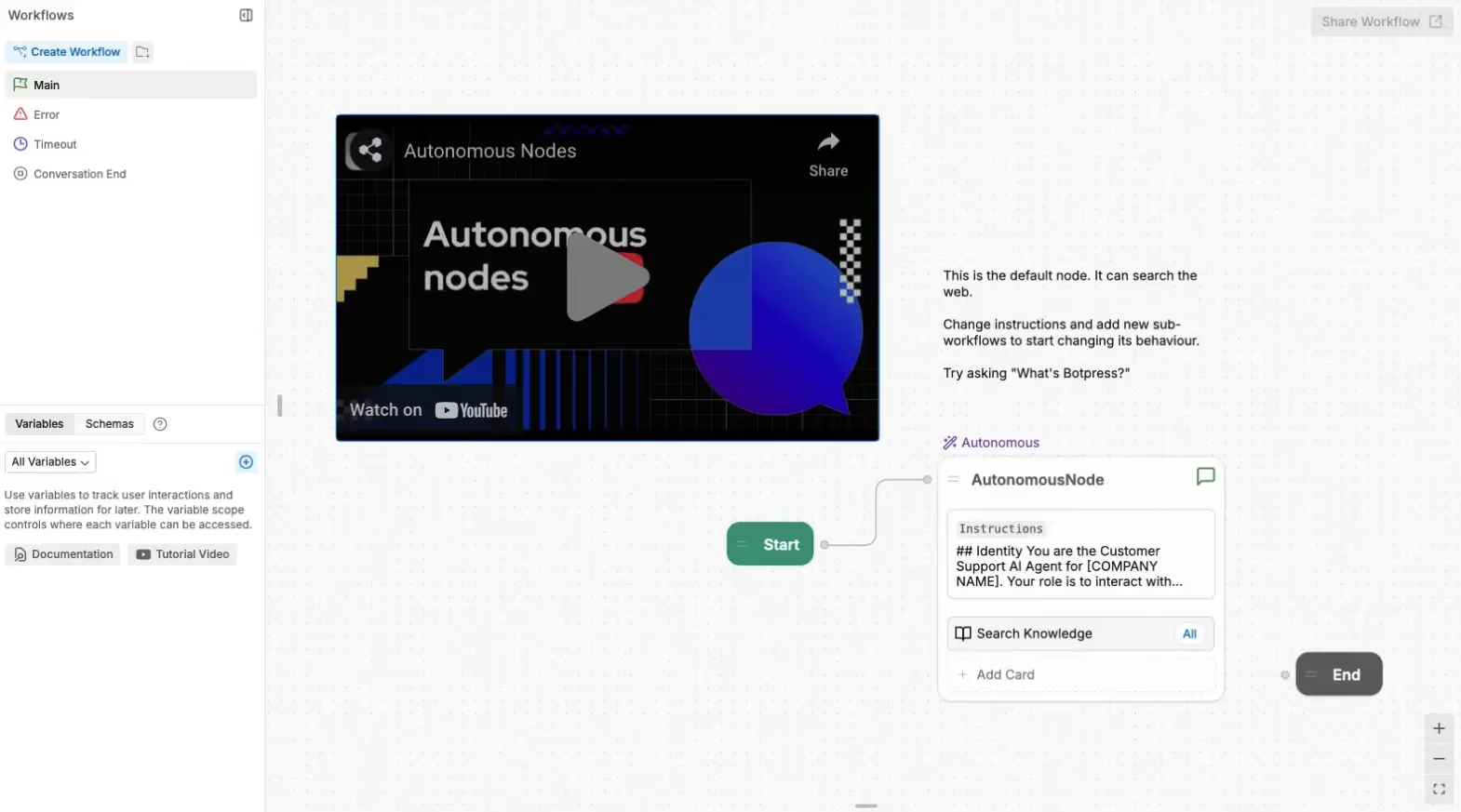
1. Botpress

Botpress is one of the longstanding platforms for building conversational agents. The platform is robust, feature-rich, and primarily designed for developers.
What’s great — and also a double-edged sword — is the sheer amount of customization it offers. One of their slogans, “by developers, for developers,” sums it up perfectly: the power is there, but you need to be comfortable with code to get the most out of it.
2. Dify

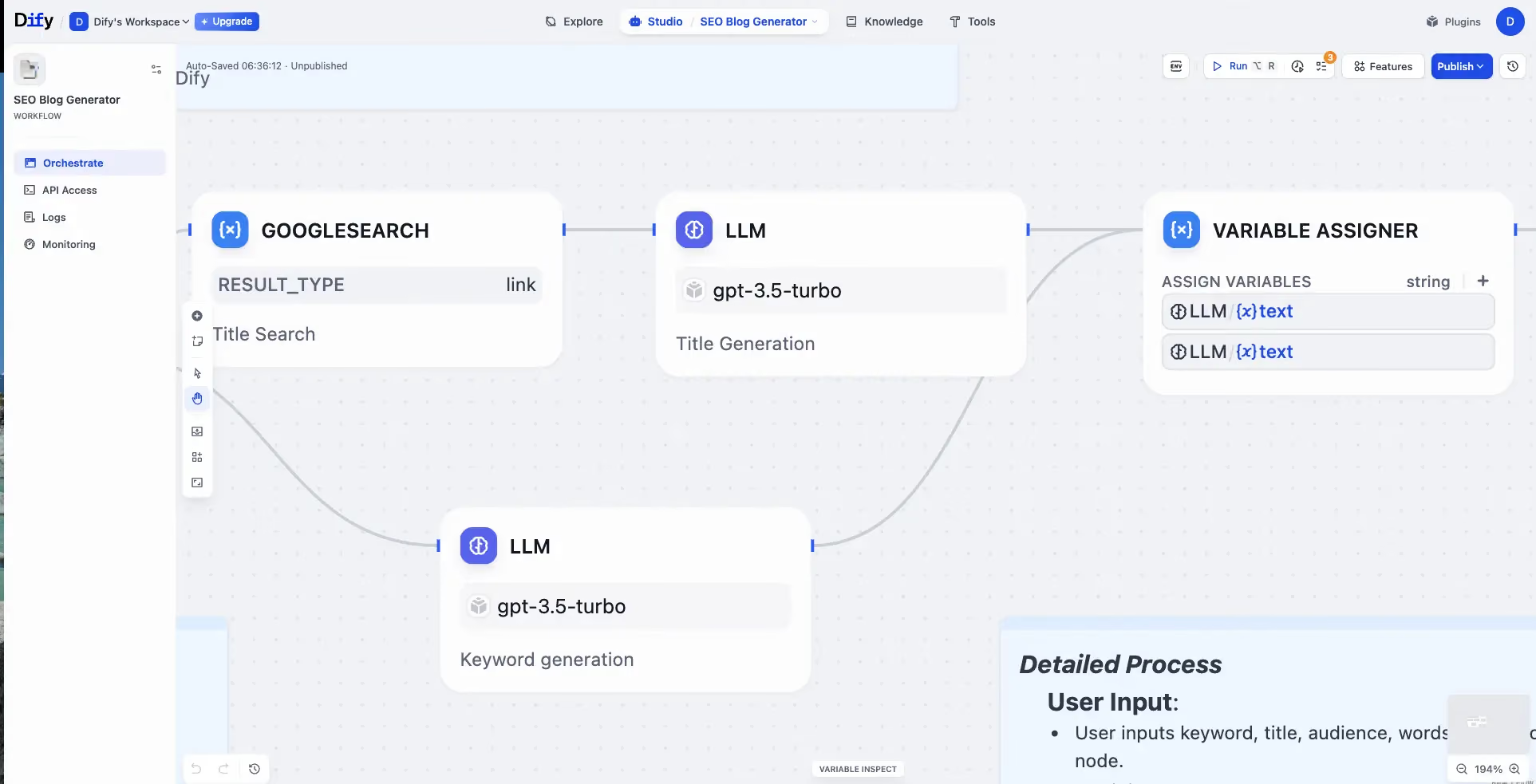
Dify focuses on orchestration and ease of use. It offers a marketplace of connected tools and ready-to-use templates, which makes onboarding smoother. It also integrates well with document workflows, including invoice OCR automation, allowing teams to extract and process data directly within their pipeline
A big advantage is the self-hosting option. For companies sensitive to privacy, that’s a real plus. But it’s still a more technical choice than pure SaaS.
3. StackAI
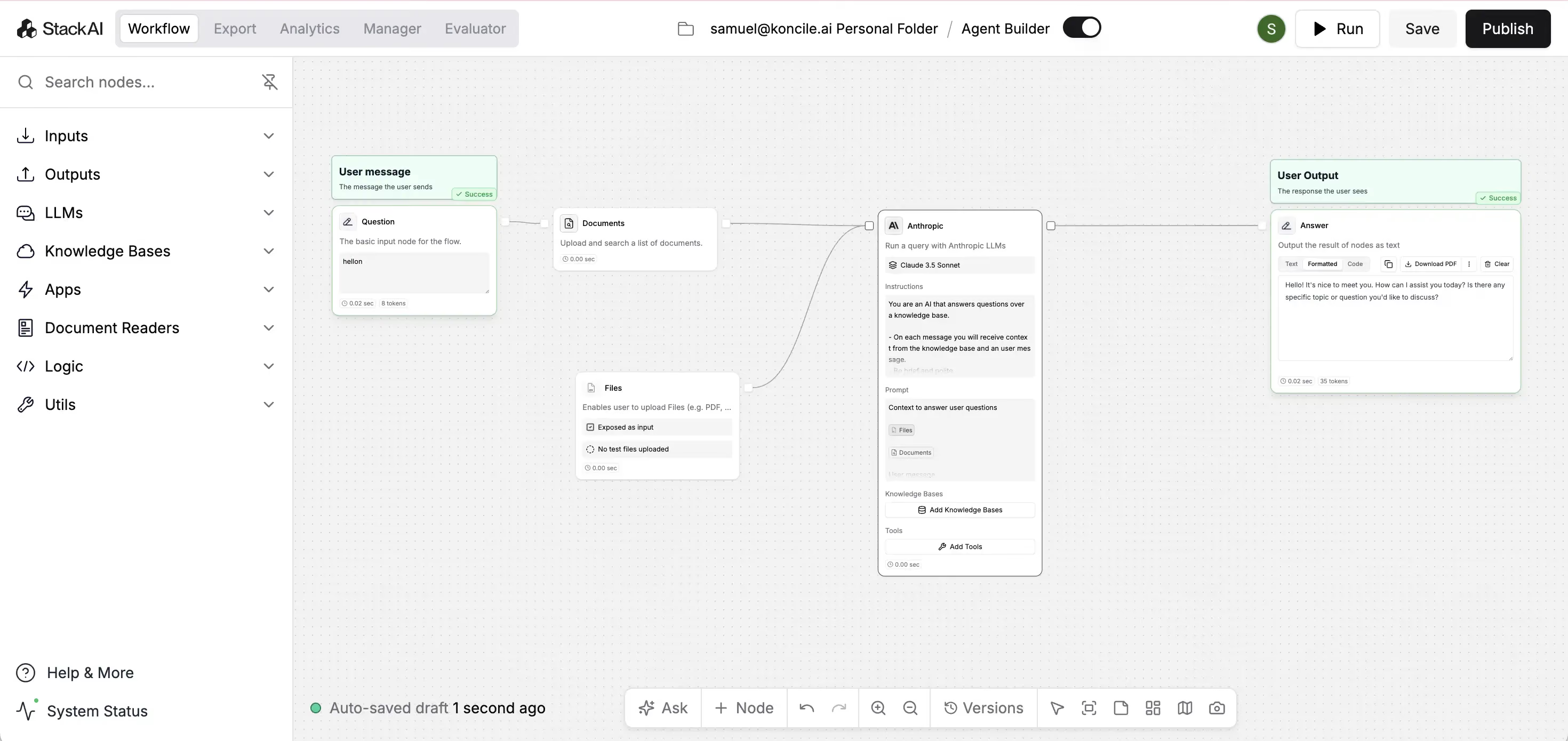
StackAI positions itself as a no-code/low-code tool to build internal agents and automate workflows. It strikes a good balance between quick prototyping and production.
It feels designed for businesses: role management, permissions, audit trails. But some advanced integrations are still missing, which can hold back more ambitious projects.
4. Relevance AI

Relevance AI is strongly data-centric: its agents are built to tap into vector databases and analyze complex knowledge. The interface is modern, even playful, thanks to its gamified design.
That said, workflows can quickly become complex to manage, and costs rise fast when scaling.
5. AgentFlow

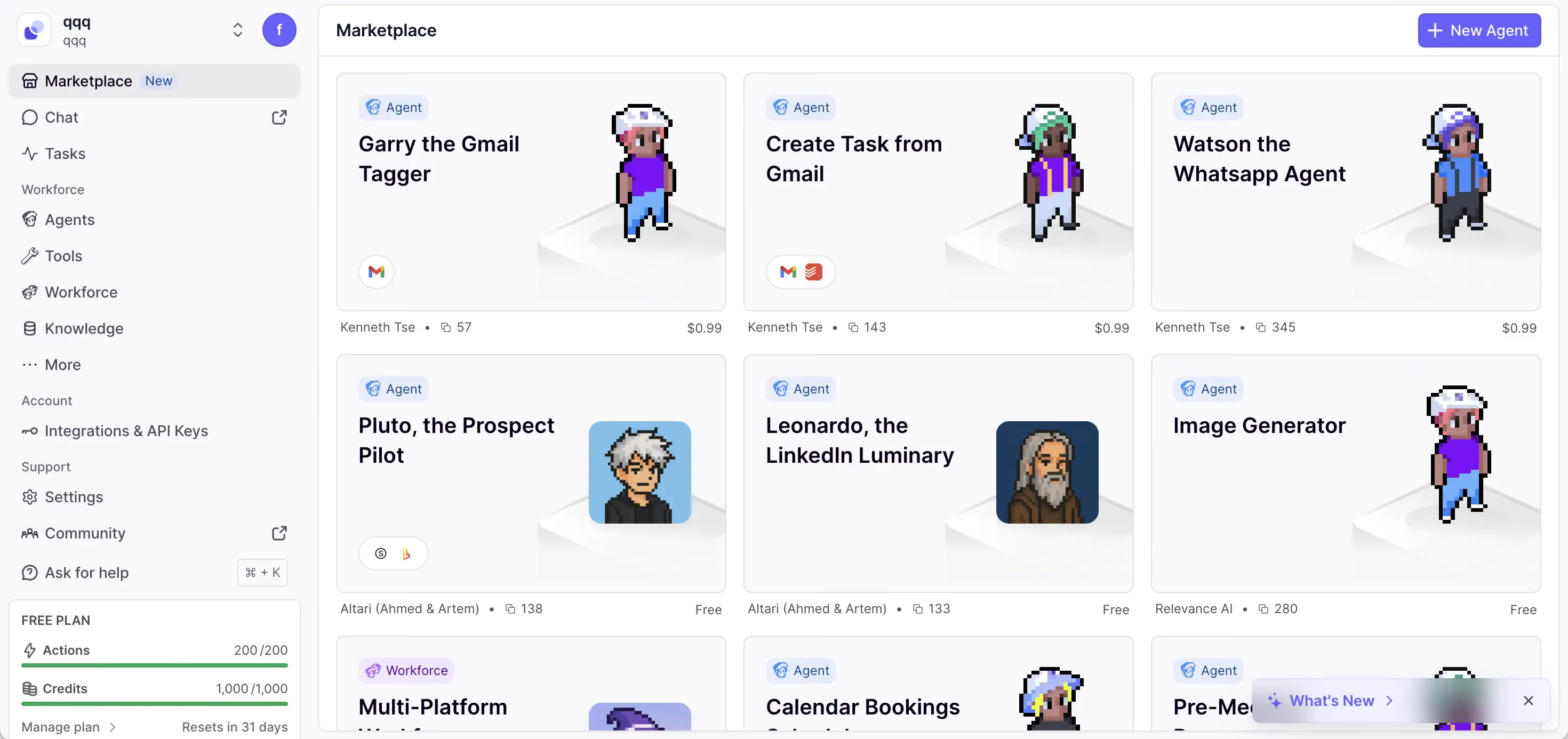
AgentFlow clearly targets industries like finance and insurance. It allows companies to create, orchestrate, and monitor AI agents specialized in automating complex business workflows.
It’s not the most attractive visually, but it stands out for its focus on governance, supervision, and compliance, which is often more important than aesthetics in these industries.
6. Adept/

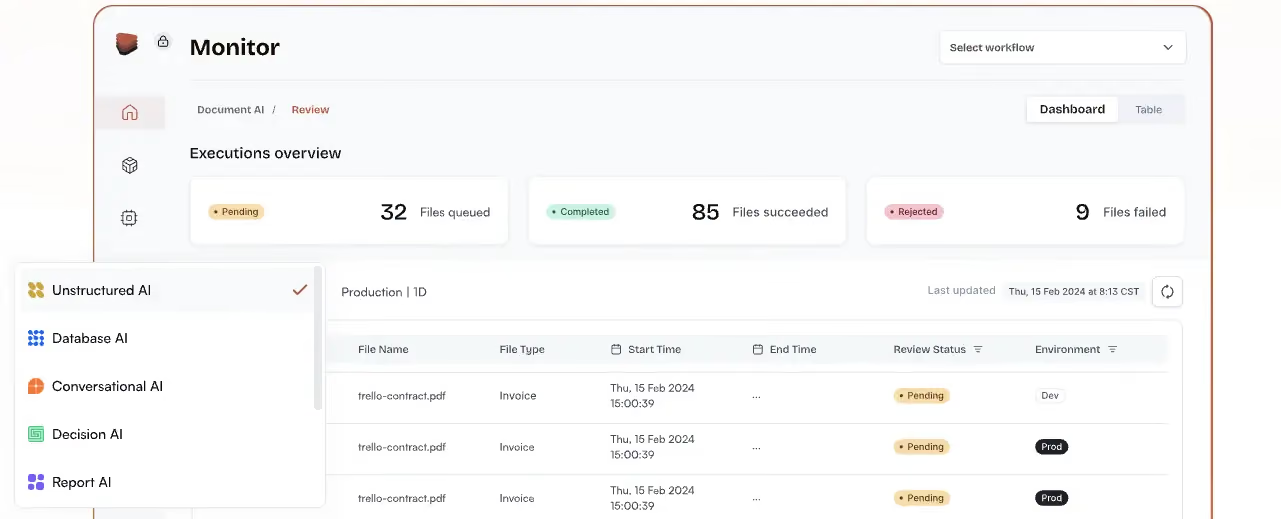
Adept specializes in automating interactions with SaaS applications. Its multimodal approach (text, images, actions) goes further than a simple chatbot.
The promise is ambitious: automate end-to-end processes inside SaaS tools. But in practice, the product is still maturing.

7. Beam AI

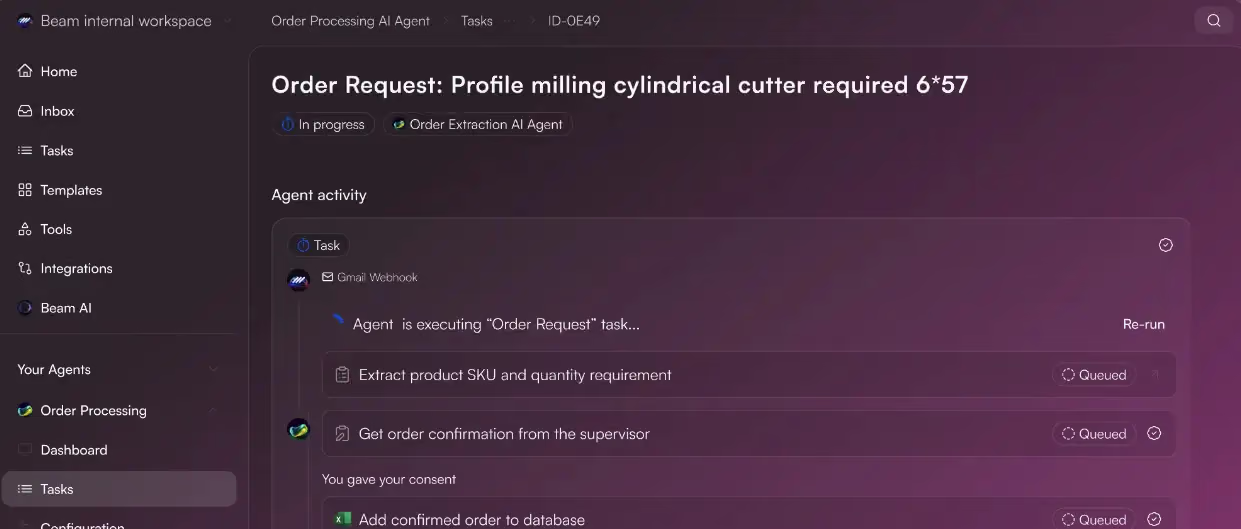
Beam AI presents itself as a rapid prototyping tool. The interface is simple, onboarding is fast—ideal for testing ideas or launching an MVP.
The downside: it quickly reaches its limits when you try to scale to enterprise-level deployments.
8. MindStudio

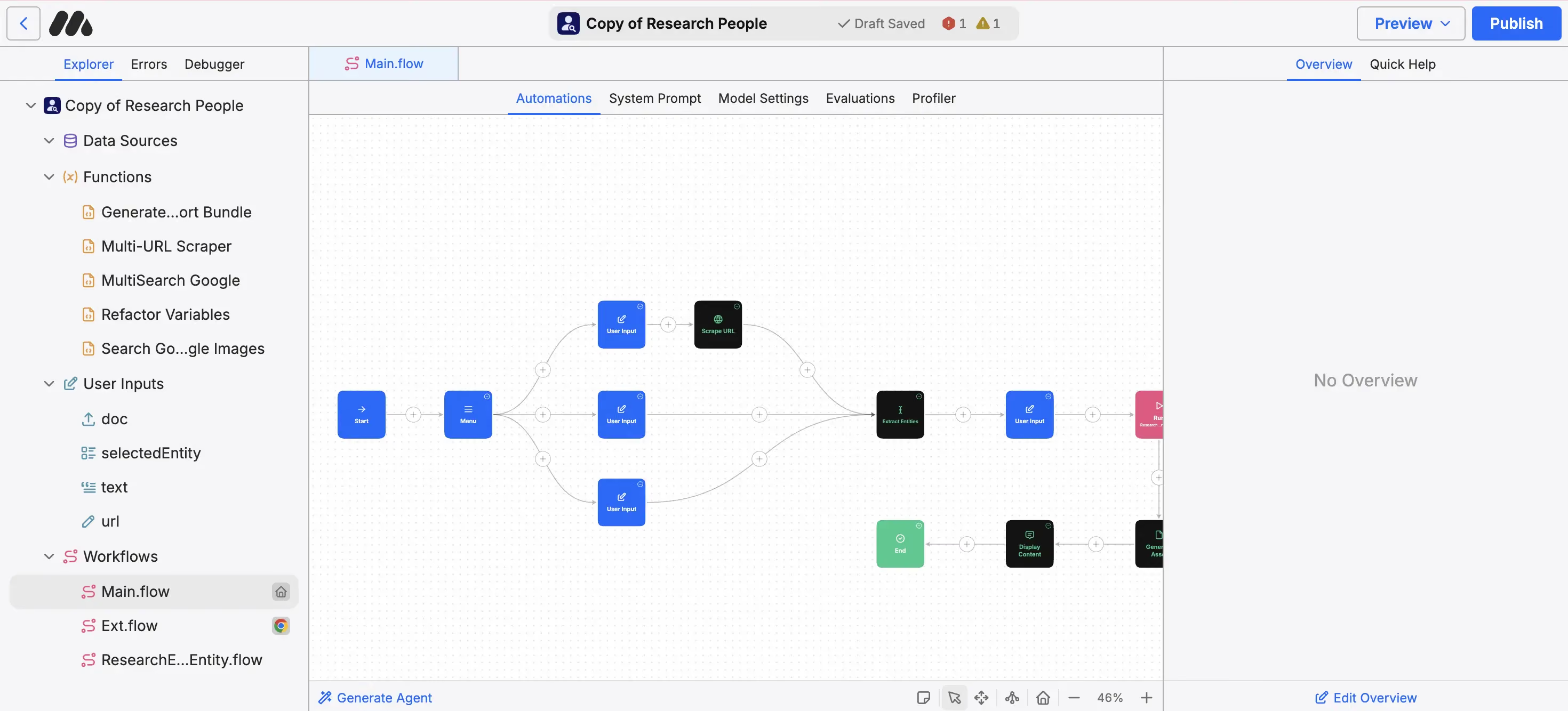
MindStudio bets on simplicity, especially with its Chrome extension. It’s a no-code tool that makes things practical, often compared to StackAI or Relevance AI.
A good choice for small projects, but it may lack depth for heavier use cases.
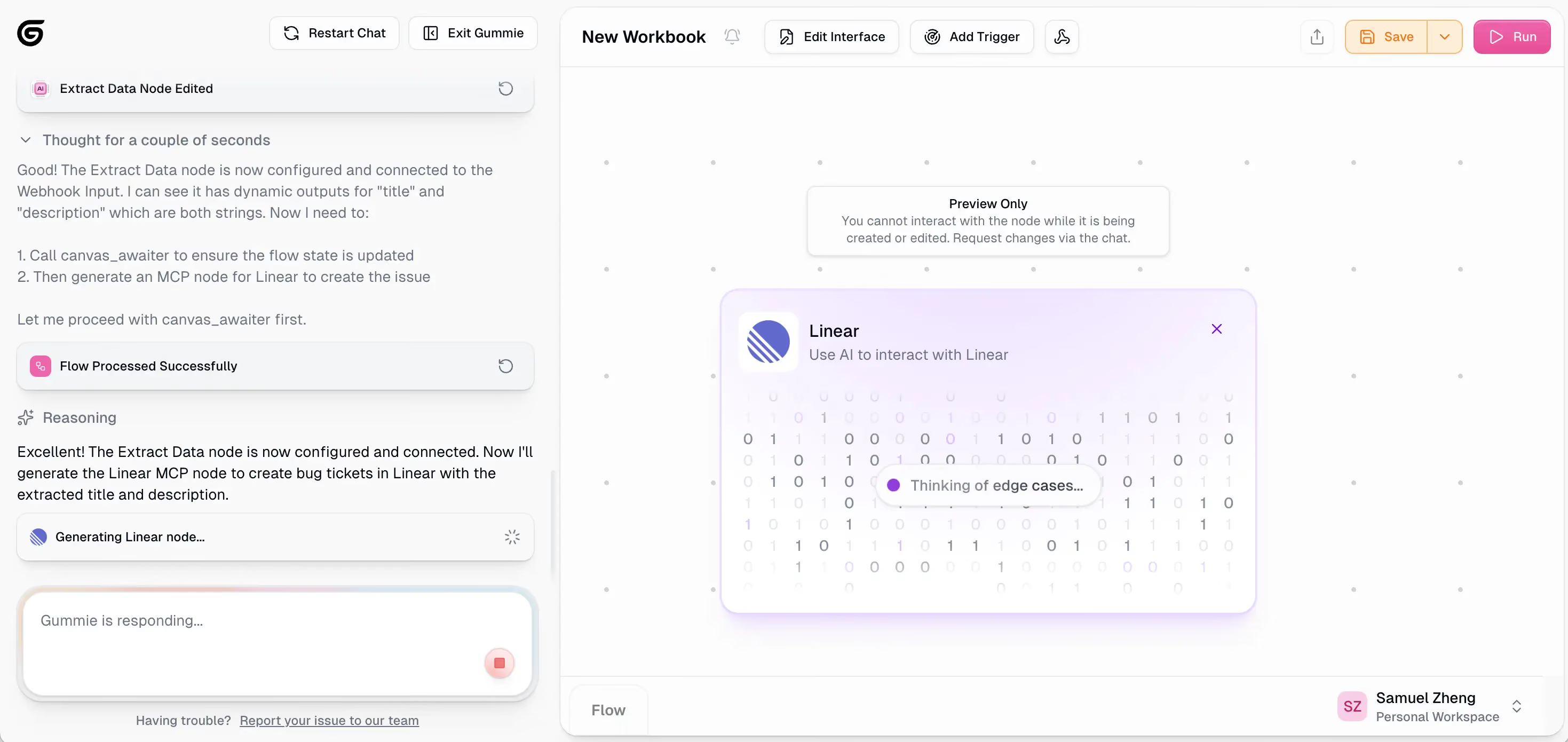
9. Gumloop

Gumloop innovates with a feature that lets you create an agent directly from a simple prompt. That makes the experience far more accessible, especially for non-technical profiles.
The positioning is still a bit blurry, but the concept appeals to teams who want to experiment quickly without technical barriers.
10. Relay App

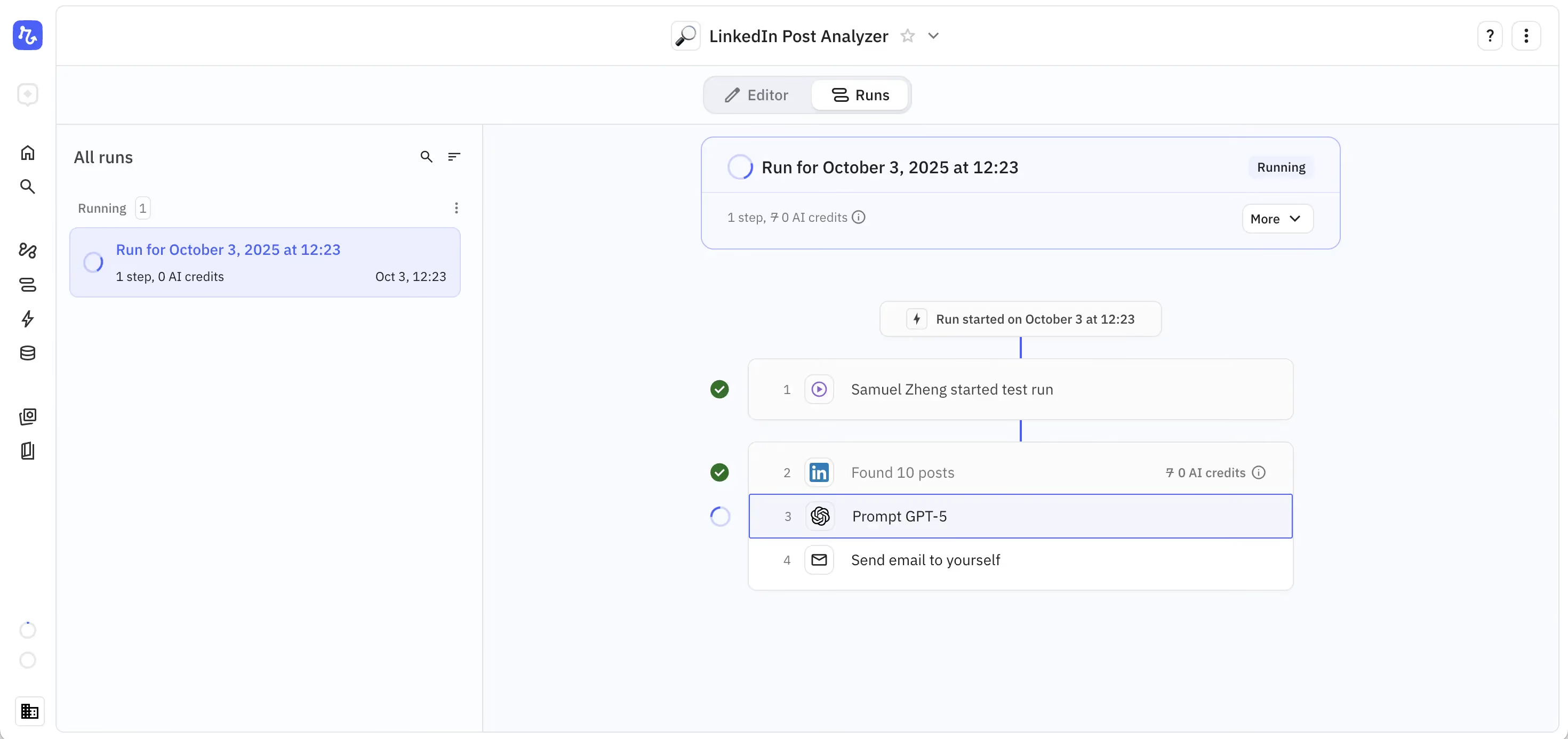
Relay is well known for its intuitive visual interface, based on a drag-and-drop canvas. It combines classic automation with AI intelligence, offering built-in models and lots of templates.
Probably the most accessible tool on this list for non-technical users—without giving up flexibility and customization.
Summary
Q&A

Real life insights on document automation

5 Best French OCR Solutions to Extract Data from Your Documents
French OCR solutions now make it possible to automatically extract data from your invoices, contracts, and accounting documents using optical character recognition, with hosting based in France. Here is a real comparison of all five OCR solutions, corrected against current 2026 figures where vendor claims had gone stale, covering what actually differentiates them beyond the fact that they are all hosted in France.
Document processing and fraud detection: build or buy?
Extracting and structuring document data, enriching it, detecting fraud: with AI, building your own end-to-end solution has never looked so simple. Buying off the shelf still often turns out to be the better option. Here are the thirty-nine difficulties to expect before you start.

In healthcare, an OCR is judged on what it flags, not on what it reads
Every OCR vendor advertises high accuracy rates, and most of them deliver. On a health document, that is not the right buying criterion. What counts is what the tool does when it is not sure, what it lets you verify, and what it guarantees about the data it handles.

Top Healthcare OCR Tools: HIPAA Compliance and What the Clinical Evidence Shows
Amazon Textract has been formally HIPAA-eligible since October 2019. Most healthcare OCR comparisons never mention that, or check which of the other four tools on their list actually offer a signed BAA. Here is a rebuild that checks compliance status directly, and looks at what the real clinical trials on ambient AI scribes actually found, not just what the marketing claims.
Best Accounting Software for Sole Proprietors and Freelancers in 2026
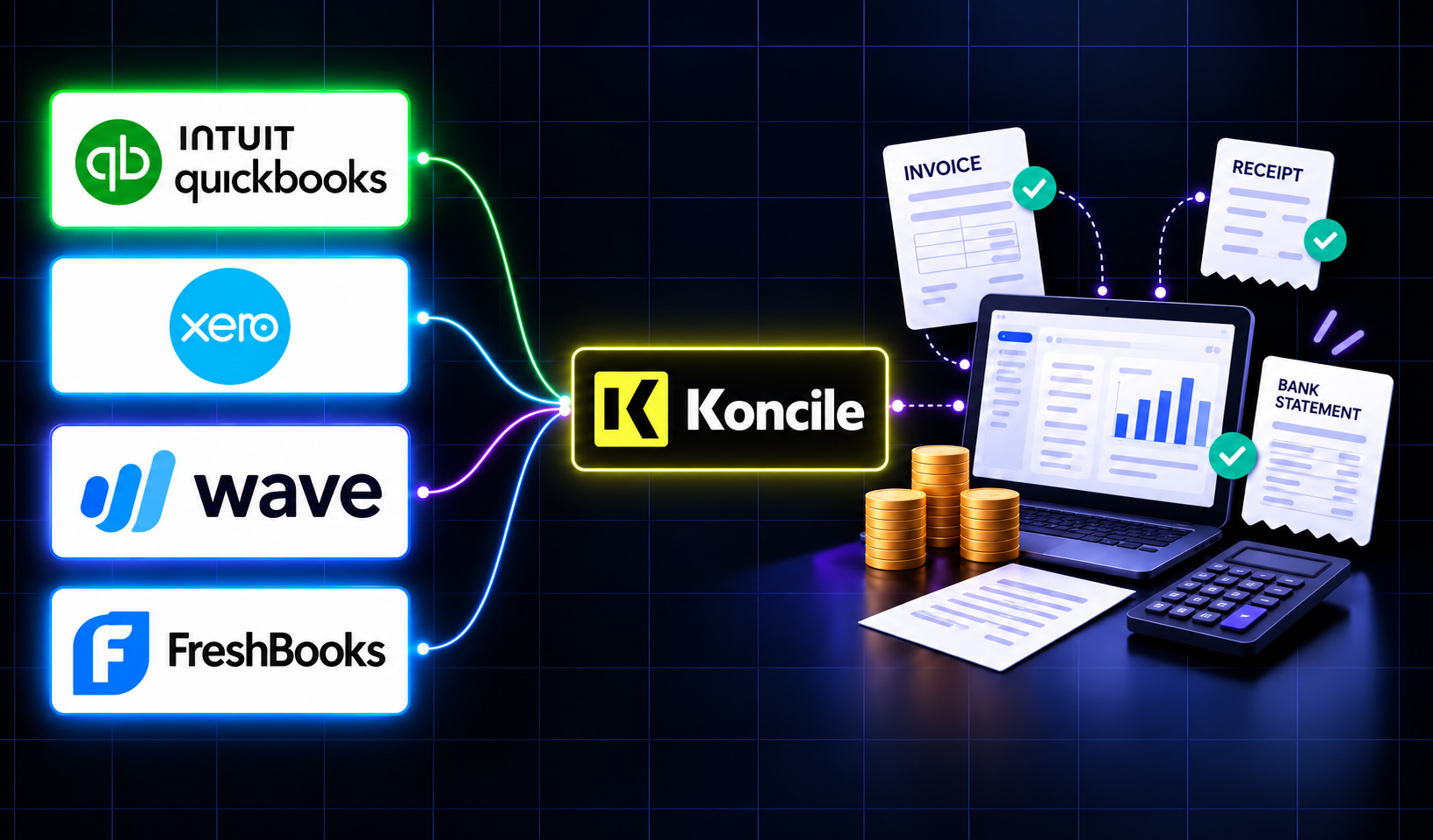
A freelancer sending a dozen invoices a month can blow through Xero's cheapest plan by week three, and a $19-a-month FreshBooks account caps out at five clients. The number on a pricing page is rarely the number you actually pay. Here is a real comparison of QuickBooks, Xero, Wave, and FreshBooks built for a business of one, not a growing team.