From OCR to Document Intelligence: The Best OmniPage Alternative for 2026
OmniPage vs AI OCR 2026: comparing smarter, automated text recognition and document processing solutions.
.avif)
Long a leader in text recognition, OmniPage represents the reliability of traditional OCR. But in 2026, artificial intelligence transforms document processing — it’s no longer just about reading text, but understanding and using it.
What is OmniPage?
For decades, OmniPage has been one of the most trusted solutions in optical character recognition (OCR). Originally developed by ScanSoft (now Kofax), it transformed how companies digitize and convert paper documents into editable, searchable files — from PDFs to Word and Excel.
At a time when document scanning was a major challenge, OmniPage became a key tool for high-volume document conversion with impressive accuracy and speed.
Main Features of OmniPage
OmniPage offers a robust suite of tools designed for professional document processing and automation:
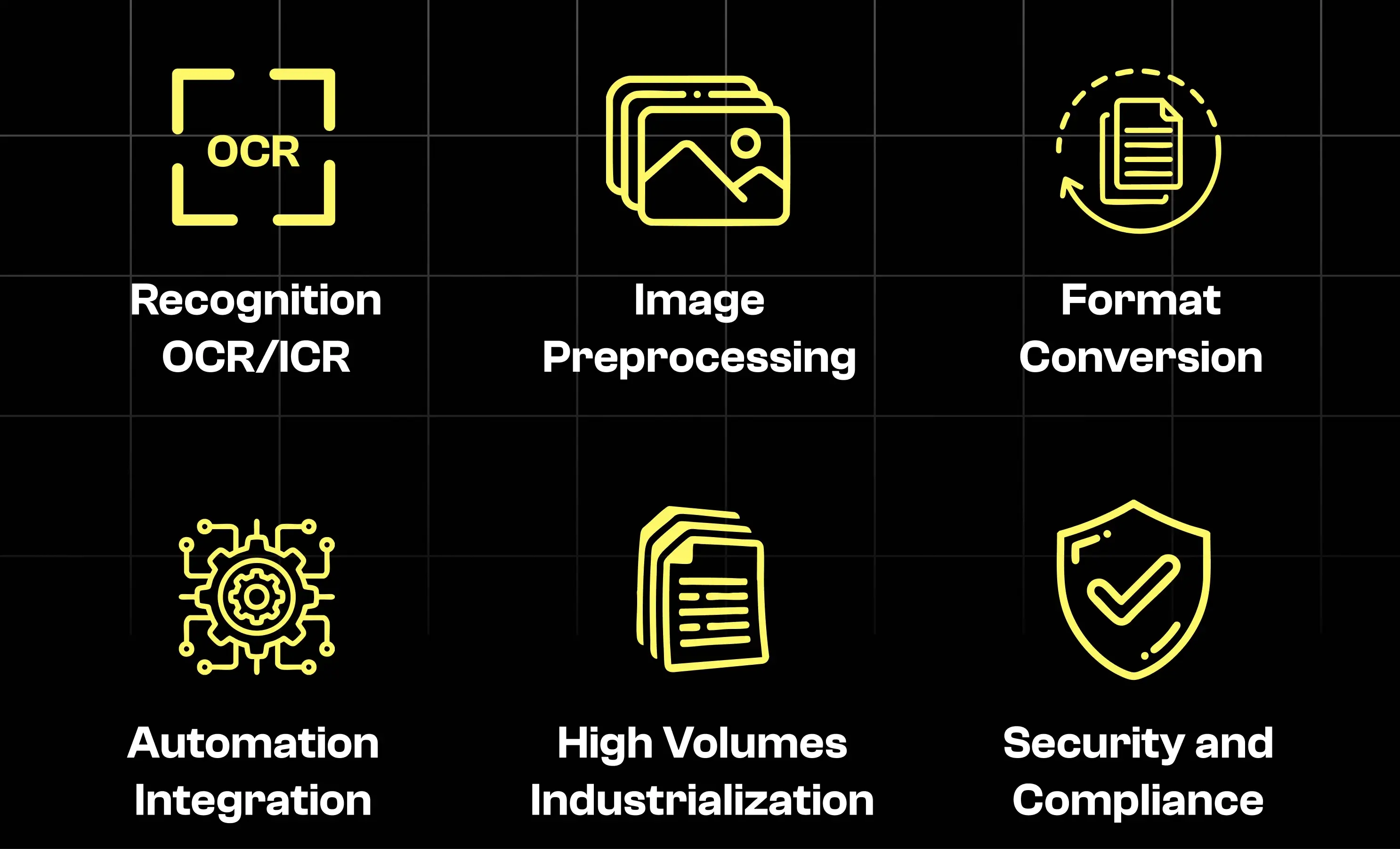
- OCR / ICR recognition: Converts printed and handwritten text into editable digital data.
- Image pre-processing: Cleans, straightens, and enhances scanned documents for better accuracy.
- Format conversion & layout preservation: Converts documents while maintaining formatting and structure.
- Workflow automation and integration: Allows scripting and integration with enterprise servers.
- High-volume processing: Ideal for banks, administrative services, and archiving.
- Security & compliance: Can run on-premise for maximum confidentiality.
Advantages of OmniPage
OmniPage remains a solid and trusted OCR solution for organizations that value stability and control.
- Full confidentiality with local, on-premise execution.
- Mass processing capabilities for bulk document workflows.
- Automation ready through workflow scripting.
- API integration for enterprise environments.
- Multi-format compatibility across text, PDF, and image types.
Typical OmniPage Users
OmniPage serves industries where security, compliance, and accuracy are critical:
- Banks and insurance companies: For secure, regulated document handling.
- SMEs and administrations: For affordable high-volume scanning needs.
- Large enterprises: For server-based processing and archival automation.
Limitations of OmniPage
However, traditional OCR tools like OmniPage struggle to keep up with the rise of AI-driven document intelligence platforms:
- It doesn’t understand document context — it only reads text.
- Automation depends on fixed templates, which limits flexibility.
- Reconfiguration is required for every new document type.
- Extracted data often needs manual post-processing.
- API integration is heavier compared to modern cloud solutions.
➡️ These constraints paved the way for the new era of AI document analysis powered by large language models (LLMs).
The Rise of LLMs in Document Intelligence and Artificial Intelligence Docs
The introduction of large language models (LLMs) like GPT, Claude, and Gemini has transformed how businesses process and understand documents.
While traditional OCR merely extracts text, AI-powered OCRs can interpret meaning, classify content, and extract business-specific fields with contextual understanding.
Leading LLMs and Their Role in AI Document Analysis
Here are some popular LLMs in the United States and how they contribute to AI document analysis and document intelligence:
- GPT (OpenAI): Excels in contextual understanding and structuring extracted data.
- Claude (Anthropic): Prioritizes reliability and factual accuracy — ideal for contracts and compliance.
- Gemini (Google): Combines vision and language, perfect for visually complex documents.
- Cohere Command R: Strong in search, retrieval, and reasoning across long documents.
- Llama (Meta): Open-source, deployable on-premise, customizable for enterprise use.
These innovations have turned simple OCR systems into full-fledged AI document processing ecosystems, capable of end-to-end automation and real understanding.
What Modern AI Document Intelligence Tools Do Better
This new generation of AI document analysis platforms goes far beyond traditional OCR.
They not only read text but understand the structure, meaning, and intent behind it — enabling true automation of business processes like AI contract management or invoice extraction.
Comparative Table: Classic OCR vs. AI-Powered Document Intelligence
The Best OmniPage Alternatives in 2026
As document intelligence and AI document analysis evolve, several innovative platforms have emerged as powerful OmniPage alternatives.
Why Companies Are Moving to AI-Powered Document Intelligence
Businesses today are no longer satisfied with static OCR extraction. They need tools that can:
- Increase accuracy on unstructured or complex documents.
- Accelerate workflows like accounting, validation, and compliance.
- Adapt automatically without template-based setup.
- Integrate easily through APIs and cloud connectors.
- Turn documents into actionable data — not just readable text.
That’s why tools like Klippa, Nanonets, Veryfi, and Rossum are leading this new wave of automation and AI-driven document intelligence.
How These Alternatives Compare
Each of these alternative AI-powered solutions brings its own strengths, depending on your use case.
- Koncile: Provides fully editable document templates, adaptable field by field for any document type.
- Klippa: Focuses on fast and reliable data extraction from standardized documents (receipts, invoices, IDs).
- Nanonets: A full IDP (Intelligent Document Processing) platform handling unstructured data with adaptive machine learning.
- V7 Go: Builds entire “AI agents” for document workflows — classification, extraction, verification — in one automated pipeline.
- Veryfi: Specializes in real-time data extraction for business documents with one of the fastest APIs on the market.
- Rossum: Tailored for invoice and transactional document automation, combining OCR and workflow management.
Conclusion
OmniPage remains a robust and trusted OCR platform, but it represents the old generation — rule-based and static.
In contrast, modern AI document intelligence solutions are flexible, cloud-native, and capable of understanding context through AI document analysis.
Choosing the right OmniPage alternative in 2026 depends on your needs:
whether you prioritize on-premise control, compliance, or AI-powered automation.

Real life insights on document automation
Top 10 Document Fraud Detection Software in 2026
Every accuracy figure in this market is self-reported and none has ever been independently verified. Meanwhile forgery services sell documents built specifically to defeat named detection vendors, openly, on the indexed web. Here is our comparison of the 10 best document fraud detection software platforms and the five weaknesses that separate them.
.avif)
Tesseract OCR: is it still the best open-source OCR in 2026?
Among the many solutions available on the market, Tesseract is often cited as one of the best open-source OCR tools. But is it still the best solution in 2026? We analyse its performance, strengths, limitations, and open-source OCR alternatives.
Developers launch MacDoc, an illegal fake passport generator
In February 2026, US authorities shut down OnlyFake, a widely used fake document generator. Weeks later, an identical service reopened under the name MacDoc. Its forgeries are getting past the KYC checks of major institutions including PayPal, Airbnb and Coinbase.
.avif)
Document deepfakes: catch the fakes slipping past your checks (2026)
In 2026, document fraud has a new face: the document deepfake, a fake generated entirely by AI. According to Shufti's Identity Fraud Index 2026, it's the fastest-growing fraud category, with an annualized increase estimated at nearly 3,900%. What sets these fakes apart: they're clean on the surface. Here's how to detect the ones still slipping past your checks.
5 Best French OCR Solutions to Extract Data from Your Documents
Five French OCR solutions now make it possible to automatically extract data from your invoices, contracts, and accounting documents using optical character recognition, with hosting based in France. Here's our overview.