


Détectez la fraude dans vos documents
Koncile combine analyse de cohérence par IA, analyse forensique des images et intelligence des métadonnées pour détecter les fraudes invisibles aux outils classiques.
Trusted by more than 15k+ users worldwide





La plupart des outils analysent les pixels.
Nous analysons la logique et le contexte.
Nous révélons les incohérences.
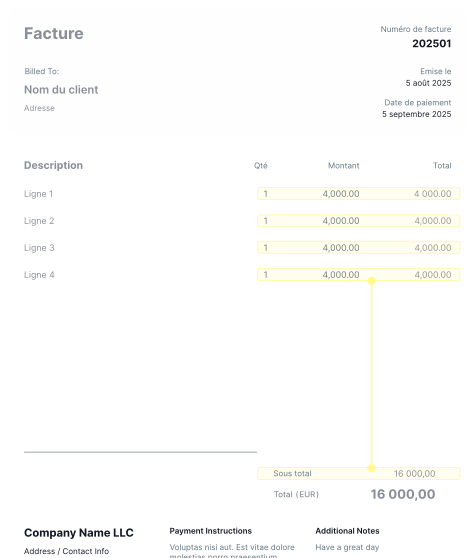
Analyse de cohérence par IA
- Extraction OCR et structuration des données
- Intelligence des règles métier
- Prise en compte du cadre réglementaire
- Validation croisée des données
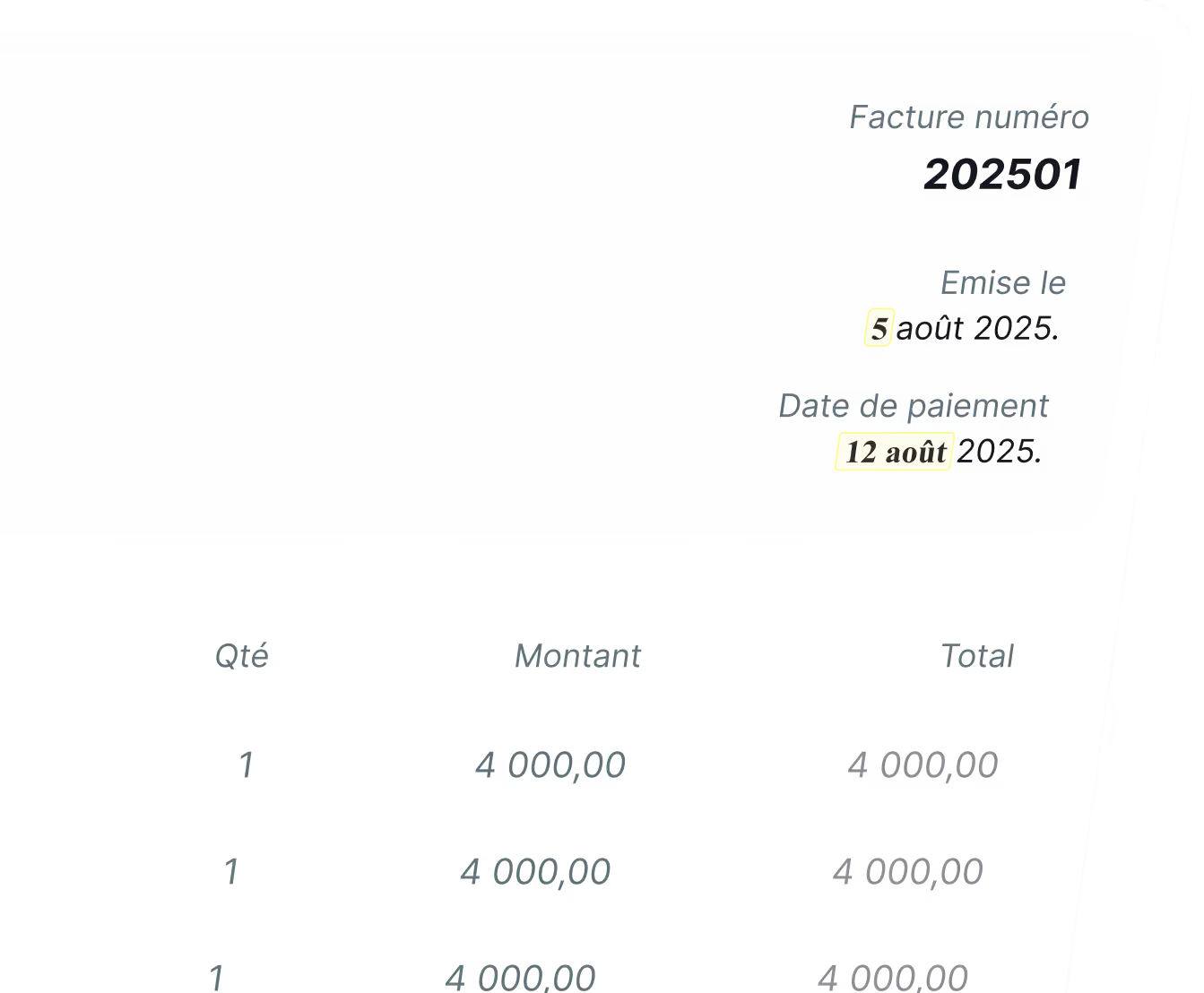
Détection des manipulations
- Analyse des couches du document
- Détection des artefacts de compression
- Identification des anomalies de pixels
- Détection des incohérences typographiques
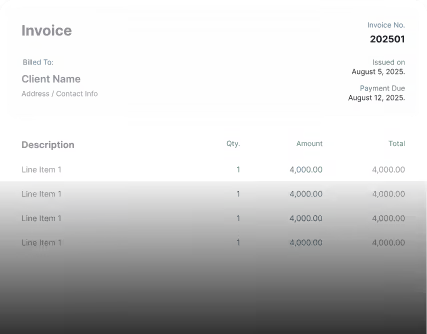
Vérification des métadonnées
- Incohérences du logiciel de création
- Horodatages modifiés ou suspects
- Objets intégrés incohérents
- Anomalies du générateur PDF

Une logique antifraude adaptée à chaque document
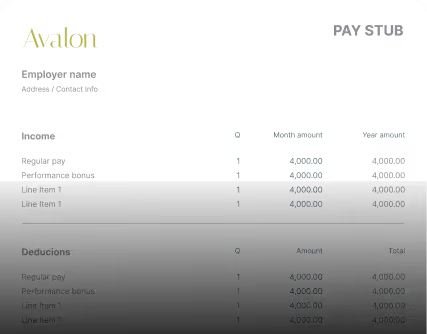
Factures, fiches de paie ou relevés bancaires : chaque document possède ses propres schémas de fraude. Nos modèles sont conçus pour les détecter.
Facture
Fiche de paie
Relevé bancaire
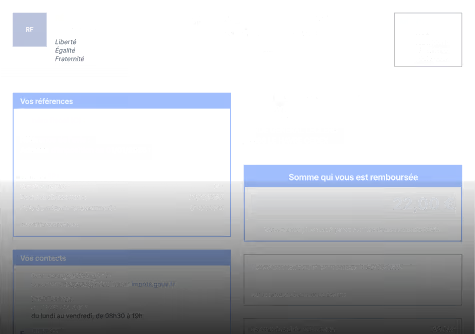
Déclaration d’impôts
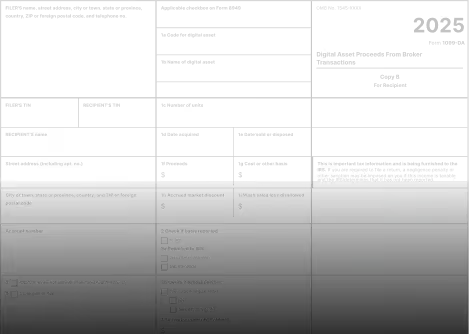
Relevé d’assurance
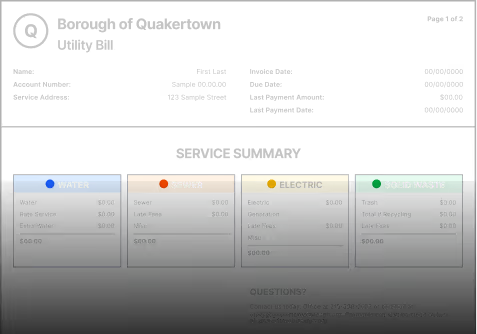
Facture d’énergie


Testez Koncile sur vos documents
Pour les équipes risques, conformité et opérations
Koncile sécurise les processus critiques basés sur des documents.
KYC
Achats
Crédit
Assurance
Fintech
Marketplaces

Conçu pour les environnements réglementés
Fondé par un ancien avocat, Koncile a été conçu avec la conformité et la protection des données au cœur de son architecture. Nous sommes audités indépendamment selon les standards SOC 2 et conformes aux exigences RGPD, HDS et HIPAA.


Nos retours terrain sur la fraude documentaire
Enquêtes fraude, nouveautés produit, retours clients et analyses d’experts pour comprendre comment l’IA transforme les workflows documentaires.
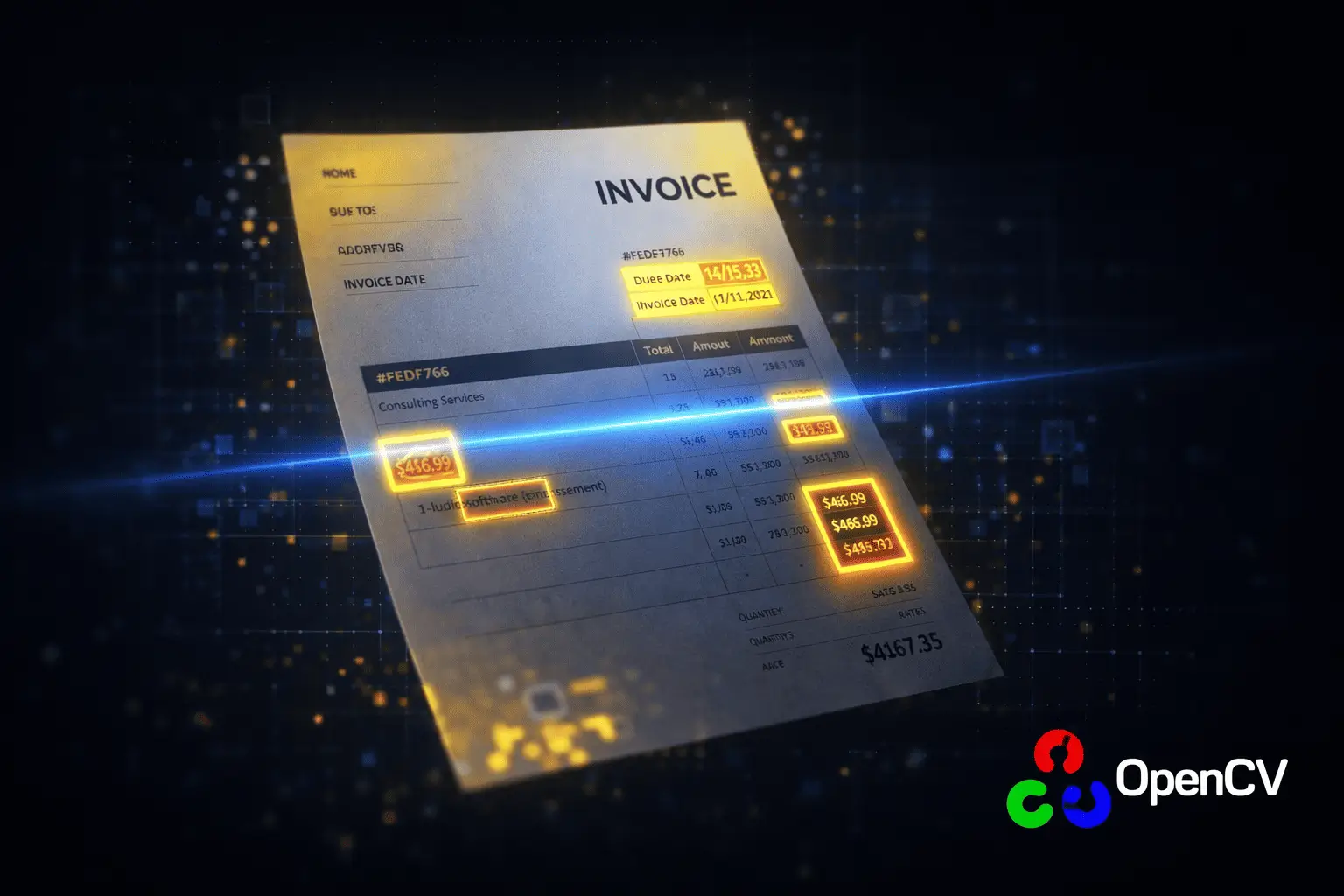
OpenCV in Python: Detecting Document Fraud Through Image Analysis

Open Source OCR API: Top 5 Easy Integrations in 2026

Yann LeCun’s Plan to Go Beyond OpenAI
Vos questions sur la fraude documentaire
Vous ne trouvez pas la réponse ? Contactez-nous ou réservez une démo pour voir comment Koncile détecte la fraude documentaire dans vos flux.
What is an OCR software?
OCR (Optical Character Recognition) is a technology that allows different types of documents, such as scanned images, PDF files, or photos of text, to be converted into editable and searchable text data. In other words, OCR transforms an image containing text into a text file that you can edit.
This technology works by analyzing the image of a text, identifying individual characters and their layout, and then converting them into editable text. An OCR software typically uses artificial intelligence and machine learning algorithms to improve recognition accuracy.
"Traditional" OCR software simply transcribes raw text. However, advanced solutions like Koncile OCR go beyond simple transcription. They do not merely convert all the text in a document into data. Thanks to AI integration, particularly LLMs (large language models), these tools can identify and extract the specific data the user is looking for.
For example, in an invoice, Koncile can automatically find and extract the total amount, supplier name, date, line item details (products, quantities, unit prices), VAT numbers, and much more. Koncile understands the document and extracts relevant information in a structured way, ready to be used in other systems (accounting, ERP, etc.). This is known as intelligent data extraction.
What is Koncile?
Koncile is a French startup reinventing the management of unstructured documents in businesses. Our AI-powered SaaS solution automates data extraction from all types of documents. We combine a cutting-edge OCR engine (Optical Character Recognition) with LLMs (large language models) to transform raw, often unusable data into structured, ready-to-use information.
The Koncile tool is, above all, a simple interface accessible to everyone, allowing users to define the fields to capture in their documents. Once you have selected your fields, you can integrate the extracted data into your systems using our API / SDK.
How does data extraction work with Koncile?
The data extraction process with Koncile can be broken down into 3 steps:
- Pre-processing (Image Optimization): If the document is an image (scan, photo), Koncile improves it to facilitate text recognition. It can straighten the document, remove imperfections, adjust contrast, etc. The goal is to obtain the clearest possible image.
- Advanced OCR (Reading and Structuring): Koncile's OCR engine "reads" the text from the image and converts it into digital text. This OCR is "advanced" because it is optimized with machine learning, making it highly accurate. It doesn’t just recognize letters—it also understands the document's structure (tables, columns, paragraphs) to organize the information.
- LLM (Intelligent Understanding and Extraction): LLMs (large language models) analyze the text extracted by the OCR. They understand the meaning of words and sentences, allowing the system to find the specific information the user is looking for, such as the total amount of an invoice or the supplier's name, with the highest reliability.
In summary: Koncile cleans the image, reads the text and understands the structure, then comprehends the meaning to find the relevant information the user is seeking.
What are the benefits of an OCR solution?
An OCR (Optical Character Recognition) solution transforms the way businesses can utilize scanned documents, PDFs, or images. It allows businesses to make use of data that would often be lost. The main benefits are:
- Major time savings: Automation of manual data entry, targeted extraction of relevant information. No need to search or retype.
- Drastic reduction of errors: Minimization of human errors, more reliable data.
- Increased productivity: Faster document processing, employees focused on value-added tasks instead of manual data entry.
- Creation of usable databases: Transformation of unstructured documents (paper, PDFs, images) into structured data, ready for analysis and decision-making.
- Process optimization: Better data, faster, helps improve the overall operations of the company.
- Better decision-making, easier compliance, and a competitive advantage through optimized information management.
Thanks to LLMs, Koncile goes beyond traditional OCR by understanding the content of documents, enabling intelligent extraction and easy integration with your existing tools.
What types of documents can be processed by OCR?
An OCR software, especially an advanced solution like Koncile, can process a wide variety of documents. You can start from our library with all our document templates. Some of the most popular templates include OCR for invoices, OCR for identity documents, and OCR for bank statements. Here's a list of documents that can be processed by OCR:
Common professional documents:
- Invoices: Supplier invoices, customer invoices, regardless of format (paper, PDF, image) or layout.
- Purchase Orders: Extraction of product details, quantities, prices, etc.
- Delivery Notes: Verification of received goods, tracking of deliveries.
- Contracts: Extraction of key clauses, due dates, and stakeholders.
- HR Documents: Summaries, cover letters, hiring forms, performance evaluations.
- Legal Documents: Leases, non-disclosure agreements, various legal documents.
- Financial Documents: Bank statements, transfer orders, financial reports.
- Marketing Documents: Contact forms, survey responses, coupons.
- Logistics Documents: Bills of lading, transport contracts, road or sea transport invoices.
Handwritten documents:
- Handwritten forms: Questionnaires, surveys, etc.
- Handwritten notes: Notes taken during meetings, annotations on documents.
- Medical prescriptions: Koncile is particularly effective in this area.
- Handwritten tables
- Handwritten lists
Other types of documents:
- Digitized documents: Scanned paper archives (books, newspapers, historical documents).
- Photos of documents: Taken with a smartphone or camera.
- Screenshots: Containing text.
- PDF files: “Image” PDFs (scans) and native PDFs (generated by software).
- Technical documents: Product sheets, manuals.
- Multilingual documents: From any country and written in any language.
How does Koncile OCR handle poor-quality documents (blurry, poorly scanned)?
Koncile has a state-of-the-art OCR engine, optimized by machine learning. This engine is specifically trained to convert images into text with maximum accuracy, even when faced with documents of varying quality, unusual fonts, or complex layouts. It doesn't just read characters; it also analyzes the structure of the document (tables, columns) to faithfully reproduce the content.
Thanks to the integration of LLMs (large language models), the Koncile tool can overcome the traditional shortcomings of OCR engines when translating images into text. These AI models understand the context, allowing them to confirm or even infer certain information, even when a character is difficult to read or ambiguous. By relying on the overall meaning of the sentence or document, the LLMs surpass the limitations of a traditional OCR.
Can Koncile OCR read handwriting?
Yes, Koncile’s OCR handwriting capabilities allow it to accurately read handwritten content by combining advanced AI with large language models (LLMs). This makes it especially effective for extracting data from prescriptions, signatures, handwritten notes, as well as tables and forms filled out by hand. Each recognition is accompanied by a confidence score to indicate reliability, as handwriting is inherently more variable than printed text.
How can the Koncile OCR solution automate accounting tasks?
Koncile's OCR automates accounting tasks, including automatic categorization and reconciliation, by transforming a manual process into an efficient digital workflow:
- End of manual entry: Automatic extraction of data from various accounting documents (invoices, expense reports, bank statements, etc.).
- Intelligent extraction: Koncile understands the document and extracts key information (amounts, dates, supplier/client details, line item details, etc.), not just raw text.
- Structured data: The data is organized in a format compatible with accounting software (JSON, CSV, XLSX).
- Software integration: Automatic transfer of data to major accounting software (Sage, Cegid, etc.) via API or connectors.
- Advanced automation: Automatic categorization of transactions, automated bank reconciliation, and customizable workflows (e.g., automatic approval based on amount).
In short, Koncile automates the collection, extraction, structuring, integration, categorization, and reconciliation of accounting data, freeing up time for higher-value tasks.
How can an OCR solution automate transport and logistics management?
The Koncile OCR solution enables automated processing of key documents in transport and logistics:
- Automatic extraction of essential data from delivery notes, bills of lading, transport invoices, proof of delivery (POD), and customs documents. No more manual entry, fewer errors.
- The information is immediately usable, whether it's from shippers, recipients, tracking numbers, or product descriptions.
Thanks to AI, Koncile can extract information regardless of the document's format.
How can I integrate a data capture tool into my existing systems?
Integrating a tool like Koncile into your existing systems is mainly done through:
- API and SDK: Flexible, customizable, and automated, but requires technical expertise. Ideal for full and real-time integration.
- Pre-built connectors: Easy and quick to set up for popular applications (e.g., Zapier, accounting software).
- File exports (CSV, XLSX, JSON): Simple but manual and lacks real-time automation.
Does Koncile's OCR solution suit businesses of all sizes?
Koncile adapts to all sizes of businesses, from freelancers to multinationals, with two types of plans:
- Flexible subscriptions (by volume): Ideal for VSEs/SMEs, with a cost adjusted to the number of pages processed monthly. Maximum flexibility: you choose the volume as well as the duration of your commitment (monthly or annual).
- Enterprise solutions (tailor-made): For large accounts, with unlimited volume, advanced features, dedicated support, and personalized pricing.
Koncile offers a scalable solution, adapted to your budget and your growth.
How are my data secured?
Your data is secured with Koncile through a "security by design" approach:
- No use of your data for training AI models.
- Full encryption of the application.
- Secure data storage (protected servers).
- GDPR compliance ensured.
What is the difference between Koncile, scraping, and parsing?
Koncile is primarily an invoice parsing tool, but it uses techniques that can resemble scraping in certain situations. It's important to understand the difference:
- Scraping: Extracting unstructured data from web pages (e.g., retrieving prices from an e-commerce site).
- Parsing: Extracting structured data from documents with a known format (e.g., extracting the number and date from a PDF invoice).
What is the processing time for a document by an OCR?
The processing time for a document by Koncile's OCR is generally very fast (1 to 2 seconds), but it can vary depending on:
- Document quality: A clear document is processed faster.
- Complexity: A simple invoice is processed more quickly.
- Format: Native PDFs are the fastest.
- Amount of information: The more fields to extract, the longer it takes.
- Subscription type: Business subscriptions are faster.
On average:
- Simple invoice (< 3 pages, native PDF): a few seconds.
- Complex invoice: 5-15 seconds.
Does Koncile handle multilingual documents and different currencies?
Koncile's OCR handles multilingual and international documents:
- Recognition of multiple languages: Latin, Cyrillic, Greek alphabets, and ideograms (Chinese, Japanese, etc.), thanks to AI and LLMs. Automatic language detection in most cases.
- Date and number formats: Koncile recognizes and interprets different international formats (DD/MM/YYYY, MM/DD/YYYY, thousand separators, etc.). Dates are reformatted for machine reading.
- Currencies: Correct identification and extraction of amounts, even with various currency symbols (€ , $, £, ¥, etc.).
Can Koncile process tables and lists?
Yes, Koncile accurately handles tables and lists, even complex ones, thanks to advanced OCR with robust table detection. It identifies rows, columns, and cells, and uses AI (LLMs) to understand context, manage merged cells, and extract data in a structured, meaningful way. By combining OCR and LLMs, Koncile ensures reliable parsing of visually complex tables.
Can I customize the data extraction?
Yes, Koncile offers advanced customization for data extraction, allowing you to tailor it precisely to your needs. Through an intuitive interface, you can easily define the information to be extracted without requiring technical skills. It’s possible to create custom fields, such as "Contract Number," "Customer Reference," or "Due Date," and assign each one a specific data type (text, number, date, amount, email address, etc.). This helps optimize extraction and ensure data validity. Additionally, you can guide the algorithm with extraction rules, such as specifying that the VAT number is always near a certain keyword.
Can I train Koncile to recognize document types specific to my business?
Yes, Koncile allows you to train the platform to recognize document types specific to your business. You can define the key fields to extract based on each document type, ensuring precise and tailored extraction to meet your needs. Each document can have a different extraction model, optimizing the retrieval of relevant data without requiring complex configuration.
How can I control the quality of the data extracted by the OCR?
Koncile has a confidence score system that allows you to assess the reliability of the extracted data. This score takes into account several factors, including the readability of the text on the document, the complexity of the query, and the volume of data to process. For example, when a document contains a large amount of information, the extraction quality may be affected. The algorithm analyzes both visual aspects (image quality, text clarity) and semantic aspects (content coherence, contextual recognition) to produce a combined confidence score, helping you identify the most reliable data.
How is my data protected?
Data protection and security are Koncile's priorities. In line with our Security and Privacy Policy, all processing is carried out on ISO 27001-certified servers based in France. For Enterprise plans, deployment on a private cloud is available. Contact us to learn more.
What is Koncile’s pricing structure?
Koncile offers three plans, including enterprise options for handling large data volumes. Check out our pricing on the dedicated page in our documentation.
What are “General Fields” and “Repeated Fields”?
In each extraction template, you’ll find:
• General fields: These are pieces of information that appear only once per document (e.g., an invoice number or date).
• Repeated fields: These are elements that appear multiple times within a document, such as item descriptions or prices in each line of a quote. Use repeated fields to extract tables and structured data from your documents.
I need to parse a document that’s very specific to my industry. Can Koncile handle it?
Of course! Start by exploring our library of pre-built templates, covering a wide range of industries. If you don’t find one that fits your needs, you can easily create your own custom model.
What file formats does Koncile support?
Koncile allows you to import PDF files and all common image formats, including PNG and JPEG.
Can I extract a specific field?
Absolutely! Koncile’s OCR extraction service offers fully customizable fields. Our pre-built models are just a starting point—you can modify and add your own fields to meet your specific needs.
.png)


