Contents
- Why a model built for AI-made fakes
- Which AI tools are covered?
- How K-Detect analyzes a document
- How we tested it
- A big leap on resaved and compressed fakes
- IDs, vehicle registrations, bank statements: much wider detection
- 256-color scans now covered
- A lead that grows when you want fewer false alarms
- Over 85% detection on every generator tested
- What Koncile's other checks take care of
- Where to find K-Detect in Koncile
- FAQ
November 26, 2026: a new model for detecting AI fakes. K-Detect spots fake documents made or edited with an AI image generator such as ChatGPT or Gemini: a receipt with a changed total, an ID with a changed name, a prescription with a changed date. These fakes look like real photos, and they often get past the usual checks. K-Detect is the model Koncile built for document fraud detection of this kind. Version 3.1 catches far more of them than the previous one, on far more types of documents, and it holds up against the most common fraudster move: resaving the fake to wipe its traces.
This article covers how the model works, how we tested it, what it brings document by document, and where it isn't enough.
Why a model built for AI-made fakes
For a long time, forging a document took editing software and some skill. Today you send a photo of a receipt to an assistant and ask it to change the total. The text is rewritten in the right font, the paper's shadow is kept, and the photo still looks like a photo.
Classic checks often miss it. Metadata can be wiped in one click. Content checks hold up if the fraudster remembered to adjust the tax. What's left is the image itself: a generator doesn't edit a photo, it redraws it, and it leaves a texture in the pixels the eye can't see. That's what K-Detect looks for.
Which AI tools are covered?
K-Detect targets the tools that can edit a photo from a simple instruction. We tested it on the main ones: OpenAI's image models, the ones behind ChatGPT; Google's, from the Gemini and Nano Banana family; ByteDance's Seedream; Alibaba's Qwen Image; xAI's Grok Imagine; Microsoft's MAI Image models, found in Copilot; Black Forest Labs' Flux, Krea and Meta's image generator. That's the toolbox a fraudster has at hand in 2026, free or for a few cents an image, and we widen it with every new version.
How K-Detect analyzes a document
K-Detect is a vision model from the image transformer family, specialized in recognizing generated images and retrained by Koncile on photos and scans of documents.
The image is analyzed at its original resolution, without shrinking it, because shrinking an image wipes exactly the details that give a generator away. It's cut into 384-pixel squares spread across the whole surface, up to nine on a large photo. Each square gets its own score, and the document's score is the average of those squares, mapped to a scale from 0 to 100.
That scale is set separately for two families: receipts on one side, other documents on the other. A photo of a crumpled receipt and a scan of a vehicle registration don't have the same grain, and a single threshold would flag one far more often than the other.
| Score | Level | What it means |
|---|---|---|
| 0 to 39 | Low | Nothing notable in the image |
| 40 to 79 | To confirm | Possible traces, to cross-check with other checks |
| 80 to 100 | High | The image carries the traces of an image generator |
For the heatmap, the model rereads the image on a grid of 6 × 6 overlapping windows. Each window gets a score, and the result is smoothed into a continuous map from blue to red. It helps you read a score; it isn't used to compute it.
How we tested it
Comparing two models is easy to get wrong. We set a few rules before looking at a single result.
Both versions score exactly the same files, with the same code. None of those files was seen in training: not the genuine ones, not the fakes, not the original documents the fakes come from.
Above all, we compare at equal false alarms. A model that flags everything catches every fake and is useless. For each model we set the threshold so it flags 2% of genuine documents by mistake, then count the share of fakes it catches. We redo the math at 1%, for clients who want even fewer false alarms.
Finally, training involves some randomness: two identical training runs can differ by several points. K-Detect 3.1 is therefore the average of three training runs, which makes it more stable than any one of the three on its own.
A big leap on resaved and compressed fakes
Version 2.1 had a known weak spot: a fake shrunk back to the original size and resaved as a JPEG lost part of its traces. Anyone can do that. Version 3.1 learned this case. On our receipt test set, it catches 94% of these fakes against 61% for 2.1.
It also holds up on recent generators it never saw in training: 93% of their fakes caught, against 54%. On older fakes, which 2.1 already handled well, both versions are level within a point or two.
Overall, on receipts, 3.1 catches 95% of fakes against 80% for 2.1. The AUC, which measures how well a model ranks fakes above genuine files whatever the threshold (1 = perfect, 0.5 = chance), goes from 0.974 to 0.994.
IDs, vehicle registrations, bank statements: much wider detection
Version 2.1 learned mostly on receipts. Version 3.1 covers the documents we're sent most often as photos or scans, with a threshold set for each type on its genuine documents.
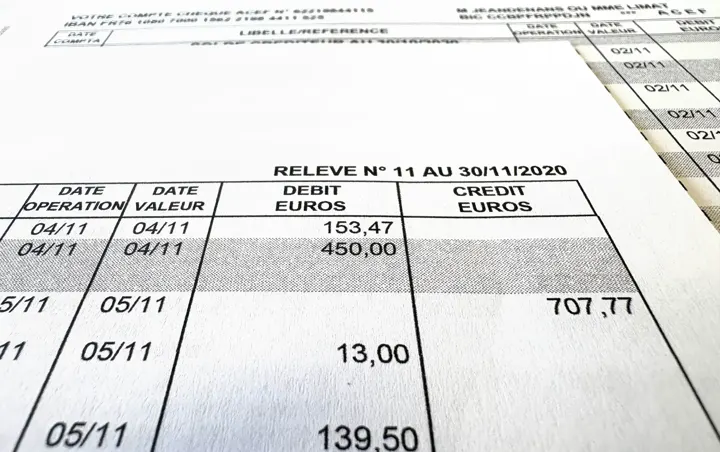
The biggest gains are on ID documents (85% of fakes caught against 62%), vehicle registrations (78% against 52%) and bank statements (96% against 82%).
| Document type | AUC 2.1 | AUC 3.1 |
|---|---|---|
| ID documents | 0.921 | 0.979 |
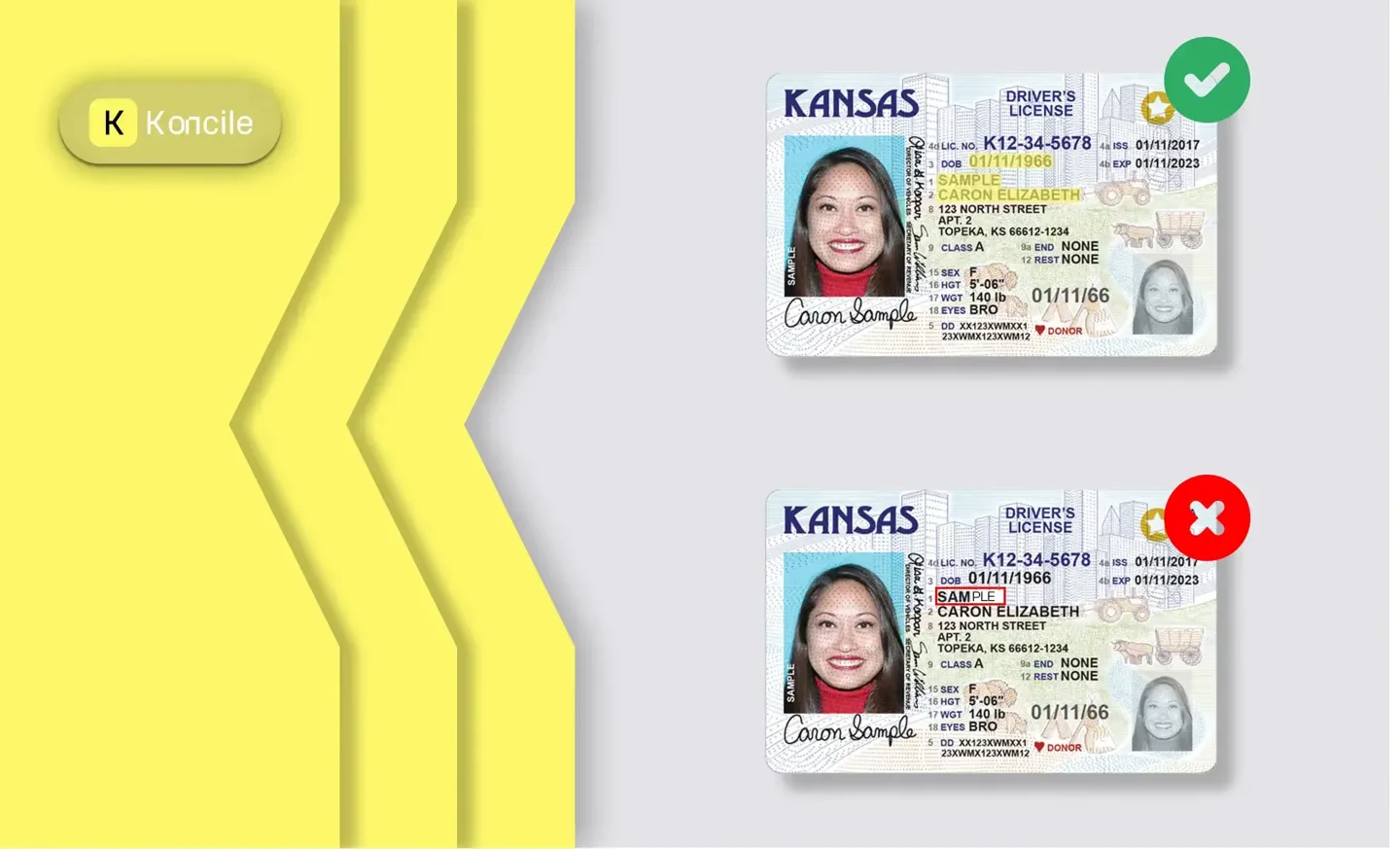
| Driver's licenses | 0.950 | 0.973 |
| Vehicle registrations | 0.958 | 0.974 |
| Bank statements | 0.978 | 0.996 |
| Scanned prescriptions | 0.772 | 0.989 |
Driver's licenses are still the hardest: 78% of fakes caught. The text is small and dense, the photo takes up a good part of the card, and that's where we keep working. For the less represented types (bank details, tax notices, payslips, proof of address), the numbers are good but can move a few points from one test to another.
256-color scans now covered
While building 3.1, we found a blind spot in version 2.1. Many scanners save documents with a palette limited to 256 colors, flat areas rather than gradients. A fake saved the same way lost most of what 2.1 could see: it caught only one in four (26%).
Version 3.1 catches 96% of them. This kind of case only shows up when you test on real client documents, scanner quirks included, and not just on clean photos.
A lead that grows when you want fewer false alarms
For a client who wants very few false alarms, we raise the threshold: 1% of genuine files flagged instead of 2%. The gap between the two versions then widens. On ID documents, 3.1 still catches 75% of fakes while 2.1 drops to 49%. On receipts, 89% against 72%.
Over 85% detection on every generator tested
We broke the results down by generator family, on fakes resaved in the original format, receipts and documents combined. ByteDance's Seedream was the hardest for 2.1: 44% caught. Version 3.1 catches 86% of them, and over 90% for the other families tested, including the OpenAI and Google models, the most widely used.
New generators come out every month. That's why every test set keeps fakes made by generators the model has never seen: it's the best measure of how it will do against next month's generator.
What Koncile's other checks take care of
K-Detect detects an image that went through an image generator. Several cases fall outside that, and they're worth knowing.
- Manual edits. A field changed in a drawing tool, without AI, doesn't leave a generator's texture. Koncile's other checks handle those: file structure, metadata, consistency of amounts and dates.
- A small pasted field. When a fraudster has a single field generated and pastes it onto the original photo, only a few dozen generated pixels remain. In our October tests, our models did no better than chance on this case. It's our next project.
- Heavily shrunk images. A 720 × 960 photo sent through a messaging app leaves only four squares to analyze, and compression blurs the texture. The score is less reliable there, both ways.
A high score is a signal to check, not an accusation. And our figures come from test sets we built: they give a reliable order of magnitude to compare the two versions, not a promise for every file.
Where to find K-Detect in Koncile
K-Detect is one of the tests in Koncile's fraud analysis. Every photo or scan gets a card with its score, its level and its heatmap, next to the other checks: file metadata, edit traces in PDFs, labels declared by image generators, content consistency. To try it on your own documents, the document detection tool is open to everyone, and the page on AI-generated document detection covers the signs to watch for.
FAQ
How does K-Detect spot an AI-generated image?
It analyzes the pixels of the photo or scan, square by square, looking for the texture image generators leave when they redraw an image. It doesn't read the document's text or metadata, so a file stripped of every declared trace is analyzed the same way.
Does a fake that was resaved or resized slip through?
That's where version 3.1 improved the most: 94% of these fake receipts are caught, against 61% for version 2.1, with 2% of genuine files flagged by mistake.
Which documents are covered?
Receipts and photographed or scanned documents: ID cards, driver's licenses, vehicle registrations, bank statements, bank details, tax notices, proof of address, payslips and prescriptions.
What does a score of 85 out of 100 mean?
From 80 up, the image carries the traces of an image generator and the document deserves a close look. Between 40 and 79, the signal needs confirming. Under 40, nothing notable. A score is a clue, never proof on its own.
Why are there different thresholds for receipts and documents?
A receipt photo and an ID scan don't have the same grain or compression. The threshold is set separately for each family, on genuine documents, to keep the same false alarm rate.
Does K-Detect work on a photo sent through a messaging app?
Yes, but less well. Messaging apps shrink and recompress images: on a 720 × 960 photo, only four squares are left to analyze. When you can, ask for the original file.
What does the heatmap show?
It shows where the image looks generated, from blue (authentic look) to red (generated look). It helps you read a score, but it doesn't reliably locate an edited field: it shows texture, not the edit itself.
Does K-Detect replace a human check?
It sorts. It flags the files to look at first and shows the area in question. The decision stays with the person handling the file, along with Koncile's other checks.